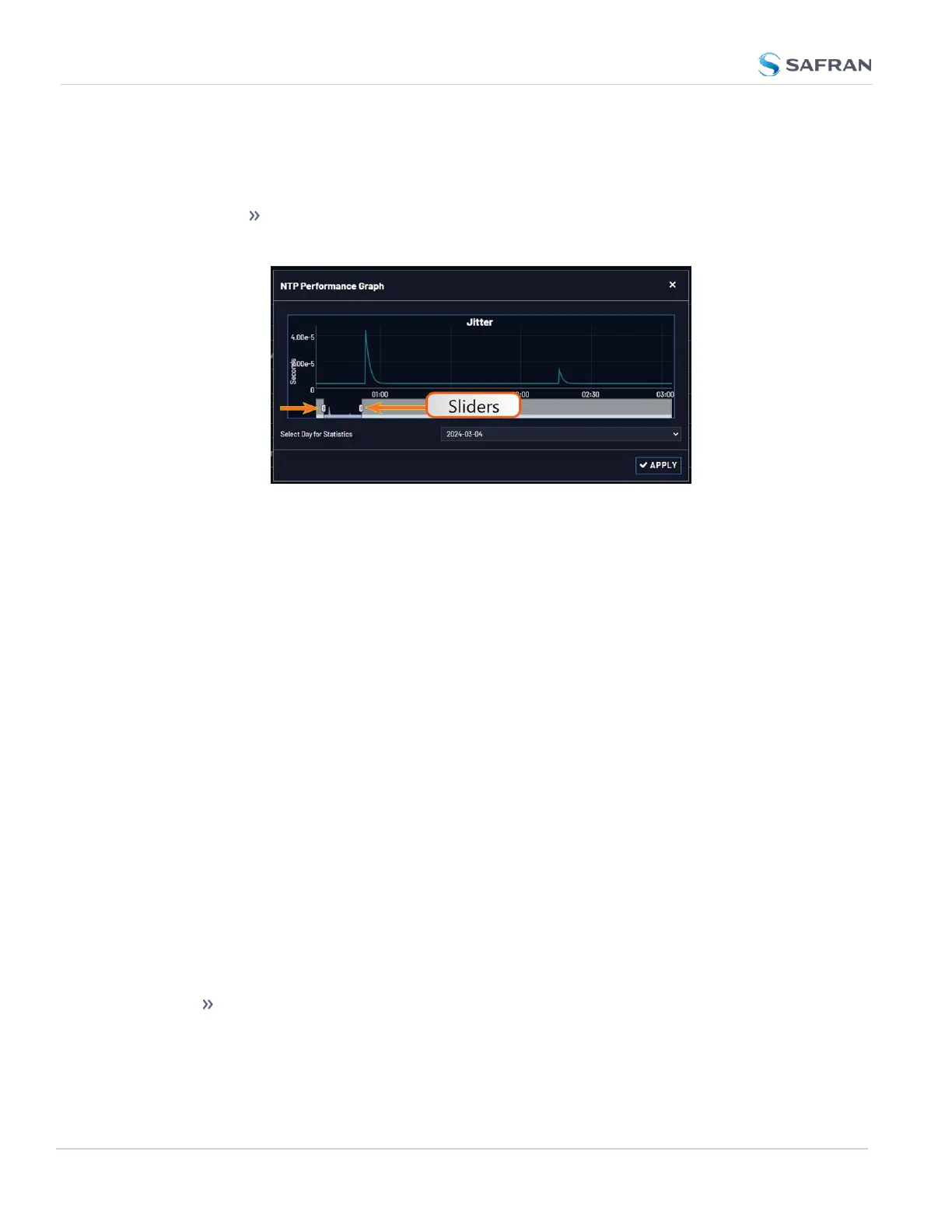
5. To select the statistics for a particular day, select a date from the drop-
down list in the Select Day for Statistics field. The default date is the
present date. Click the Apply button.
To display a higher resolution graph for a shorter time span, move
one or both time sliders at the bottom of the graph inwards.
4.6.2 Logs
VersaSync maintains different types of event logs (see below) to allow for trace-
ability, and for record keeping. Should you ever require technical support from
Safran, you may be asked for a copy of your logs to facilitate remote diagnosis.
Logs stored internally are being kept automatically, while the storage of log files
in a remote location has to be set up by the user.
For each type of log, four 75KB files are maintained internally on a revolving
basis, i.e. the oldest file will be overwritten, as soon as all four files have filled up
with event data. The life expectancy of a log file depends on the amount of data
accumulating over time: Some types of logs will fill up within days, while others
can take months until they have reached their maximum storage capacity.
You can delete logs at any time, see "Clearing All Logs" on page290.
4.6.2.1 Types of Logs
VersaSync generates log files for the following event categories:
Alarms Log
Displays log entries for the Timing System, for example:
The Unit has Rebooted: VersaSync was either rebooted or power cycled.
280
CHAPTER 4 • VersaSync User Manual Rev. 12
4.6 Quality Management



 To Next Page