and/or BeiDou, thus allowing the collection of RINEX3 navigation files and
almanac files for the GPS, Galileo, GLONASS, and/or BeiDou constellations.
Based on accessible and valid GNSS data, VersaSync generates its own eph-
emeris and almanac data, and stores it in RINEX files and YUMA files, respect-
ively.
Note: RINEX files (ephemeris data) must be updated no later than
every 2 hours, because the ephemeris data is valid for 4 hours.
You can also determine how often, or at what time each day the YUMA almanac
files will be created. Also, you can assign a 4-character Station Name to be used
in the files generated by this unit so that their location can later be identified.
Under Record Duration, you can determine after how many days the history files
will be overwritten.
Note: YUMA files (almanac data) are valid for day.
The files can be remotely accessed via the /home/spectracom/xfer/agnss path
on the VersaSync or via the mapped drive.
Confirming that the AGNSS RINEX Server License is installed on your
unit
Navigate to TOOLS > SYSTEM: Upgrade/Backup. In the System Con-
figuration panel the option OPT-AGP A-GPS RINEX Server must be
present.
Activating the A-GPS RINEX Server License functionality
If an A-GPS RINEX Server License is installed on your unit, you have to activate it:
1. Navigate to INTERFACES > GNSS Reference, and click the GEAR button
next to GNSS 0.
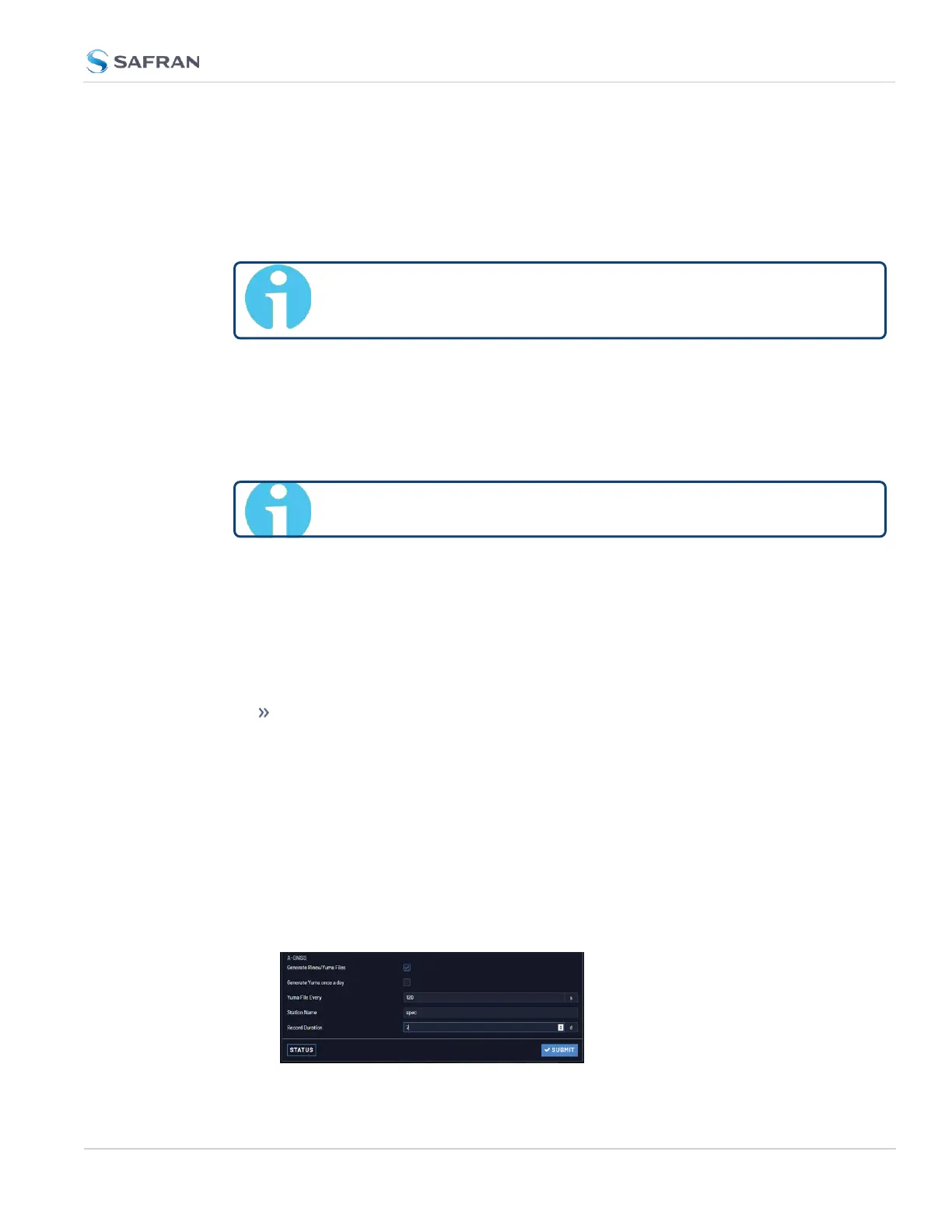
2. Inthe AGNSS panel, check the box Generate RINEX/YUMA Files and pop-
ulate the following options:
3.3 Managing References
CHAPTER 3 • VersaSync User Manual Rev. 12
217



 To Next Page