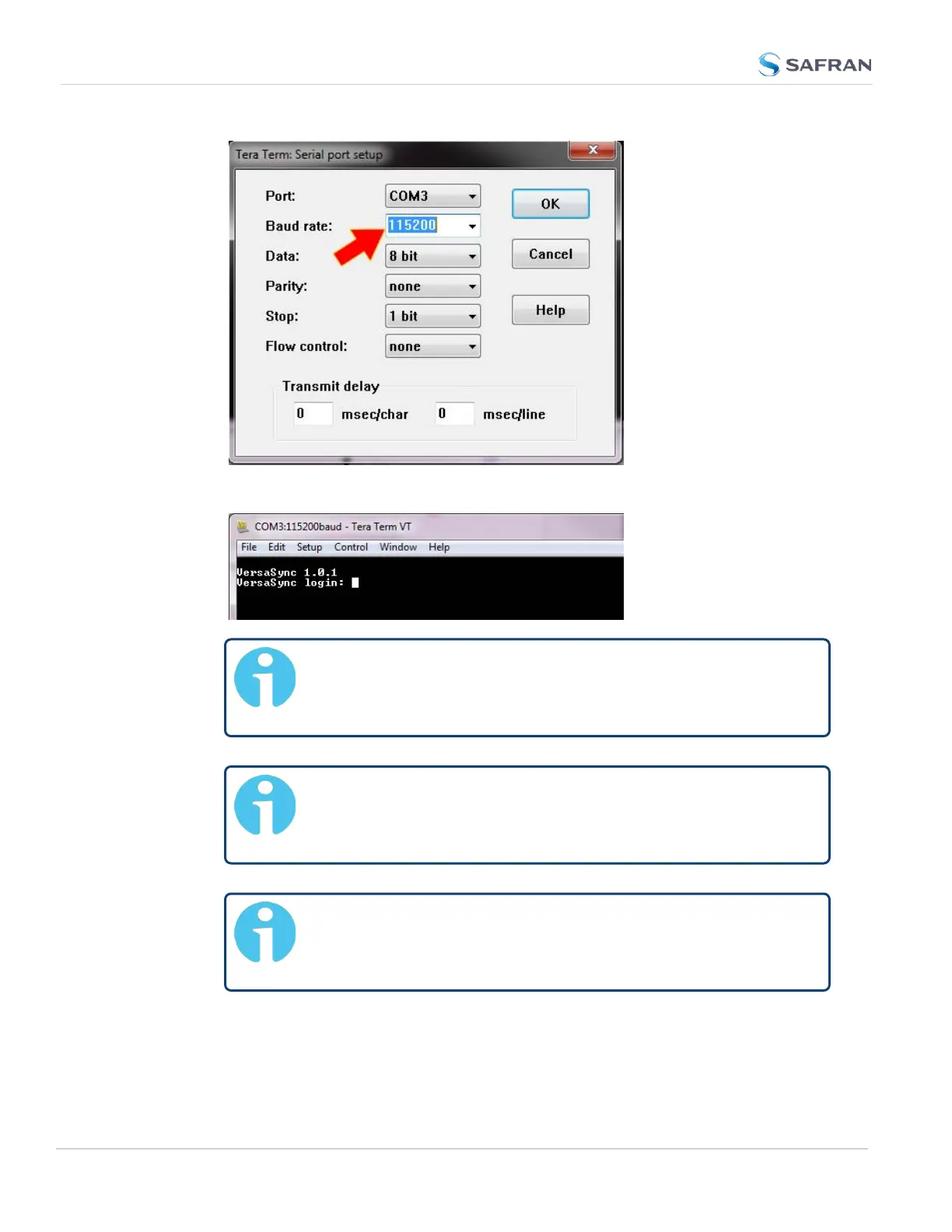
Press the Return key, and enter the login credentials:
Note: The default login credentials are:
User name = spadmin
Password = admin123 (will not be displayed on the screen)
Note: For your reference, the command helpcli produces a list
of available commands. Press the space key to display the
next page, or the b key to display the previous page.
Note: Should it become necessary to leave the command help
mode (indicated by a command line prompt ":"), press Q, or
Ctrl C.
36
CHAPTER 2 • VersaSync User Manual Rev. 12
2.3 Initial Network Setup



 To Next Page