6 — Cycle and Control Value Programming
99
Operator Manual
Vision® 1300 Series
920515770_J
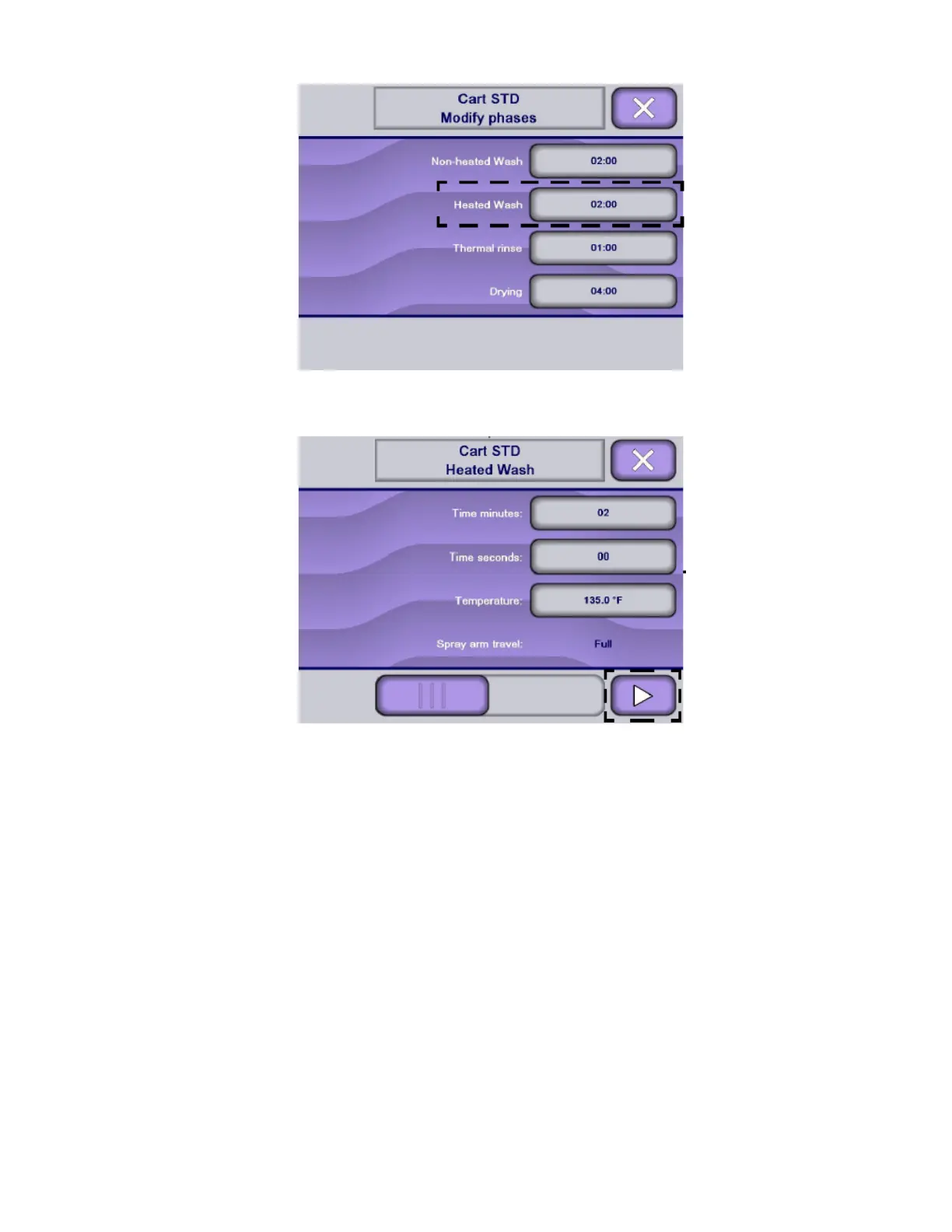
11. Use keyboard to enter desired value within the range indicated.
NOTE: On Modify phases screen, press Right arrow to scroll across touch screen to view following menus.
12. Once all modifications are completed, press Close on touch screen until reaching desired screen.
6.11 Copying/Creating a Customized Cycle
Creating customized cycles allows the operator to store phases and values tailored to make processing more efficient,
while retaining immediate access to factory preset cycles.
Customized cycles can be created by modifying an existing cycle. To copy an existing cycle, proceed as follows:
1. Access Supervisor mode as explained in Section 6.6, Logging in Supervisor Mode.
2. In Supervisor menu screen, press Cycles on touch screen.
NOTE: X touch pad returns to previous screen.












 To Next Page