5 — Operating Instructions
69
Operator Manual
Vision® 1300 Series
920515770_J
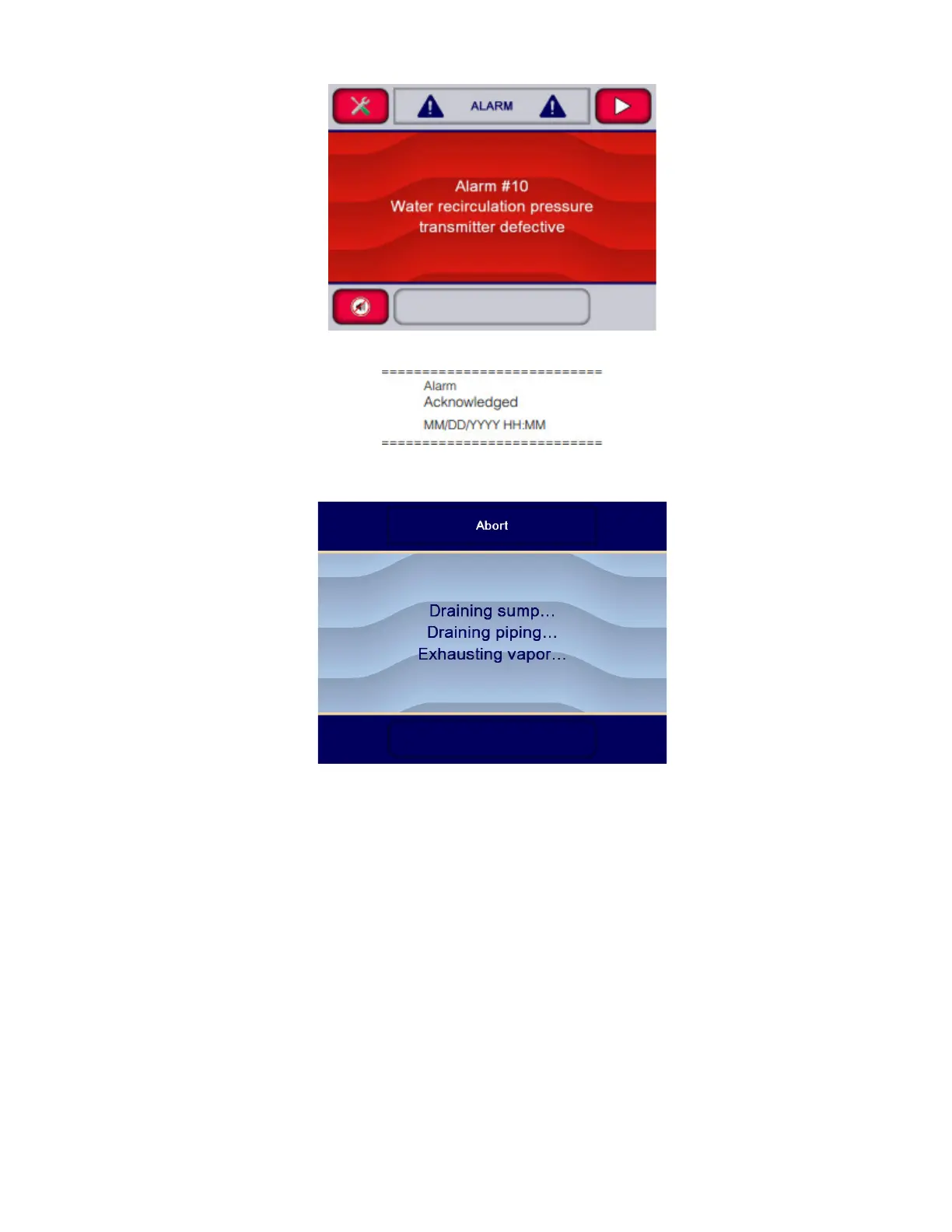
... and printer message is:
3. If operator has been able to solve alarm condition using information on Troubleshooting Section
washer/disinfector automatically performs the Abort sequence. Display shows:
See Section 5.25, Stopping or Aborting a Cycle, for details on Abort sequence.
IMPORTANT: If alarm occurs before the Thermal Rinse phase is completed, a supervisor may need to enter login name
and corresponding password to open load door because thermal disinfection was not performed. If password
protection is activated, refer to Section 6.6, Logging in Supervisor Mode.
5.25 Stopping or Aborting a Cycle
If cycle needs to be aborted for any reason, proceed as follows:
1. During cycle, display shows:












 To Next Page