7 — Routine Maintenance
133
Operator Manual
Vision® 1300 Series
920515770_J
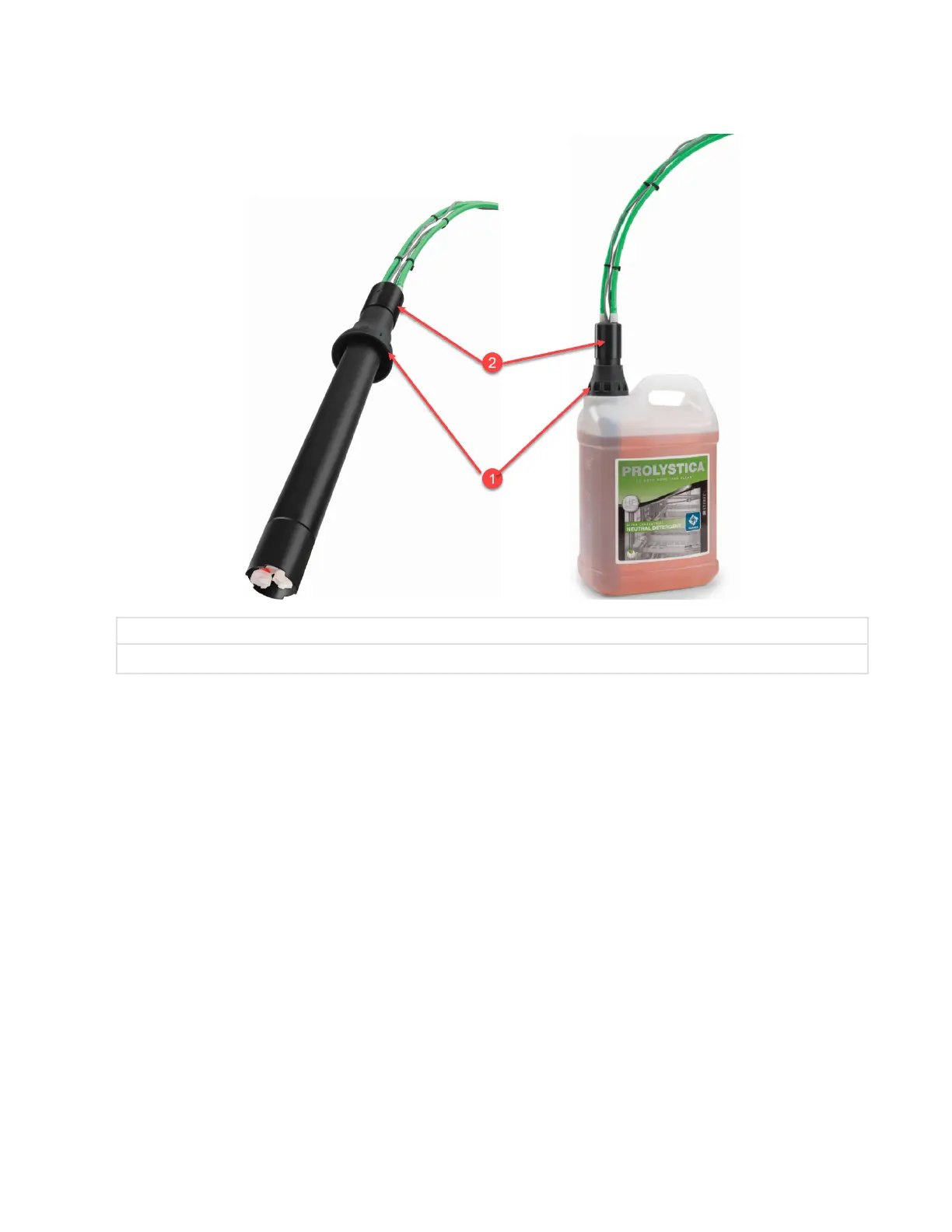
7. Push pickup tube assembly and dust cover until they are all the way down and completely sealing bottle
opening.
1 Dust Cover
2 Pickup Tube Assembly
.
7.8 Changing Printer Paper Roll and Ink Cartridge (Accessory)
To change printer ink cartridge and paper roll, proceed as follows:
IMPORTANT: STERIS ink cartridge and paper are recommended. Using non-STERIS ink cartridge and non-STERIS paper can
result in defects or other problems and can void the warranty.
Impact Printer Paper Roll
The printer paper roll should be changed whenever a colored stripe is visible on one or both edges of the printout paper.
If LED is present on Paper Feed Button, LED lights up when paper has completely run out.
NOTE: Do not operate printer without paper.
1. Press on top of printer outer door and release to open door.
2. Tear paper between take-up spool and printer.
— or –
If LED is present on Paper Feed Button,, LED is ON, press paper feed button so paper clears the ink cartridge
area.
3. Remove take-up spool from drive by inserting fingers in cavity and lifting slightly to pull take-up spool out.












 To Next Page