5 — Operating Instructions
36
920515770_J
Vision® 1300 Series
Operator Manual
Operating Instructions
5.1 Operating Instructions — Introduction
IMPORTANT: A listing of the Safety Precautions to be observed when operating and servicing this equipment can be found in
Safety Precautions section of this manual. Do not operate the equipment until you have become familiar with this information.
5.2 Before Operating Washer/Disinfector — General
Refer to Section 6.7, Supervisor Mode Menus, and to Table 6-1, Cycle Description Chart, for more information on how to
modify some control parameters and/or to create customized cycles.
WARNING
PERSONAL INJURY AND/OR EQUIPMENT DAMAGE HAZARD: Before servicing or cleaning
washer/disinfector, always turn Lock/Unlock key selector to Lock position to prevent doors from closing
and cycle from starting. Keep the key on yourself.
WARNING
PERSONAL INJURY HAZARD
● Always verify door bridge is down before entering and exiting washer/disinfector chamber.
● Keep hands and fingers away from door or any moving part to prevent crushing.
1. Ensure Emergency Stop pushbuttons are pulled.
2. Verify washer/disinfector supply valves are opened.
3. Press Open/Close door on load side touch screen to open chamber load door.
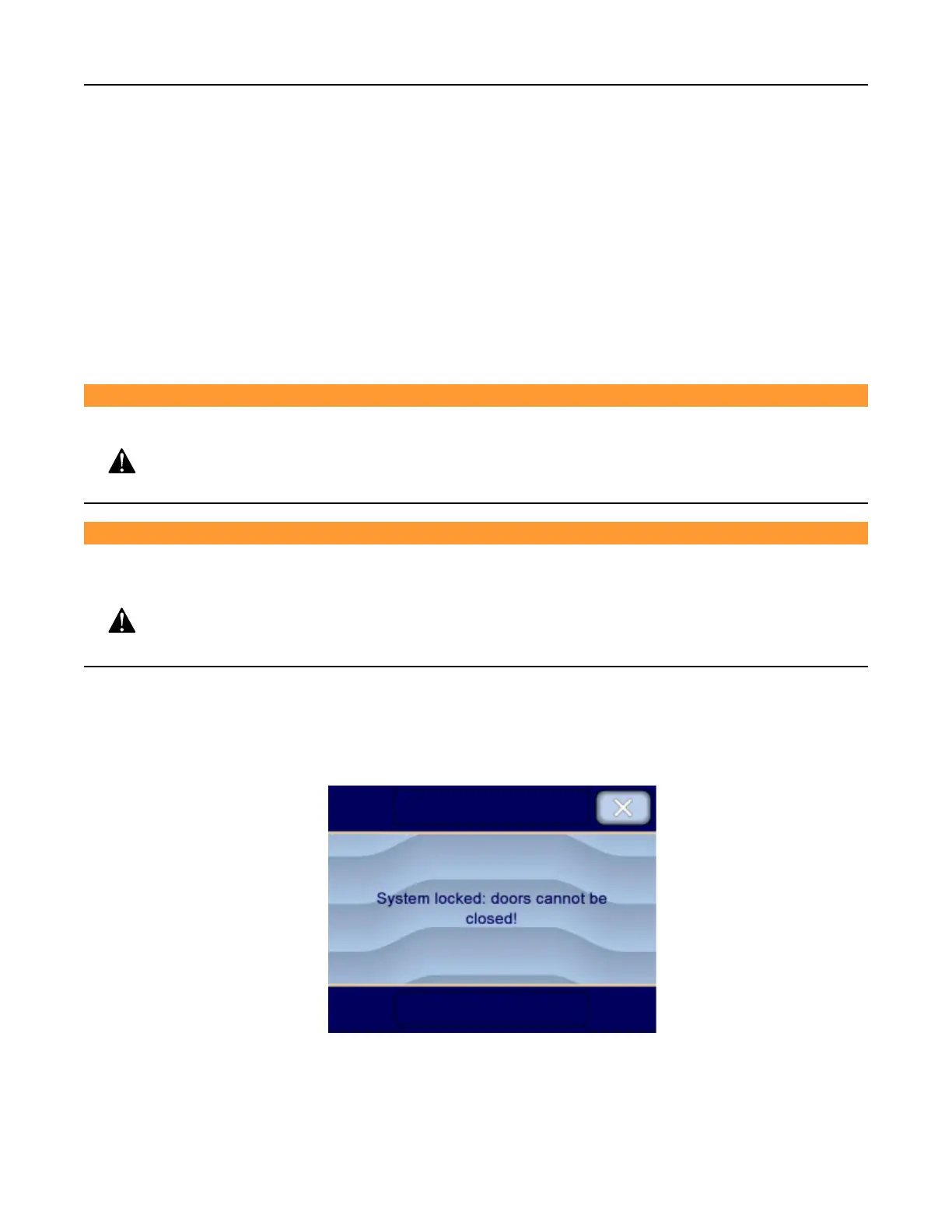
4. Use key to turn Lock/Unlock selector to Lock position to Lock washer/disinfector. Display shows:
IMPORTANT: Retain key while inside chamber.
5. Enter chamber and verify chamber is empty.












 To Next Page