6 — Cycle and Control Value Programming
93
Operator Manual
Vision® 1300 Series
920515770_J
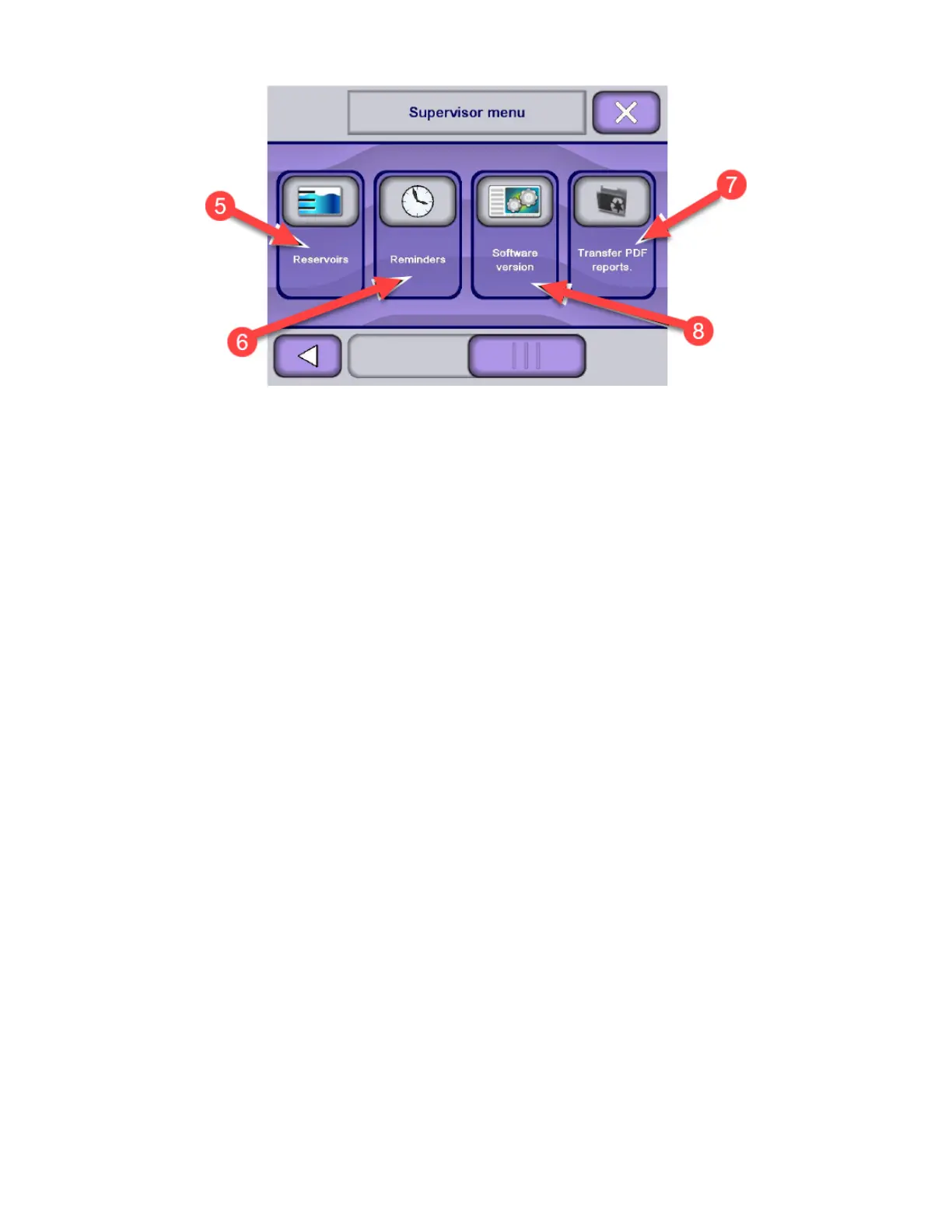
5. Reservoirs
• To Set Each Reservoir Recycling Count, Filling Water Port and Chemical Injection Rate (see Section 6.16,
Supervisor Menu — Reservoirs).
6. Reminders
• To Set After How Many Cycles Reminder Messages Will be Displayed (see Section 6.17, Supervisor Menu —
Reminders
7. Transfer PDF Reports
• To Transfer Saved Cycle Reports on an USB Key (not provided by STERIS) Connected on Control Panel (see
Section 6.18, Supervisor Menu — Transfer PDF Reports
8. Software Version
• To See Information Related to Washer Software Version.
.
6.8 Supervisor Menu — Supervisors
Use this menu to add, edit or delete Supervisors login names and passwords.
To configure Supervisors names and passwords, proceed as follows:
1. Access Supervisor mode as explained in Section 6.6, Logging in Supervisor Mode.
2. Press Supervisors on Supervisor mode screen.












 To Next Page