5 — Operating Instructions
67
Operator Manual
Vision® 1300 Series
920515770_J
5.23 Responding to a Warning Message
Conditions that trigger a WARNING do not prevent cycles from being processed, nor impair their efficiency. They are
mainly linked to the utilities (under or over-pressure) and detergent levels.
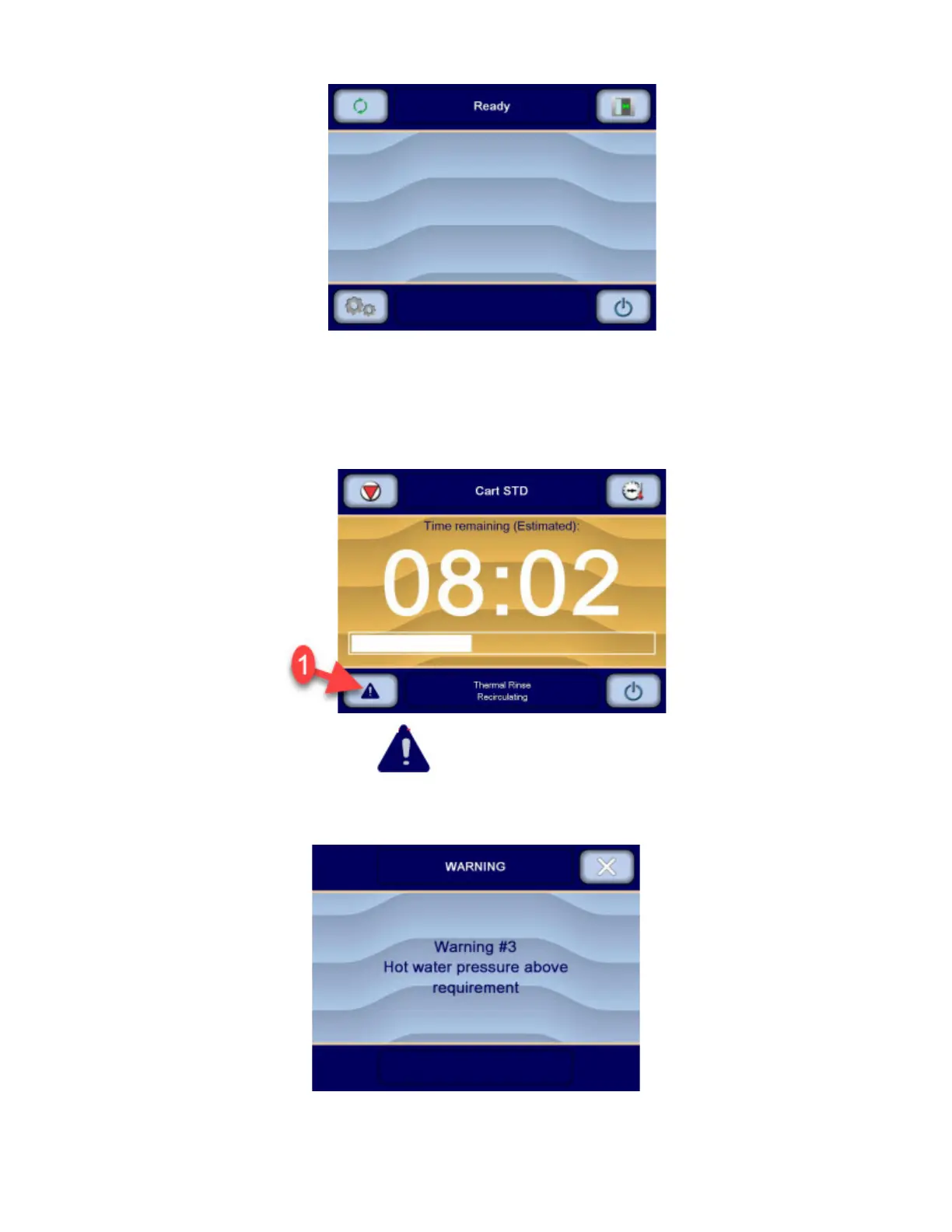
When such a condition is detected by the control, a WARNING symbol appears on the screen to warn the operator that
a situation requires special attention during a cycle.
The operator presses the WARNING symbol on the touch screen to view the list of warning messages
generated during the cycle (refer to Troubleshooting Section for a detailed listing of warning messages).
The list of warning messages can also be accessed while the "cycle completed" screen is displayed on the touch
screen, for example.












 To Next Page