6 — Cycle and Control Value Programming
113
Operator Manual
Vision® 1300 Series
920515770_J
4. Once modifications are completed, press Close on touch screen until reaching desired screen.
6.18 Supervisor Menu — Transfer PDF Reports
Control can save reports in pdf formats which then can be downloaded onto an USB key. The following reports are
available in pdf format:
• Printout of cycle that has been processed (phases, cycle parameters, warnings, alarms, abort sequence and end of
normal cycle);
• Printout of cycle parameters of all cycles;
• PV Record.
Once downloaded into a computer, the reports can be viewed and printed using software Adobe® Acrobat® or most
pdf-compatible software.
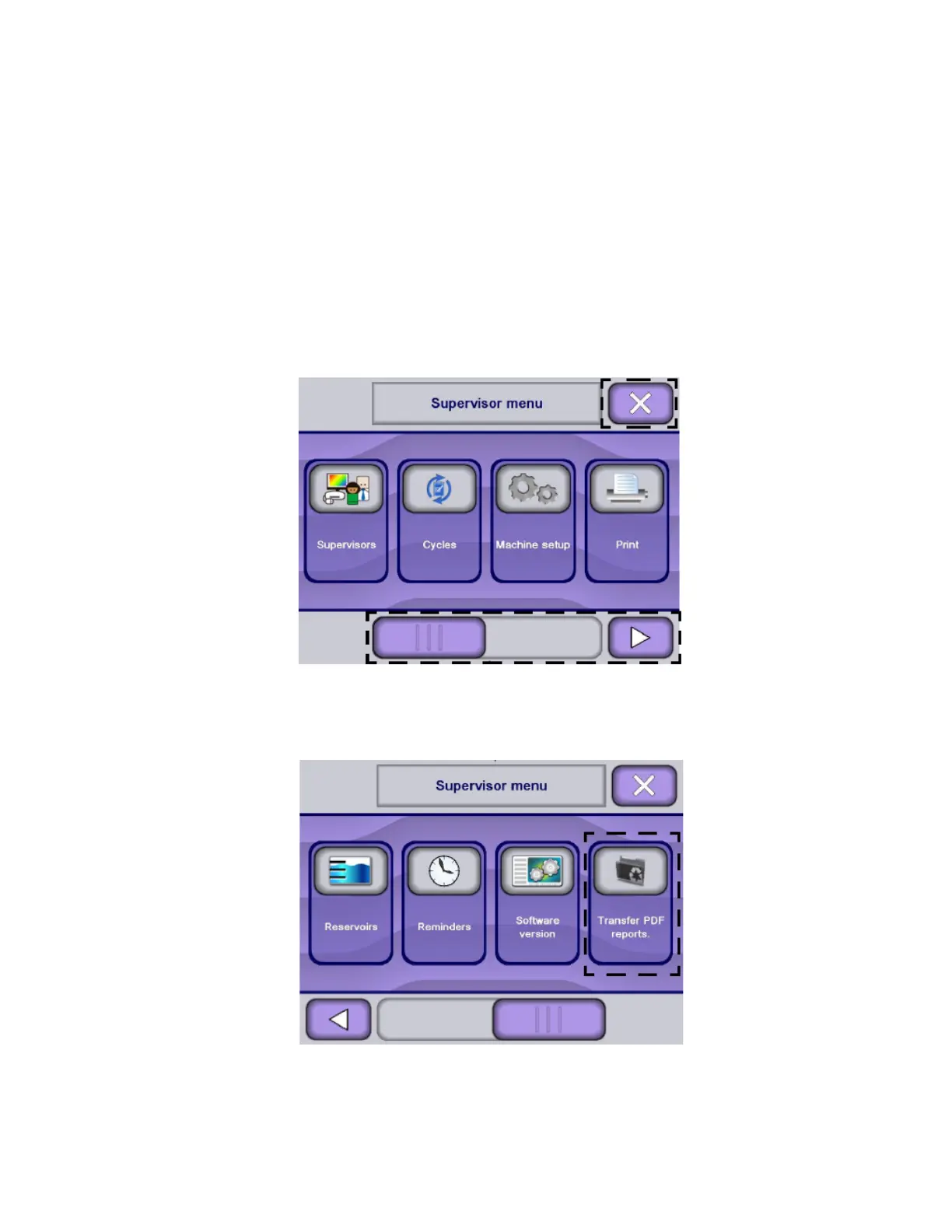
1. Access Supervisor mode as explained in Section 6.6, Logging in Supervisor Mode. Display shows Supervisor mode
screen.
NOTE: X touch pad returns to previous screen.
NOTE: Use slider or arrow to view additional supervisor menus.
2. Press Transfer PDF Reports. Display shows message to insert USB key (not provided by STERIS).












 To Next Page