6 — Cycle and Control Value Programming
110
920515770_J
Vision® 1300 Series
Operator Manual
4. Once printing completed, press Close on touch screen until reaching desired screen.
6.16 Supervisor Menu — Reservoirs
IMPORTANT: Reservoir configuration defines the preparation done for all cycles except INSTRUMENT and DECONTAM cycles.
Then, any change to these parameters will be applied to all cycles using this specific reservoir.
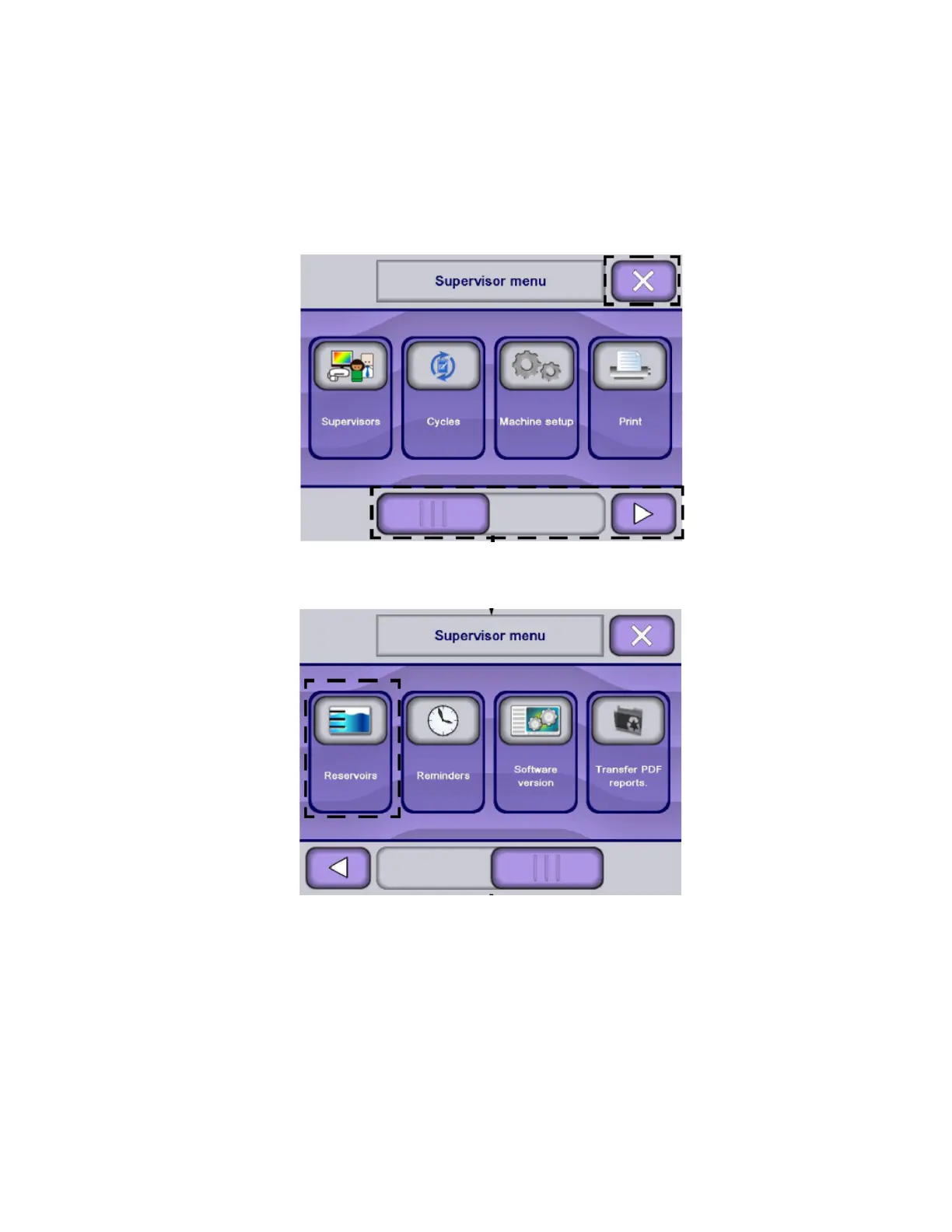
1. Access Supervisor mode as explained in Section 6.6, Logging in Supervisor Mode.
NOTE: X touch pad returns to previous screen.
2. Press Reservoirs. Display shows Reservoir menu screen.
NOTE: Use slider or arrow to view additional supervisor menus.
3. Press Reservoir Name to modify desired parameter (recycling count, filling water port, chemical type or injection
rate).












 To Next Page