5 — Operating Instructions
73
Operator Manual
Vision® 1300 Series
920515770_J
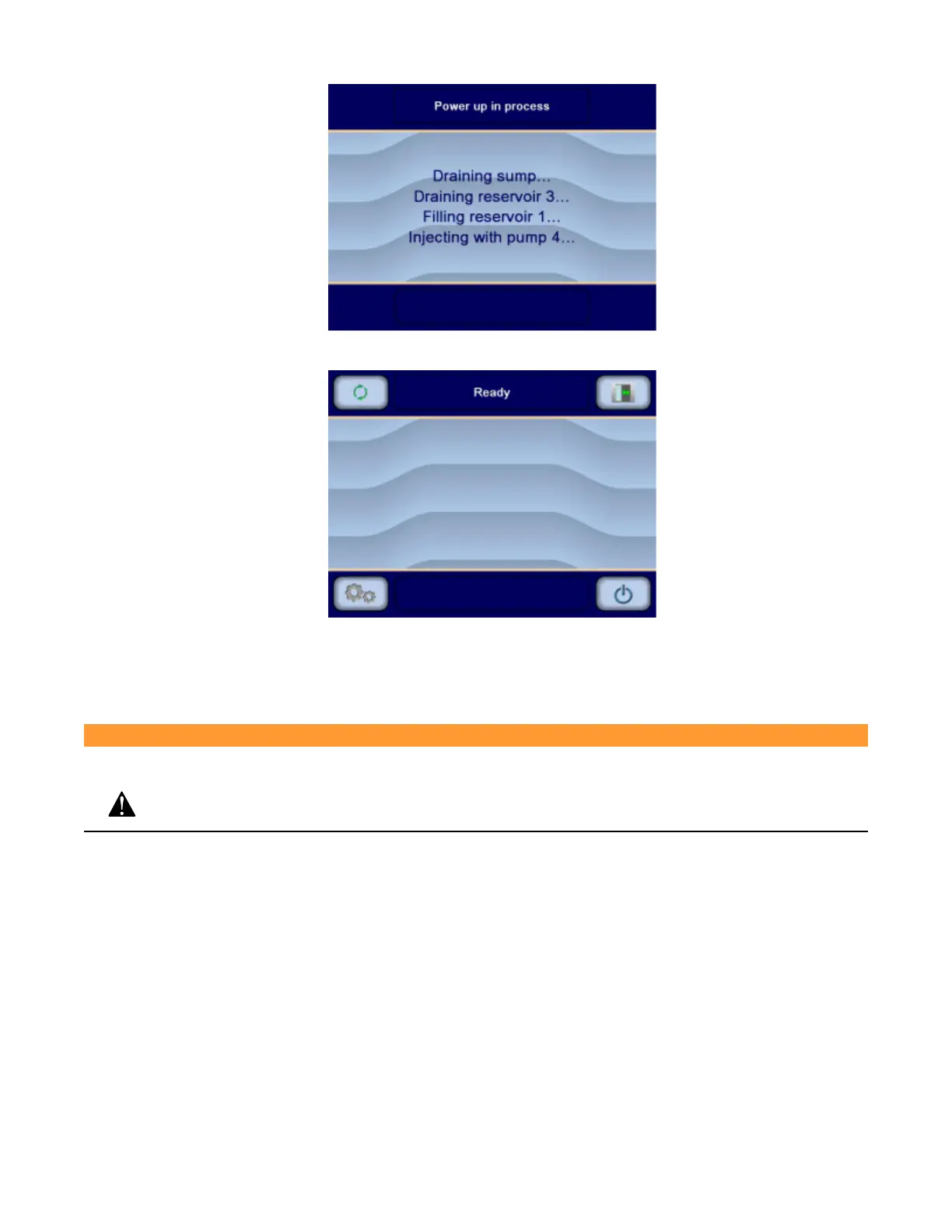
6. When power up is completed, display shows Ready screen:
IMPORTANT: If a power failure occurs during a cycle, items must be reprocessed through a complete cycle when power
is restored (see Section 5.14, Typical Cycle Operation — General, for details on how to process a cycle).
5.28 Emergency Stop Pushbutton Procedure
WARNING
PERSONAL INJURY HAZARD:
Keep hands and fingers away from door or any moving parts to prevent crushing.
IMPORTANT: Use the Emergency Stop pushbuttons for emergency situations only. DO NOT use as a Start/Stop button.
1. In case of an emergency, press either Emergency Stop pushbutton. Washer/disinfector operation instantly
stops, both doors are de-energized and an alarm is triggered.












 To Next Page