5 — Operating Instructions
56
920515770_J
Vision® 1300 Series
Operator Manual
5.14 Typical Cycle Operation — General
WARNING
BURN HAZARD
In an emergency, first stop cycle by pressing Emergency Stop pushbutton. Wait until
water flow stops before opening door. Once door is opened, wear appropriate Personal
Protective Equipment (PPE) whenever entering the chamber to unload
washer/disinfector.
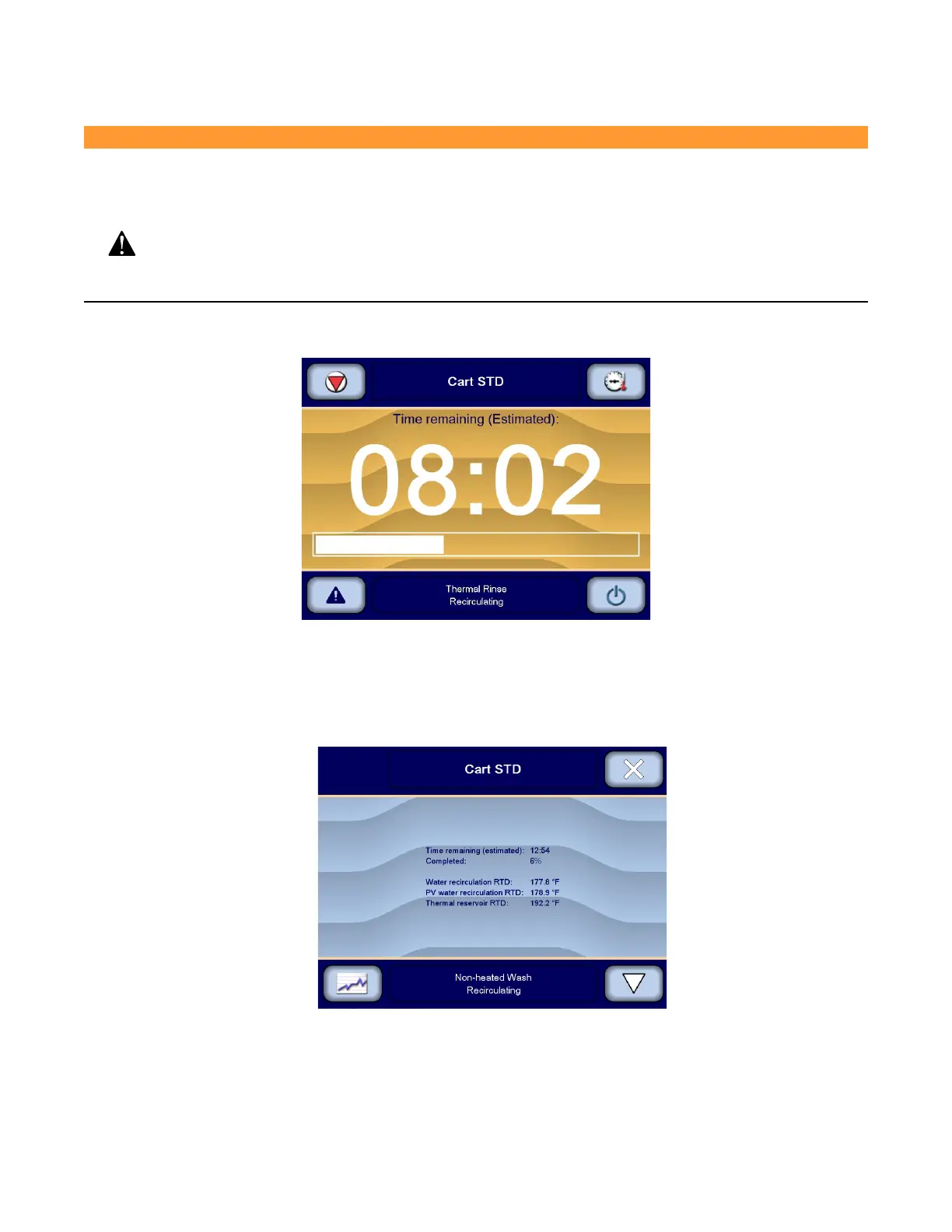
During cycle, washer/disinfector proceeds through the different phases. The Cycle in process screen is displayed
throughout the cycle and shows estimated remaining time to the cycle completion, for example:
The first time a specific cycle is processed, an estimated remaining time is displayed on the screen. Then, when this
specific cycle is processed again, time estimate used is the cycle time of the previous cycle.
1. As washer/disinfector progresses through the cycle, cycle parameters can be monitored by pressing Details on
upper right corner of Cycle in process screen.
2. Display shows cycle written data of parameters on the screen, for example:
3. Press Graph on touch screen to view the graph of the current cycle data. Display shows, for example:












 To Next Page