5 — Operating Instructions
57
Operator Manual
Vision® 1300 Series
920515770_J
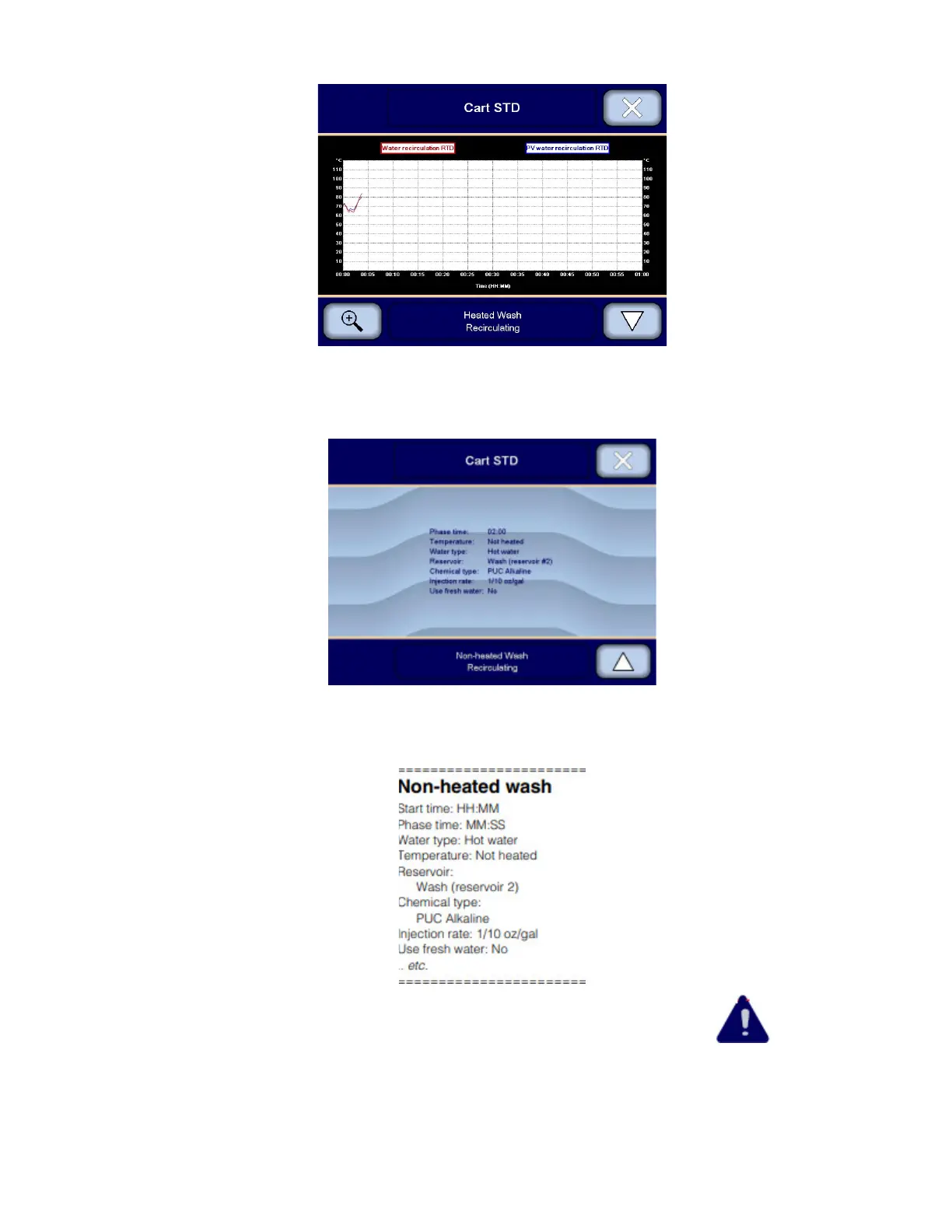
4. To zoom in and out on the graph, press magnifier icon on the bottom left side of the screen.
5. Press Close on upper right corner of touch screen until display returns to Cycle in process screen.
6. Press Down arrow to view additional written data. Press Up arrow to return to previous data.
7. Press Close on upper right corner of touch screen to return to Cycle in process screen.
8. During cycle, a printout with data on phase time, water type, temperature, chemical type, injection rate, etc. is
generated, for example:
IMPORTANT: If a warning condition occurs requiring the operator attention, a WARNING symbol appears on
touch screen. See Section 5.23, Responding to a Warning Message, for more information.












 To Next Page