6 — Cycle and Control Value Programming
107
Operator Manual
Vision® 1300 Series
920515770_J
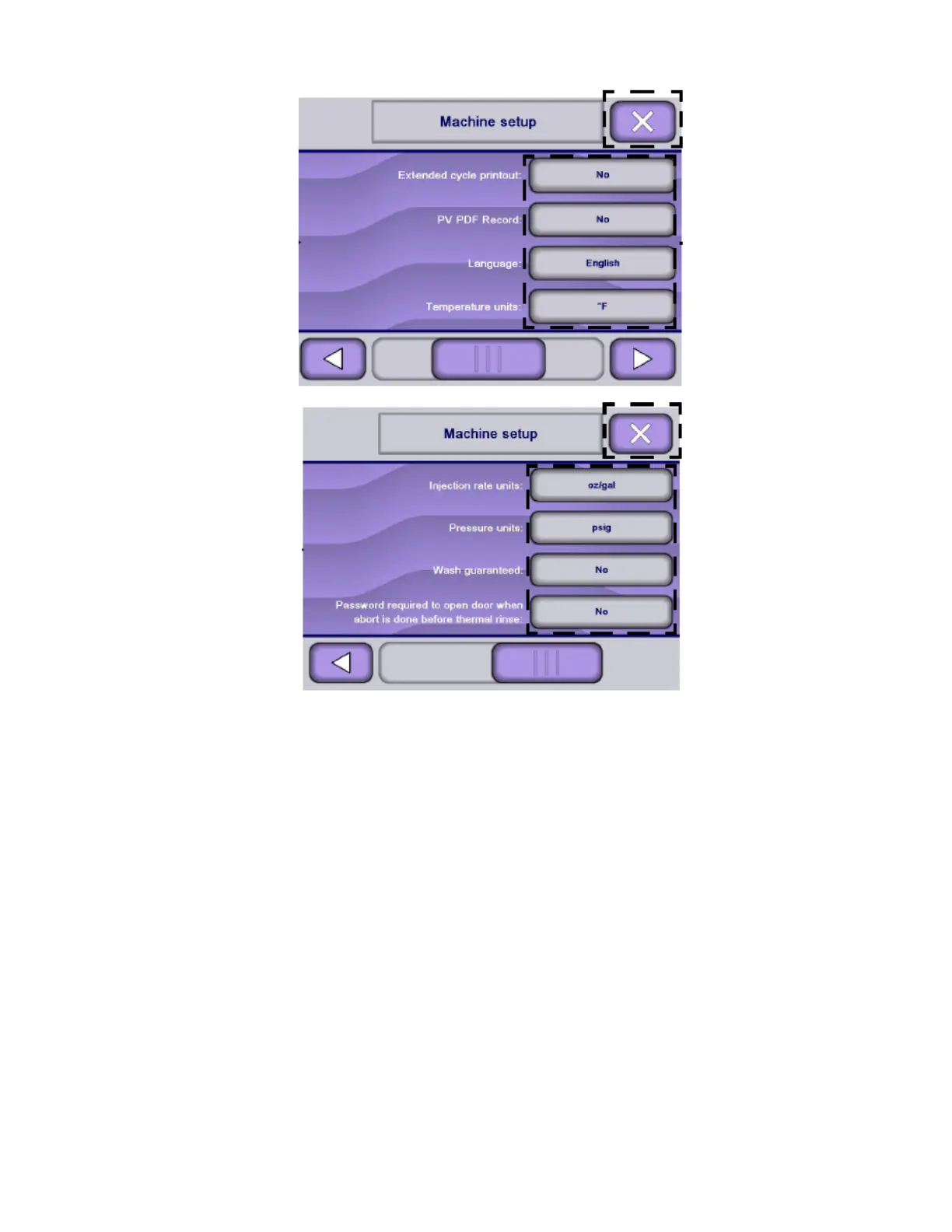
3. Press desired setting touch pad to toggle between YES and NO or other available selections.
4. Press Close on touch screen to save last selections. Display shows for three seconds:
Then, display returns to Supervisor mode screen.
6.15 Supervisor Menu — Print
1. Access Supervisor mode as explained in Section 6.6, Logging in Supervisor Mode.












 To Next Page