6 — Cycle and Control Value Programming
106
920515770_J
Vision® 1300 Series
Operator Manual
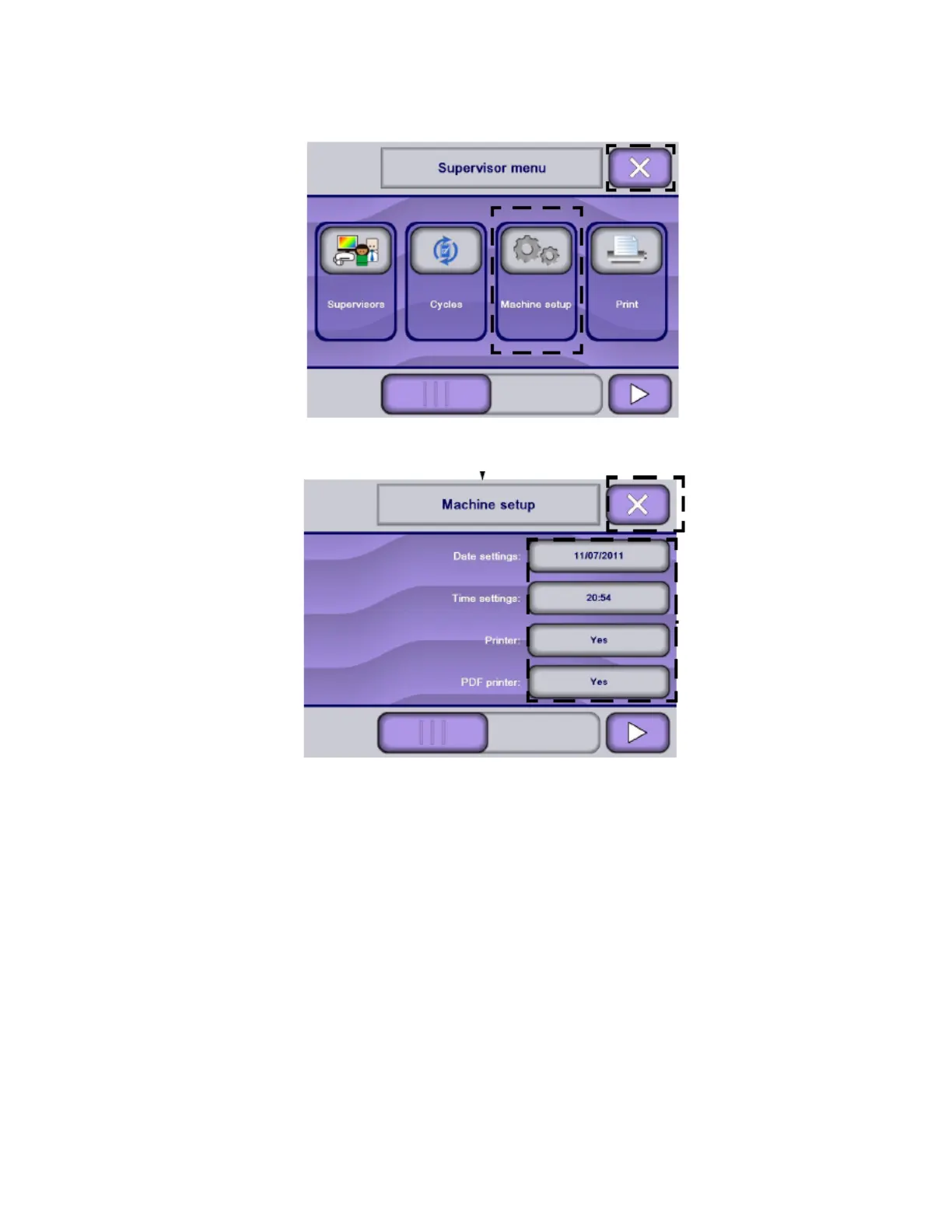
1. Access Supervisor mode as explained in Section 6.6, Logging in Supervisor Mode.
NOTE: X touch pad returns to previous screen.
2. In Supervisor menu screen, press Machine Setup on Supervisor mode screen. Display shows Machine Setup
screen.
NOTE: Press Right arrow to scroll across touch screen to view following menus.












 To Next Page