6 — Cycle and Control Value Programming
96
920515770_J
Vision® 1300 Series
Operator Manual
7. Once all modifications are completed, press Close on touch screen until reaching desired screen.
6.9 Supervisor Menu — Cycles: General
Cycles menu is used to create customized cycles as well as to modify validated and customized cycles.
NOTE: While scrolling through screens and menus, note the following:
1. Refer to Section 3.2.7, Touch Pads, for complete touch pads description.
2. Press Close on touch screen to return to previous screen.
3. When Enter is not present on touch screen, changes are saved by pressing Close on touch screen while returning to a
previous screen.
6.10 Modifying a Validated Cycle
Only certain preset parameters can be modified for each validated cycle (see ), including modification of phase time and
temperature.
To modify a validated cycle, proceed as follows:
1. Access Supervisor mode as explained in Section 6.6, Logging in Supervisor Mode.
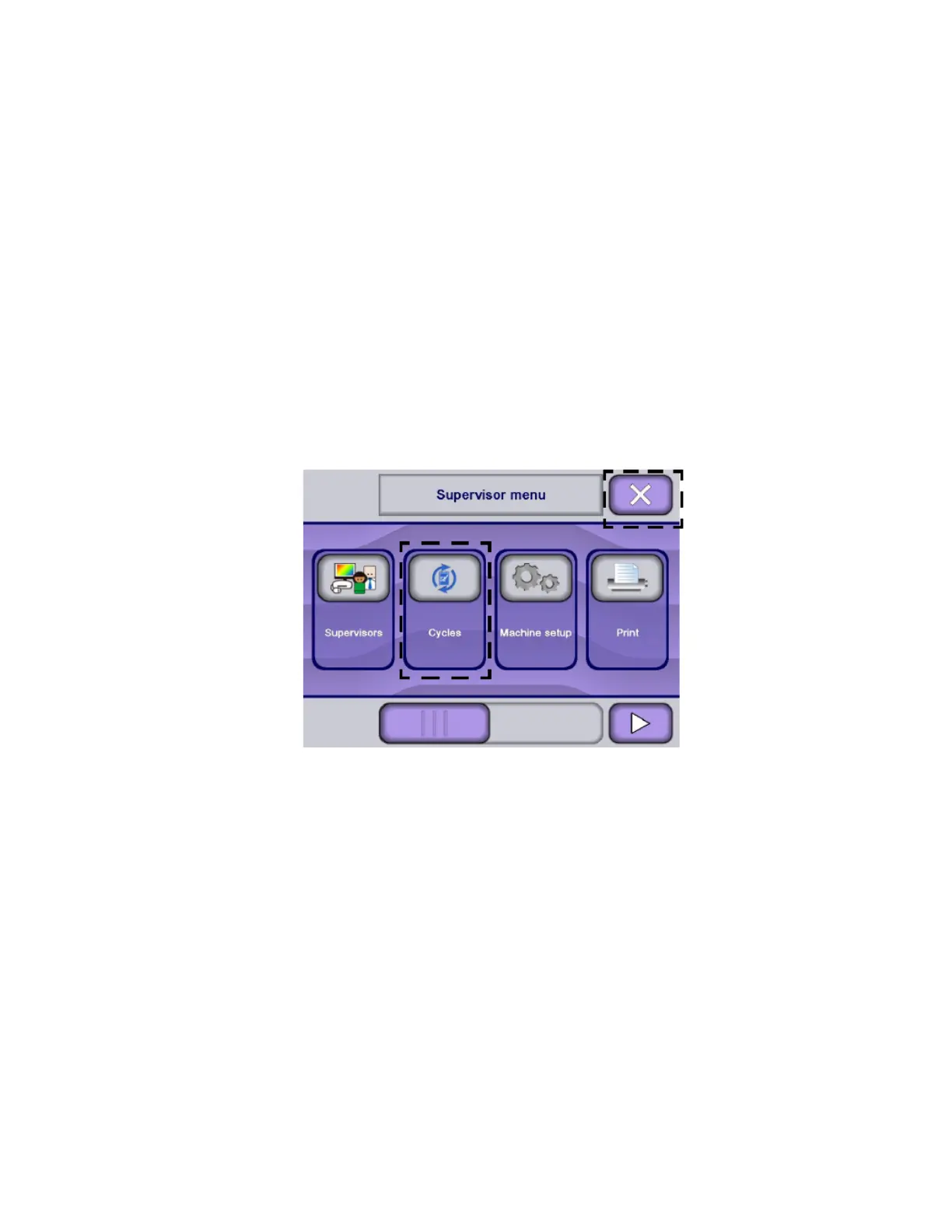
2. Press Cycles on touch screen.
NOTE: X touch pad returns to previous screen.
3. Display shows Cycles - Copy/Modify screen:












 To Next Page