4 — Component Identification
27
Operator Manual
Vision® 1300 Series
920515770_J
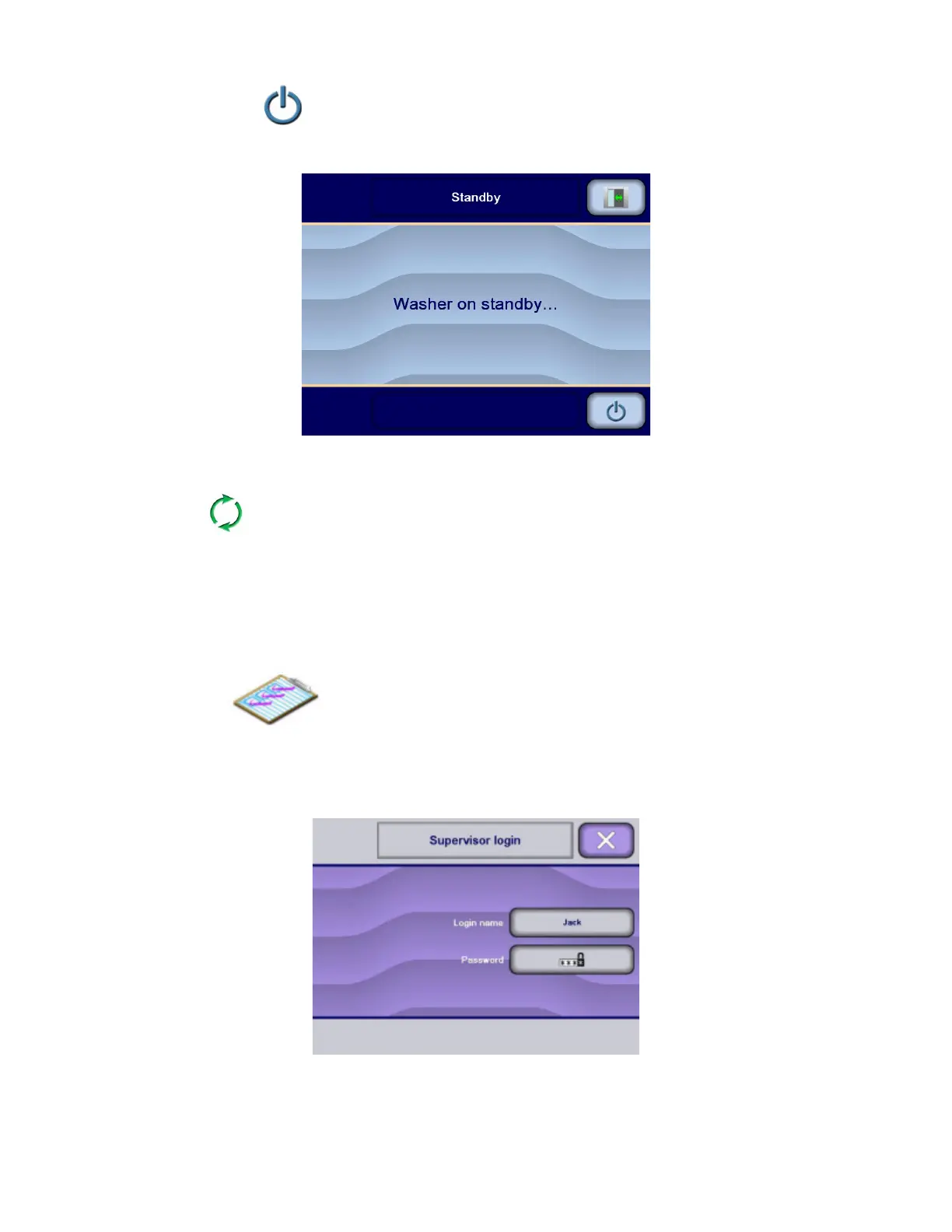
Pressing Standby/Restore
on touch screen puts the washer/ disinfector in Standby mode for low energy
consumption purpose. If a cycle is in progress when Standby/Restore is pressed, the washer/disinfector performs the
Standby sequence and is put in Standby mode only after the cycle is completed.
4.23 Cycle Mode
The Cycle mode is used when processing a rack or a surgical case cart. The washer/disinfector enters in
Cycle mode when the operator selects a cycle to process. No login is required to enter in Cycle mode.
If washer/disinfector is equipped with a bar code reader (accessory), the bar code reader is used to identify the cycle to
be started. The operator only needs to scan the bar code reader located on utensils, container, instruments rack or
surgical case cart and to press touch screen to initiate cycle. The appropriate cycle is then started.
4.24 Supervisor Mode
The Supervisor mode allows the supervisor to modify preprogrammed parameters and options within a
range of factory set values such as date and time, and to enable various functions. Refer to Section 5.4, Supervisor Mode
General, for details about Supervisor mode.
The Supervisor mode access is secured by login names and corresponding passwords. Supervisor mode is used to
configure such login names and passwords.












 To Next Page