7 — Routine Maintenance
120
920515770_J
Vision® 1300 Series
Operator Manual
5. Remove debris screen located in bottom of chamber.
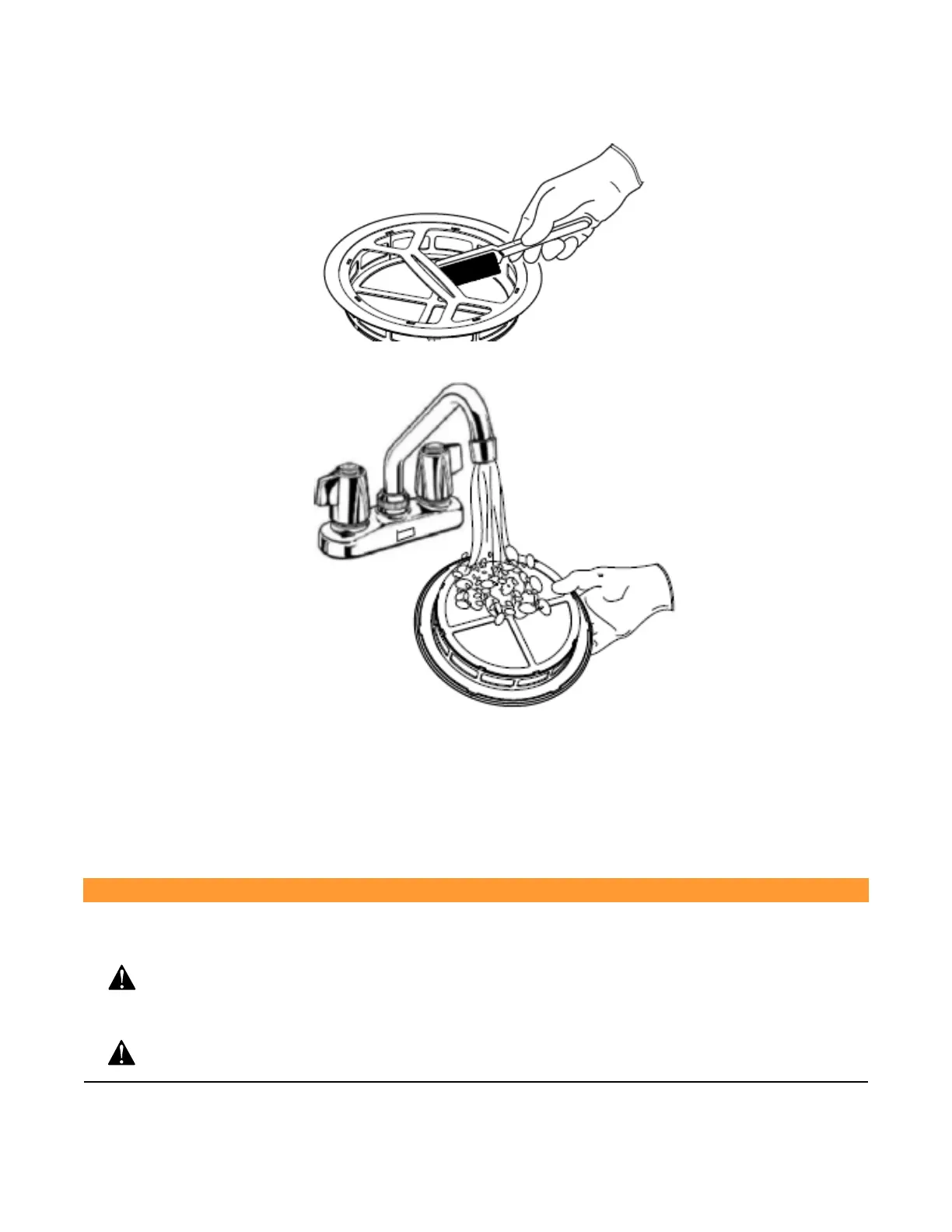
6. Always clean debris screen while it is still wet, before debris dries. Brush debris screen to detach dirt.
7. Rinse debris screen under running water.
8. Reinstall debris screen in bottom of chamber. Press down firmly into place.
9. Exit chamber.
10. Use key to turn Lock/Unlock selector to Unlock position to unlock washer/disinfector.
11. Press Open/Close door on load side touch screen to close chamber load door.
7.5 Clean Washer/Disinfector Exterior
WARNING
PERSONAL INJURY HAZARD
Never perform cleaning of washer/disinfector chamber until cycle has been completed.
If cycle has not been completed, contaminated debris or water may remain in bottom of
chamber
Always verify door bridge is down before entering washer/disinfector chamber.












 To Next Page