6 — Cycle and Control Value Programming
103
Operator Manual
Vision® 1300 Series
920515770_J
4. On Cycles screen, press Left or Right arrow to scroll across touch screen to view all cycles open to modification.
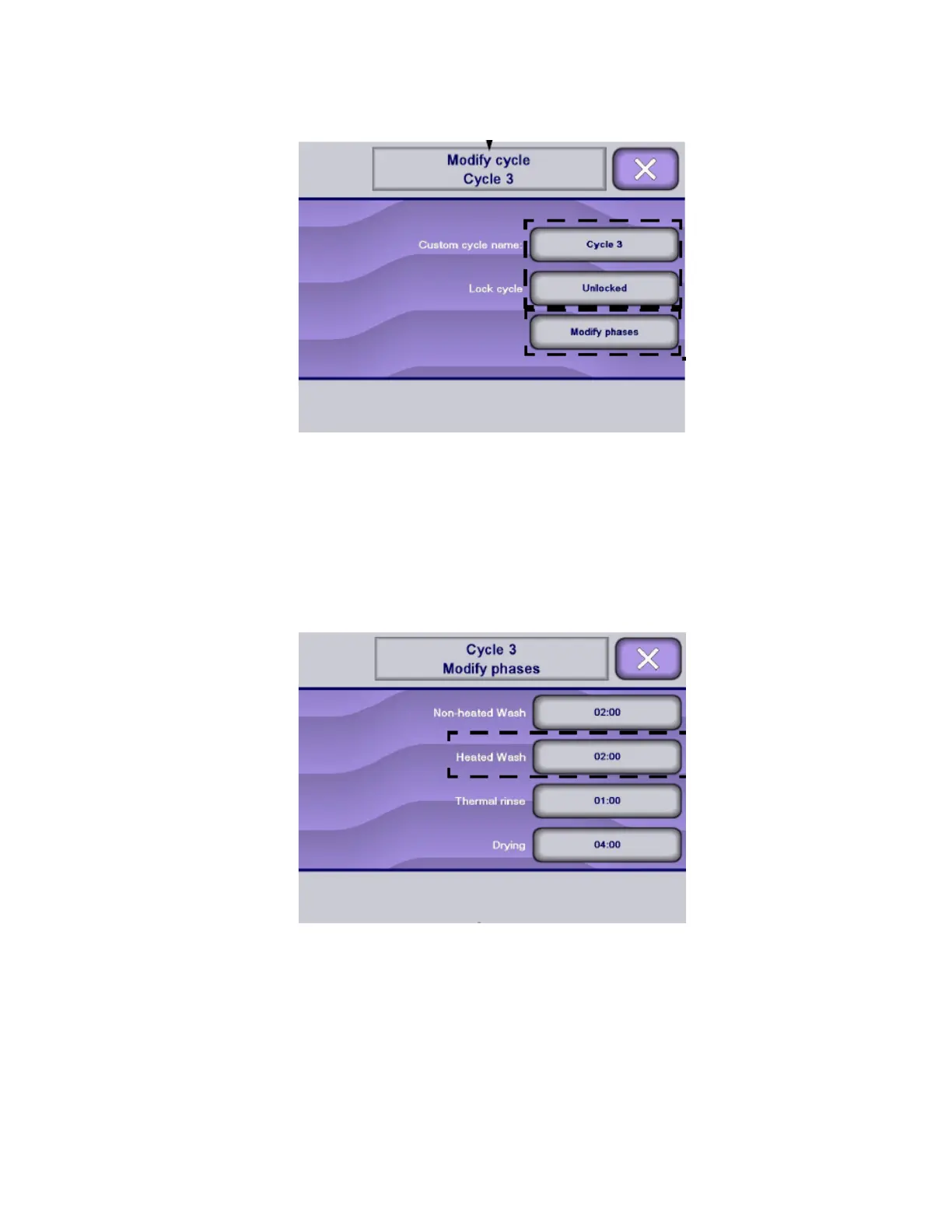
5. Select customized cycle to modify. Display shows first Modify cycle screen.
6. To set cycle parameters, for example Lock Cycle, press parameter selection touch pad repeatedly to toggle
between available settings.
IMPORTANT: When cycle access is locked, supervisor can still access cycle for modifications in Supervisor mode. Cycle
access is locked in Cycle mode only.
7. If supervisor tries to lock last cycle available, display shows following message:
This cycle cannot be locked because it is the last one available. You should unlock another cycle before locking
this one.
8. Press Modify Phases on Modify cycle screen to modify values of cycle phases.
NOTE: Only the phases within the selected cycle are displayed on Modify phases screen. If phase(s) to be
modified do not appear on touch screen, press Right arrow to scroll across touch screen to view the following
phase(s).
9. Press Right arrow to scroll across phase touch screens. Any parameter that can be modified is followed by a
parameter selection touch pad.












 To Next Page