7 — Routine Maintenance
127
Operator Manual
Vision® 1300 Series
920515770_J
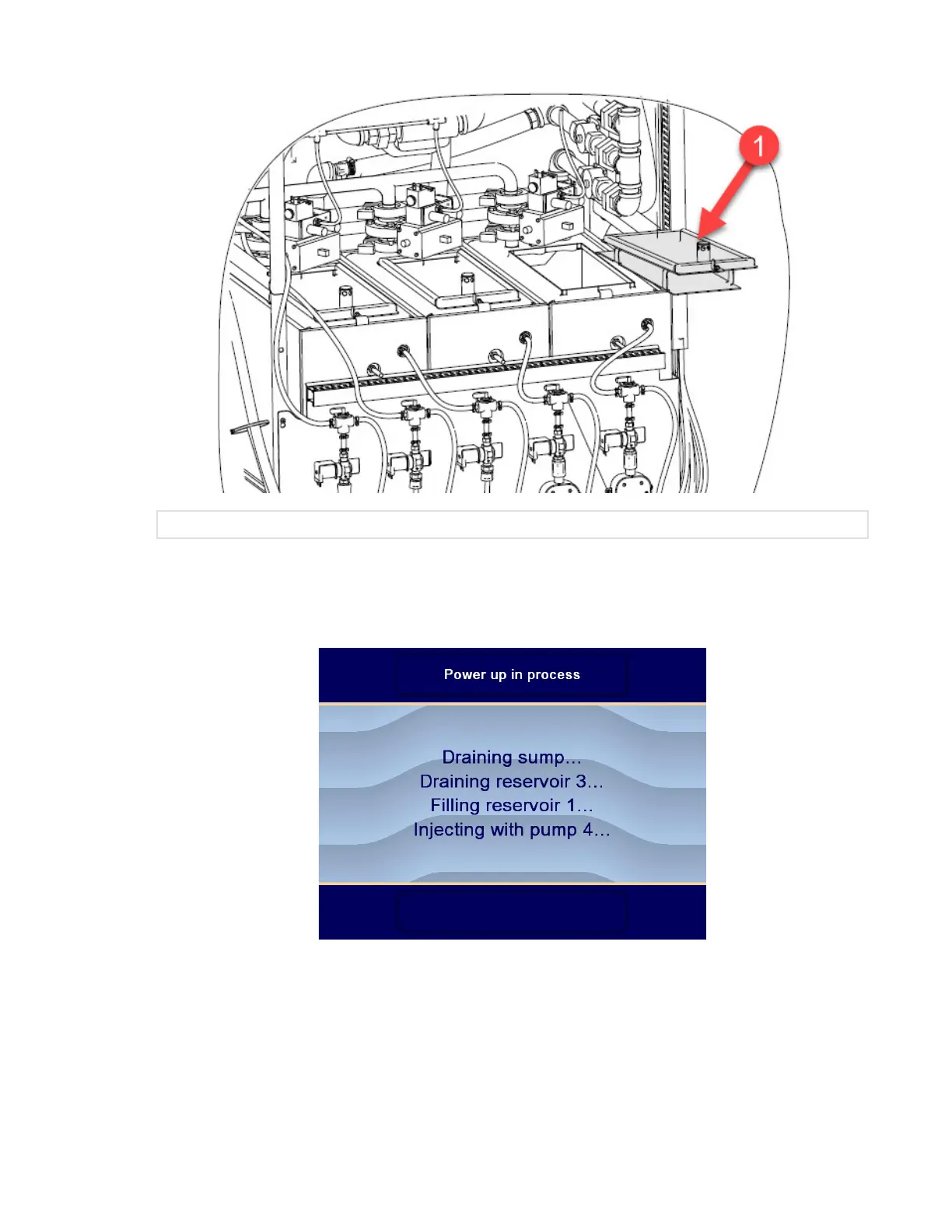
1 Reinstall Reservoir Covers
.
f. Unlock building main electrical disconnect switch and put to ON position.
g. Put washer/disinfector Power (ON/OFF) toggle switch to ON position.
h. Washer/disinfector power up sequence begins. Side reservoirs fill with water. Display shows:
... then, when power up sequence is completed, display shows Ready screen:












 To Next Page