7 — Routine Maintenance
129
Operator Manual
Vision® 1300 Series
920515770_J
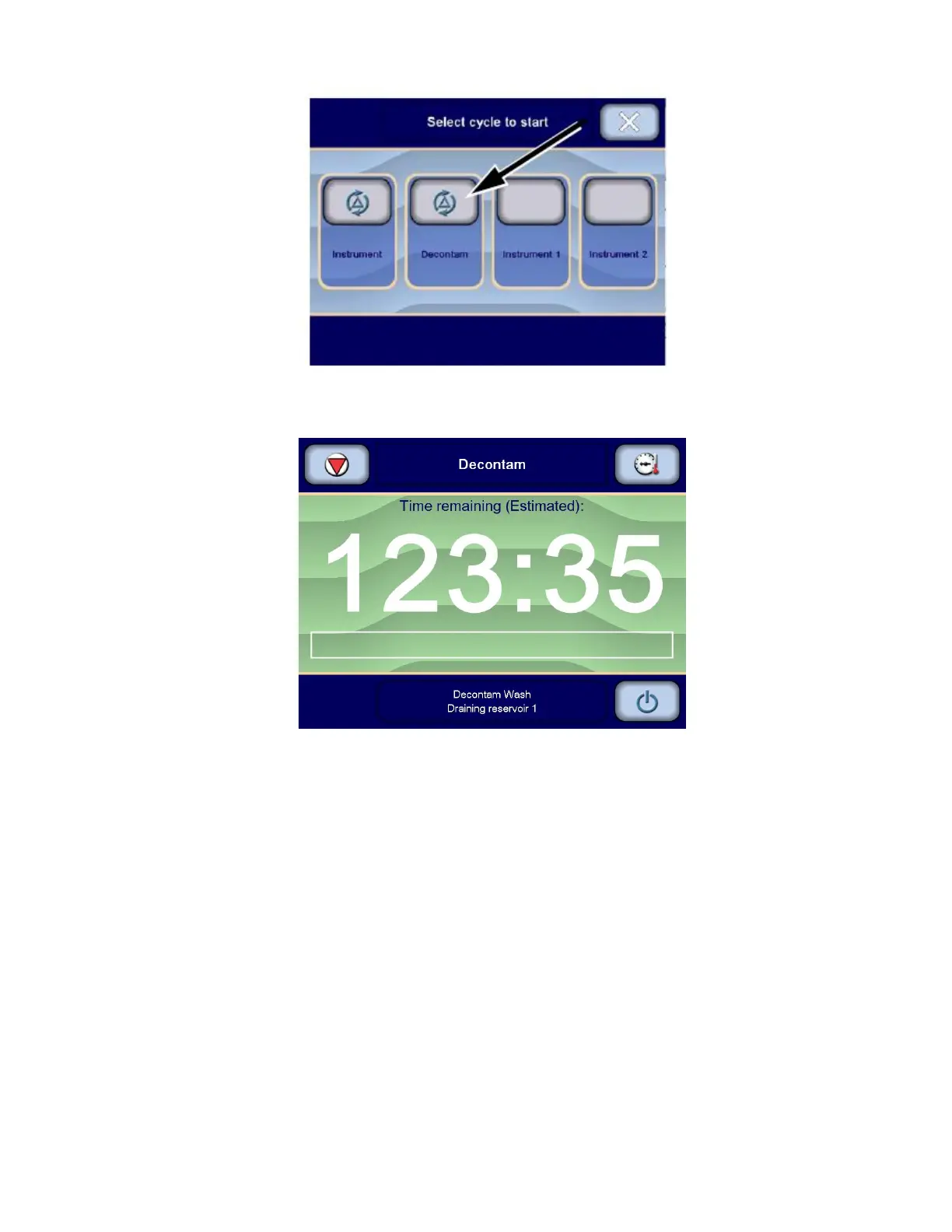
6. Press Decontam cycle button on touch screen. All reservoirs drain completely to ensure only clean water is being
used. Display shows, for example:
7. DECONTAM cycle proceeds with filling, injecting, recirculating and draining phases to decontaminate wash
chamber and reservoirs.
If Instrument Washing option IS present: Decontamination solution also flows into the chamber manifold
connector and through the Vision CW Instrument Washing Manifolded Rack.
8. When cycle is completed, Cycle completed screen is displayed. Close Cycle completed screen and press
Open/Close door on load side touch screen to open load door and allow chamber to cool down.
9. Before entering chamber, use key to turn Lock/Unlock selector to Lock position to lock washer/disinfector.
IMPORTANT: Retain key while inside chamber.
10. If Instrument Washing option IS NOT present: Go to Step 11.
– or –
If Instrument Washing option IS present: Remove Instrument Washing Manifold Rack from chamber.












 To Next Page