7 — Routine Maintenance
155
Operator Manual
Vision® 1300 Series
920515770_J
1. Ensure doors are closed. if not, press Open/Close door on load or unload side touch screen to close load or
unload door.
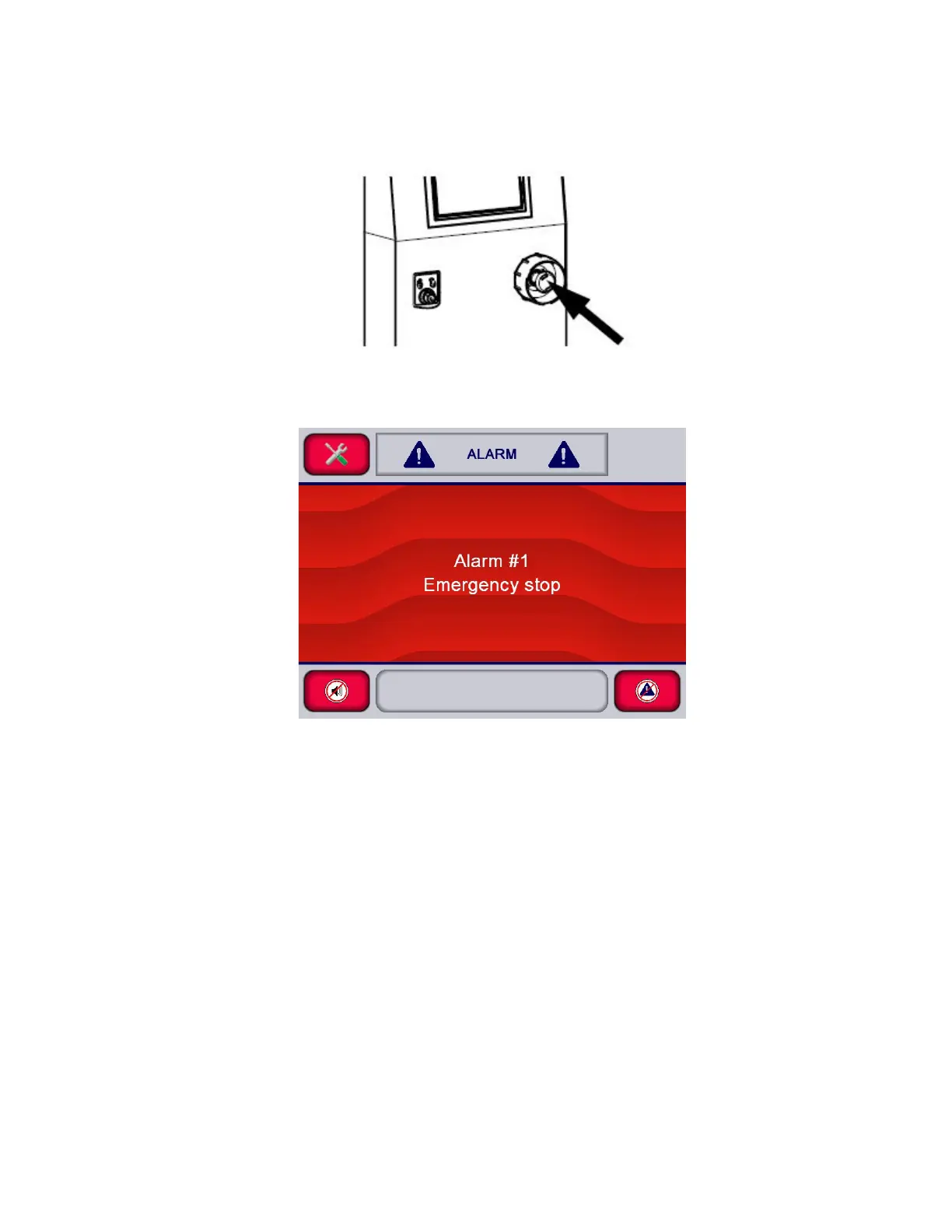
2. Push Emergency Stop pushbutton.
.
3. An alarm should be displayed on the control. Display shows:
4. Release Emergency Stop pushbutton, then acknowledge alarm and resume washer operation.
5. Repeat procedure to verify other Emergency Stop pushbutton.












 To Next Page