4 — Component Identification
29
Operator Manual
Vision® 1300 Series
920515770_J
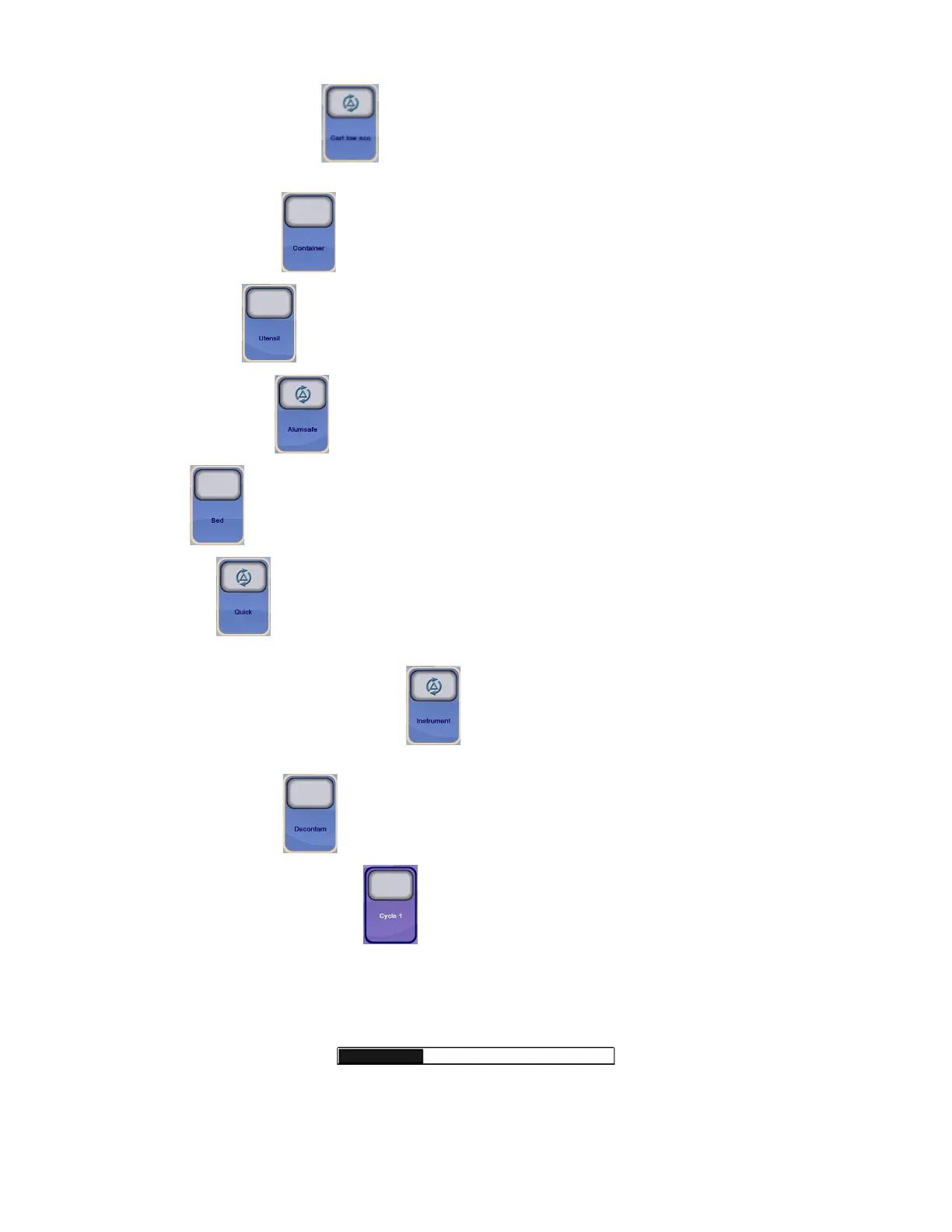
CART LOW ECO: Press Cart low eco
on touch screen to select the validated CART LOW ECO cycle. Used to
process surgical case carts less than 44-inches high.
CONTAINER: Press Container
on touch screen to select the validated CONTAINER cycle.
UTENSIL: Press Utensil
on touch screen to select the validated UTENSIL cycle.
ALUMSAFE: Press Alumsafe
on touch screen to select the validated ALUMSAFE cycle.
BED: Press Bed
on touch screen to select the validated BED cycle.
QUICK: Press Quick
on touch screen to select the validated QUICK cycle. Used to process surgical case carts
less than 44-inches high.
INSTRUMENT (optional cycle):Press Instrument
on touch screen to select the validated INSTRUMENT cycle.
Instrument Washing option is required.
DECONTAM: Press Decontam
on touch screen to select the validated DECONTAMINATION cycle.
CUSTOM CYCLES: Press any custom cycle
on touch screen to select custom-programmed cycle. Cycles are
programmed or customized in Supervisor mode.
NOTE: A custom cycle is recognized by a custom name and the absence of the STERIS validated logo inside the cycle
button.
PROGRESS BAR: Progress Bar is displayed on touch screen while the cycle is in progress to show the cycle progress.












 To Next Page