5 — Operating Instructions
47
Operator Manual
Vision® 1300 Series
920515770_J
CAUTION
POSSIBLE EQUIPMENT DAMAGE
Always select a cycle appropriate for the items being processed. Failure to do so may
result in product damage.
1. Ensure all items to be processed are correctly positioned on rack (see Section 5.8, How to Load Racks).
IMPORTANT: Maximum loading weight (accessory rack and its contents) for manual loading of the washer/disinfector is
300 lb (136 kg).
IMPORTANT: Rack must not touch door.
IMPORTANT: When loading surgical case carts, always position open side of carts facing opposite control panel to help
ensure proper draining and drying when floor tilting system is used.
NOTE: Surgical case cart doors must be locked in open position.
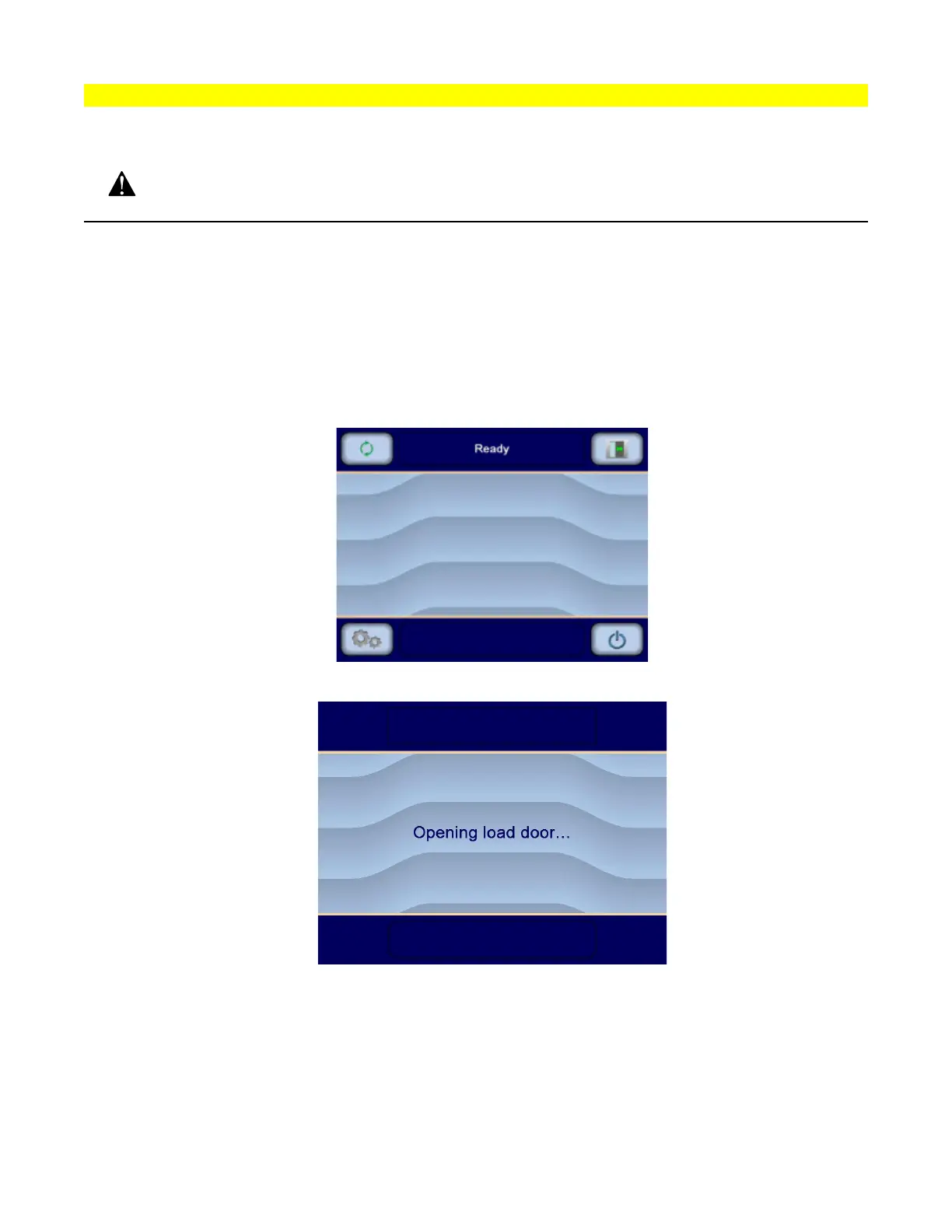
2. Ensure washer/disinfector display shows Ready screen:
3. Press Open/Close door on load side touch screen to open load door. Display shows:
4. If bar code reader (accessory) IS NOT present: Go to Step Step 5.
If bar code reader (accessory) is present: Scan bar code tag attached to rack.












 To Next Page