5 — Operating Instructions
63
Operator Manual
Vision® 1300 Series
920515770_J
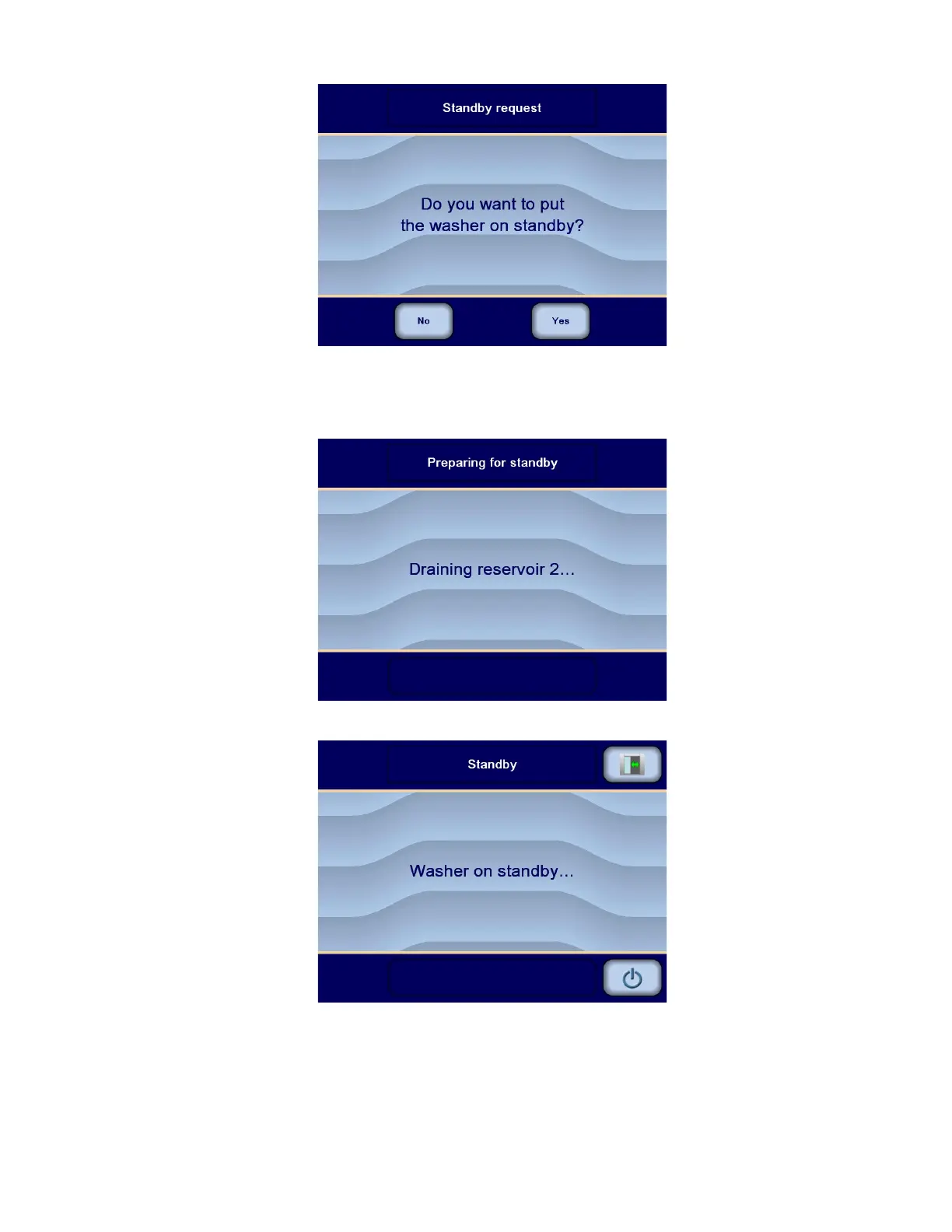
2. Press NO to return to Ready screen or cycle in progress.
– or –
3. Press YES to put washer in Standby Mode. Standby preparation sequence is processed. Display shows:
4. All reservoirs are then drained and the Standby screen is displayed.
5. Press Standby/Restore button again on touch screen to put washer/disinfector back into operation. Reservoirs
start filling and display shows restore sequence screens:












 To Next Page