17
Mercury Lamp
Thermo Scientific Evolution 200 Series User Guide 277
See Performance Verification for more information.
• To run wavelength calibration, in INSIGHT software choose System Settings >
Calibrations. In the Lamps group, under the Hg Lamp heading, click Calibrate.
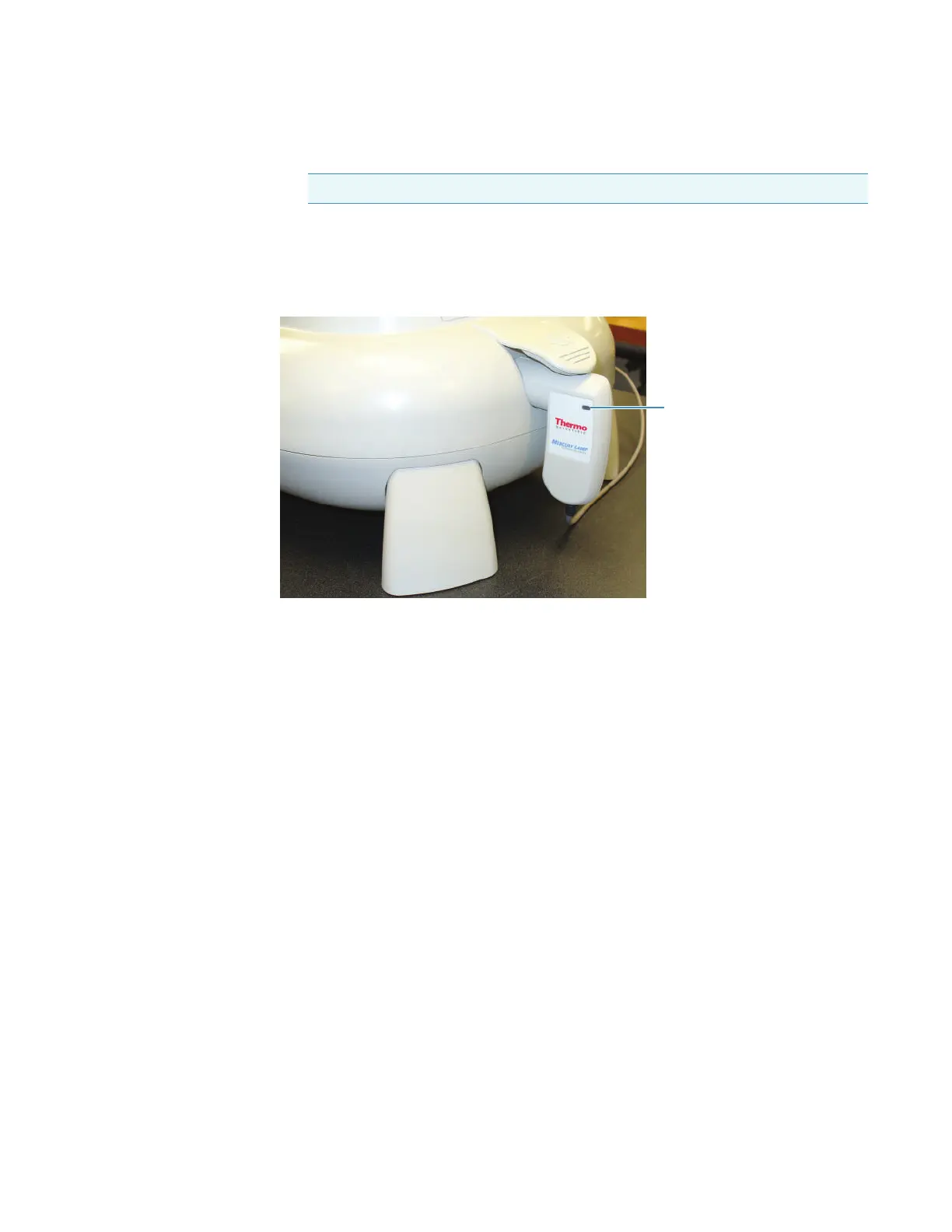
3. When prompted, lift the Mercury Lamp Access Cover and insert the lamp into the port.
Press gently until it is secure.
A blue light on the lamp handle indicates when the accessory is properly installed.
4. Click OK to start the selected operation (PV test or calibration).
The lamp requires a few minutes to warm up. When the lamp is ready, the selected
operation starts automatically. A status bar shows the progress. When the operation is
completed, a prompt appears showing the calibration or test results.
If the calibration fails, an error message appears. Contact Technical Support. See
Contacting Us.
If a mercury lamp PV test fails, perform the wavelength calibration and then rerun both
tests. If a test fails again, contact Technical Support.
5. To run another operation with the mercury lamp, leave the lamp in the instrument, click
OK and proceed.
6. When finished, click OK at the prompt, remove the mercury lamp from the port and
secure the access cover.
Samples can be analyzed only when the lamp is not in the port.
Y To disconnect the mercury lamp
Unplug the lamp cable and place the lamp in the provided case.
Note Calibrate only if the instrument fails the Wavelength Accuracy test.









 To Next Page