2
INSIGHT Software
The INSIGHT Window
20 Evolution 200 Series User Guide Thermo Scientific
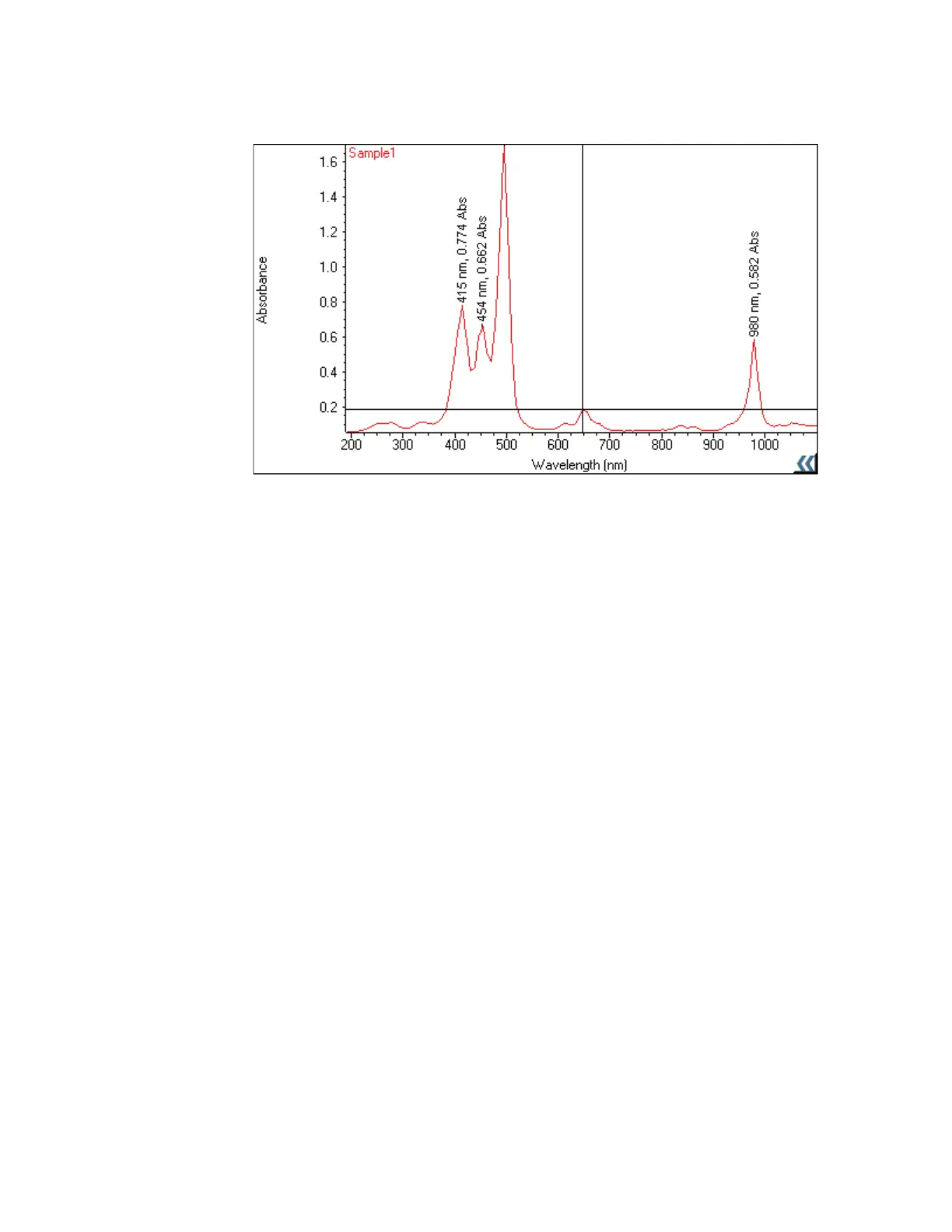
Y To show or hide labels
Right-click the pane, point to Sample Labels and choose ON or OFF.
Y To move a label
Drag it to the new position.
Y To edit a label
Double-click it and use the dialog box that appears to change the text, its font or its color, or
right-click the label and choose Edit, Color or Font.
Y To rotate a label
Right-click it, point to Rotate and choose an orientation.
Y To move a label in front of or behind annotation
Right-click it and choose Send to Front or Send to Back. Click here for information about
adding annotation.
Y To delete a label
Right-click it and choose Delete.
Related Topics
Using the Palette Tools and View Finder
Finding Peaks in Scan Data
Finding Value Level Crossings in Scan Data









 To Next Page