25
Smart Linear 8-Cell Changer
362 Evolution 200 Series User Guide Thermo Scientific
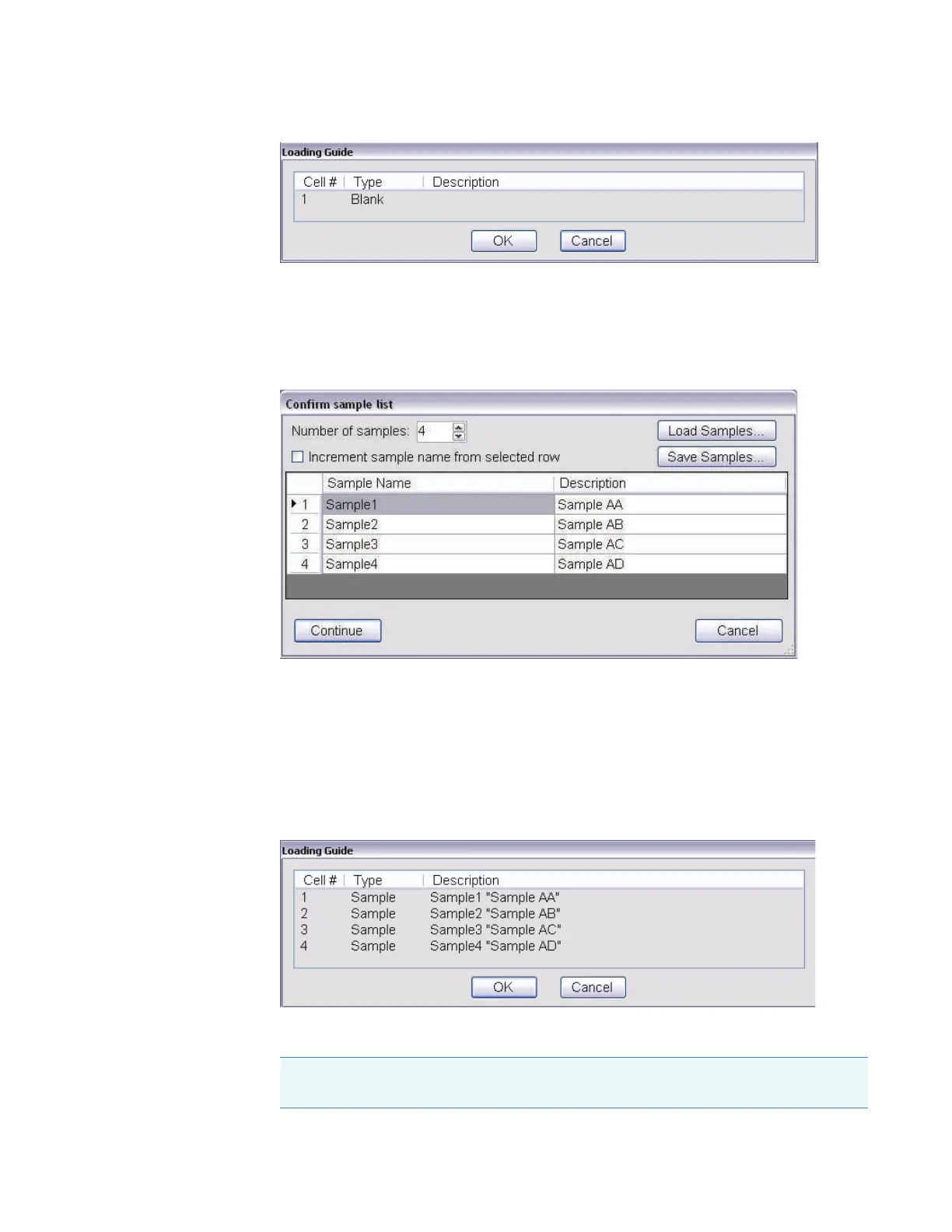
Place the approproate material (or nothing) in position 1 of the cell changer and click OK
to perform the measurement.
8. Click Measure.
A dialog box shows the current sample list.
9. Set Number of samples to the number of samples to be measured.
10. Use Load Samples to import the sample list or enter sample names and descriptions if
desired. See Settings > Samples to create the list ahead of time.
11. Click OK.
The loading guide shows the measurement sequence for the cell changer as defined in the
sample list.
12. Place the cuvettes in the correct cell changer positions.
Note If the application requires a blank and it was not measured in step 4, the first
cell changer position will be measured as the blank.









 To Next Page