26
SPE-8W Smart Peltier Linear Cell Changer
Thermo Scientific Evolution 200 Series User Guide 377
Y To install the cell changer
1. Open the sample compartment cover.
2. Remove the sample compartment front panel. See Sample Compartment Front Panel.
3. Remove the tubing access panel. See Tubing Access Panel.
4. Remove any existing cell holder or accessory.
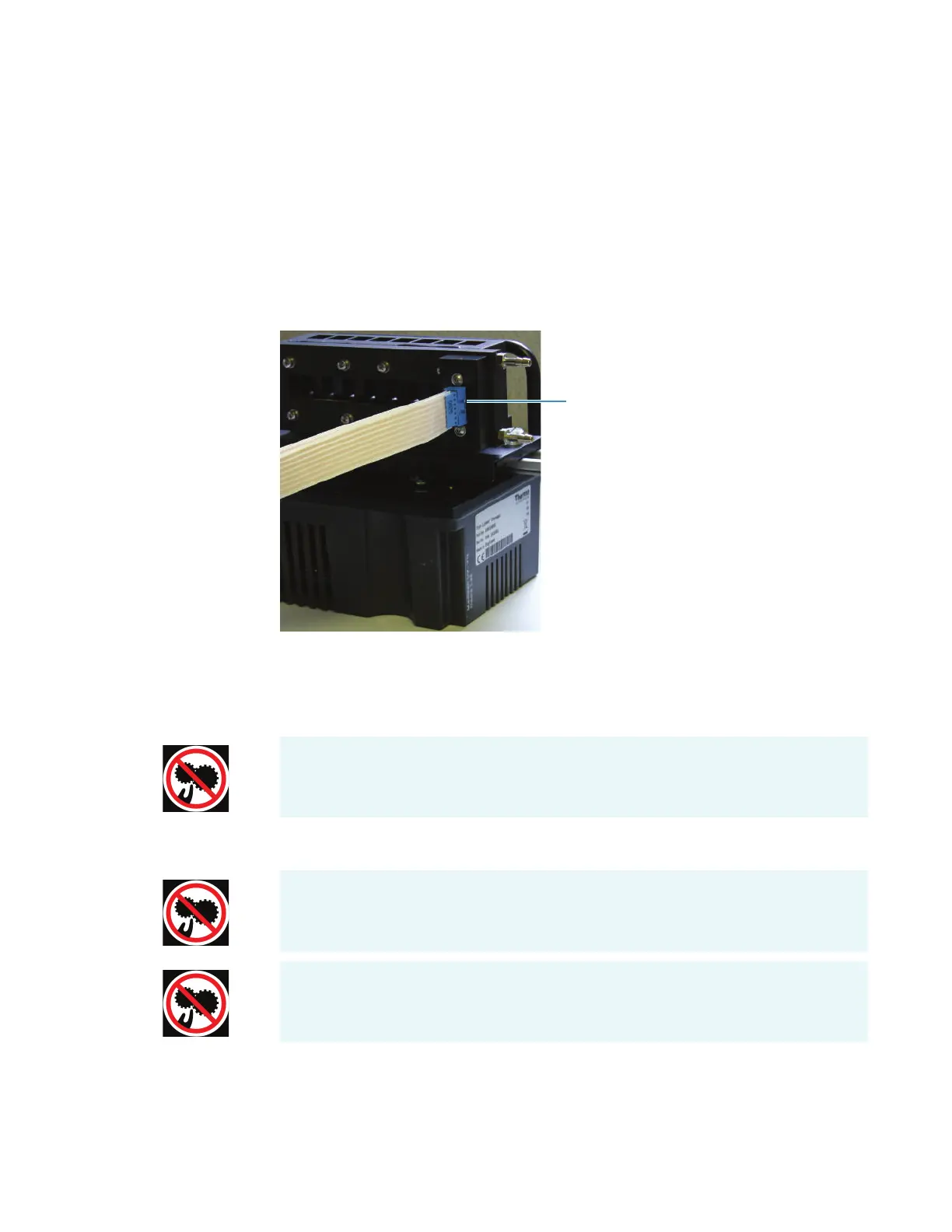
5. Connect one end of the provided flat cable to the cell holder.
6. Install the cell changer in the spectrophotometer sample compartment. See Installing a
Smart Accessory.
The software displays a prompt to initialize the accessory.
Languages
CAUTION Avoid pinch hazard. Keep hands and objects clear of the accessory during
initialization.
ATTENTION Évitez tout risque de pincement. Gardez vos mains, ainsi que tout objet,
à l’écart de l’accessoire pendant l’initialisation.
VORSICHT Quetschungen sind zu vermeiden. Hände und Objekte sind während der
Initialisierung vom Zubehör fern zu halten.









 To Next Page