27
Smart Rotary Cell Changer
402 Evolution 200 Series User Guide Thermo Scientific
Y To measure samples with the cell changer
3. Click Home and click an application such as Fixed or Scan.
4. Choose Settings > Accessories> Cell Changer.
5. Under Available Cells, select the check boxes for the cells that will be used in the cell
changer.
To skip a cell changer position, deselect its check box.
6. Set the other measurement parameters as desired. See the Settings tab for the selected
application.
7. To measure a blank without using the sample list, click Measure Fixed and then click
Zero (or Measure Scan and then Baseline).
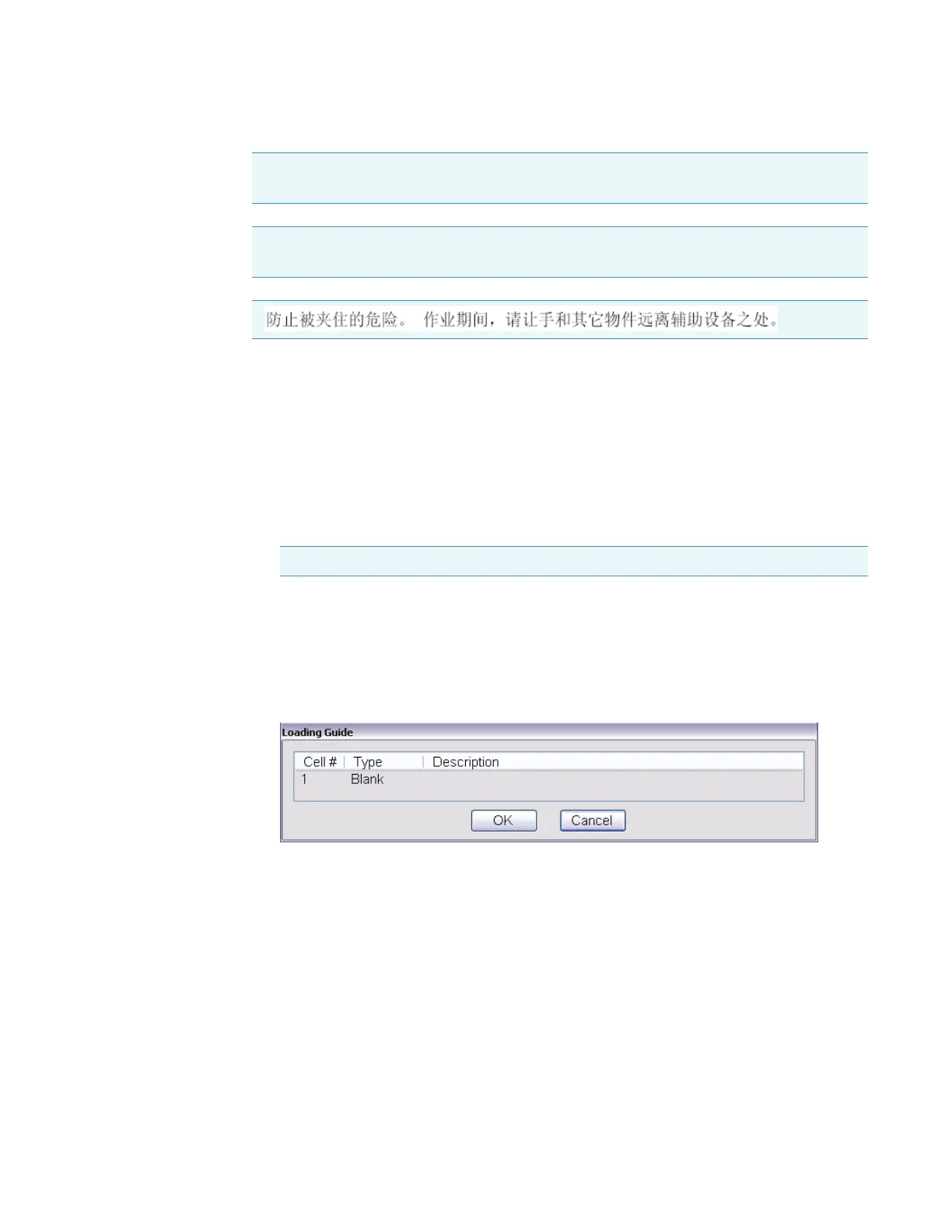
The Loading Guide shows one entry for the blank measurement.
Place the approproate material (or nothing) in position 1 of the cell changer and click OK
to perform the measurement.
8. Click Measure.
A dialog box shows the current sample list.
N.B. Evitare il rischio di pizzicamento.Tenere mani e oggetti lontano dall’accessorio
durante l’operazione.
Nota Evite riesgos de atrapamiento. Mantenga manos y objetos alejados del accesorio
durante el funcionamiento.
CAUTION
Note Position 1 can not be deselected.









 To Next Page