29
Temperature Probe
436 Evolution 200 Series User Guide Thermo Scientific
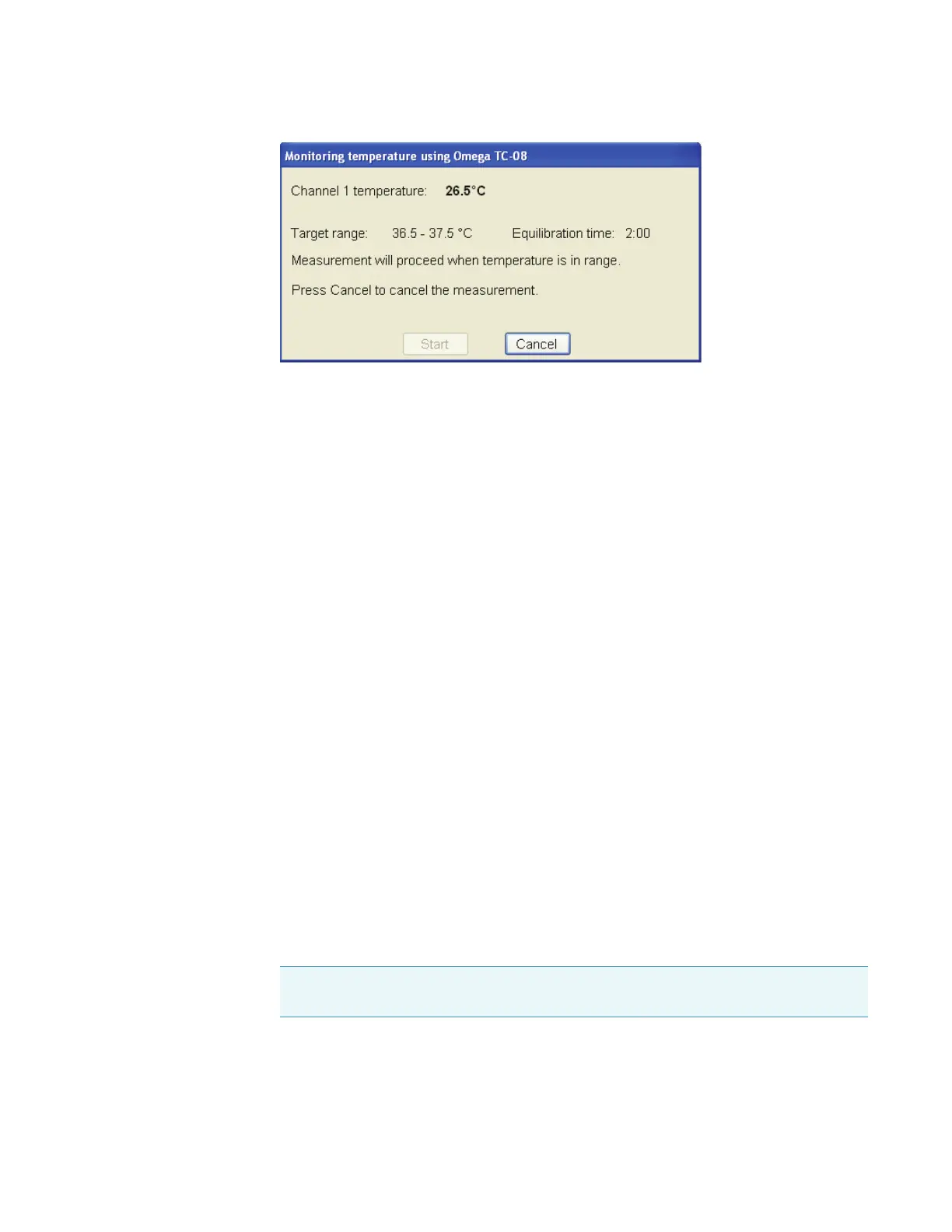
If the temperature moves outside the target range, the countdown resets when the
temperature is again within range.
The Start button becomes active when the temperature remains in the target range for the
entire equilibration period.
4. To start the measurement automatically after equilibration, select Start measurement
after equilibration. This disables the Start button in the status dialog box. The
measurement starts automatically when the temperature remains in the target range
during the entire equilibration period.
Related Topics
Temperature Settings
Displaying a Temperature Status Monitor
Operation
Displaying a Temperature Status Monitor
The INSIGHT software can be configured to display a temperature status monitor for each
installed probe.
Y To display a temperature probe status monitor
1. Click the Configure button above the data display for the selected application. See
“Instrument Status Monitors” for more information.
A dialog box lists the available status monitors.
2. Select the Temperature status option that matches the probe channel and click OK.
The status monitor appears above the data display. Here is an example.
Note Temperature options appear only when a software driver for the temperature
probe is installed.









 To Next Page