2
INSIGHT Software
Operation
Thermo Scientific Evolution 200 Series User Guide 35
4. In cell position 1 load the sample to use to measure the zero and choose OK.
5. Click Measure.
If necessary, the Zero action button can be used to remeasure the zero sample.
6. When samples information appears, modify it if desired.
To enter previously saved samples information, use Load Samples. To save the samples
information, use Save Samples.
Enter values in any special columns that were specified on the Samples tab in Settings.
These values may appear in the rate data report.
7. Click Continue.
8. Follow the instructions that appear.
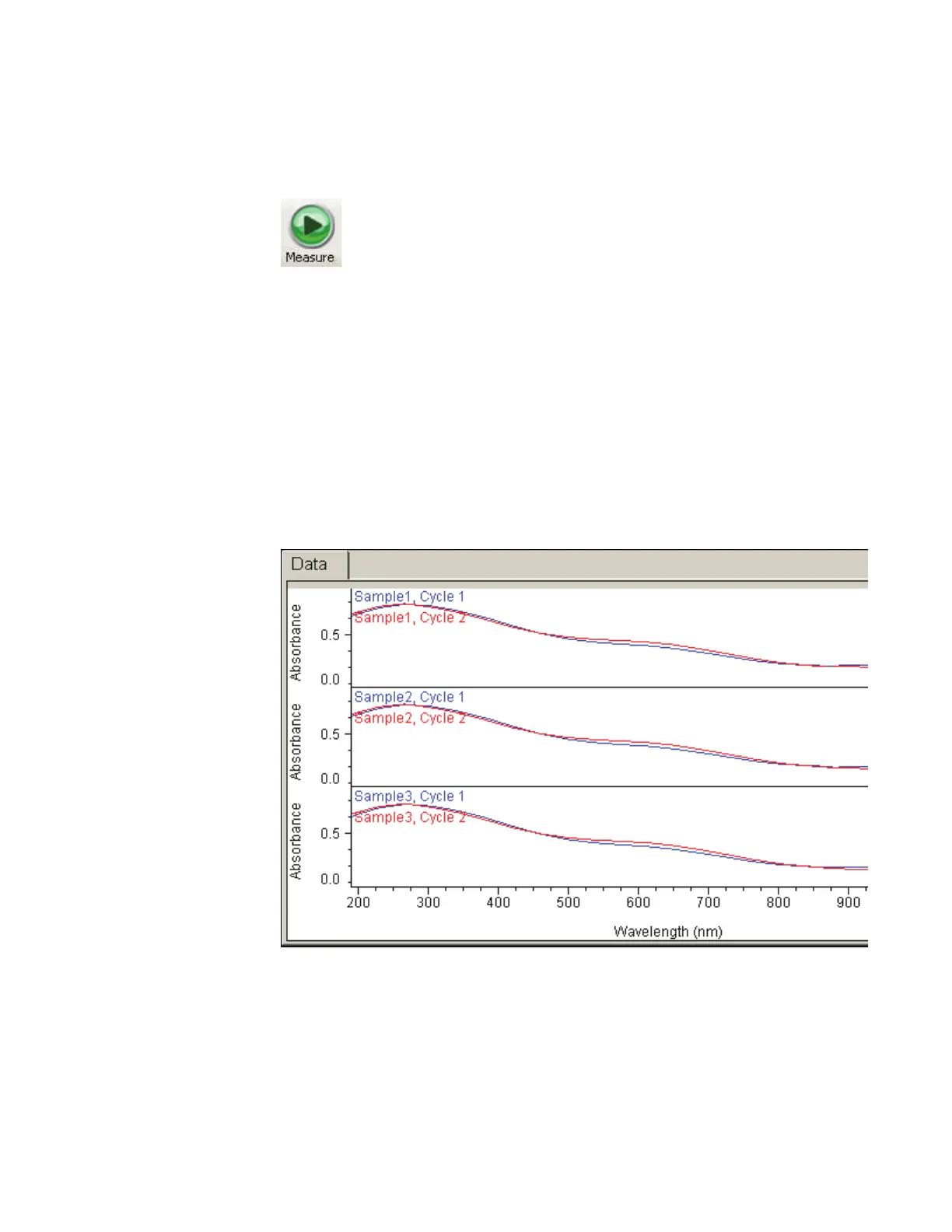
Each grid on the Data tab displays all the spectra acquired for a particular sample.
A scroll bar is provided if spectra are out of view.
Right-click the Data tab to access features for changing the scale or adding annotation.
See Data Display for more information.
A result table appears below the spectra.









 To Next Page