2
INSIGHT Software
Operation
34 Evolution 200 Series User Guide Thermo Scientific
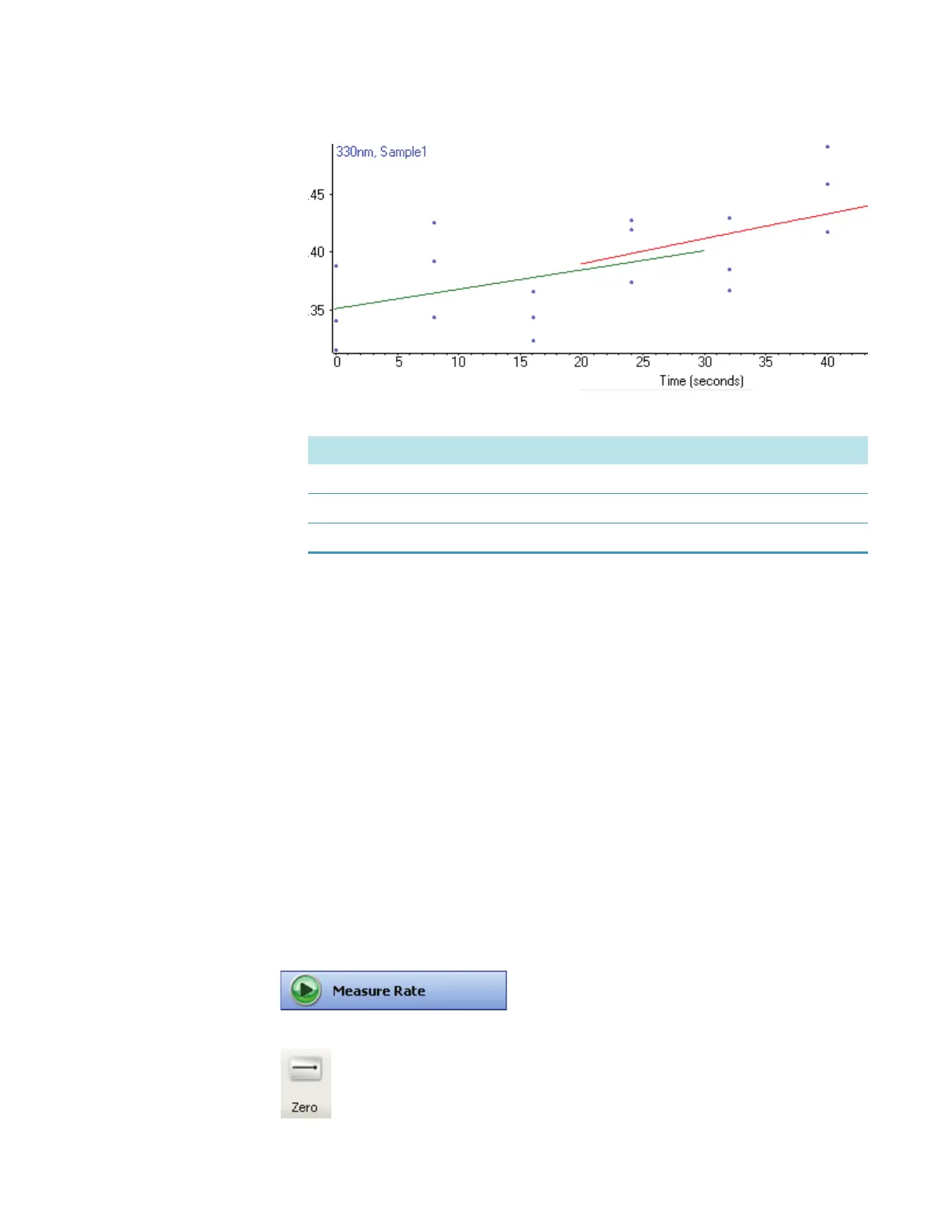
c. Specify how to apply the lines and then click Accept.
The dialog box closes, the lines appear across the specified plots, and the results table
is updated with information about the model lines.
Related Topics
Rate
Data Display
Performing a Scan Kinetics Measurement
Performing a Scan Kinetics Measurement
Kinetics measurements can be made on several samples simultaneously using a sample
changer or run in a sequential, manual mode.
Y To perform a scan kinetics measurement
1. Make sure Scan data acquisition is selected on the Type tab in Settings in Rate.
2. Click Measure Rate.
3. Click Zero.
This option... Applies the lines to...
This plot only The displayed data only.
All plots with this wavelength only All plots for the current wavelength.
All plots All plots.









 To Next Page