MAINTENANCE PROCEDURES : ALIGN LAMP
02.9678.0010 F 19
2
Align Lamp
The design of the VL3000 luminaire optical system allows for a flat or peaked field. A flat field is one
where there is no detectable hot spot and a peaked field is one where the intensity of the beam is
greater at the center of the beam than at the perimeter.
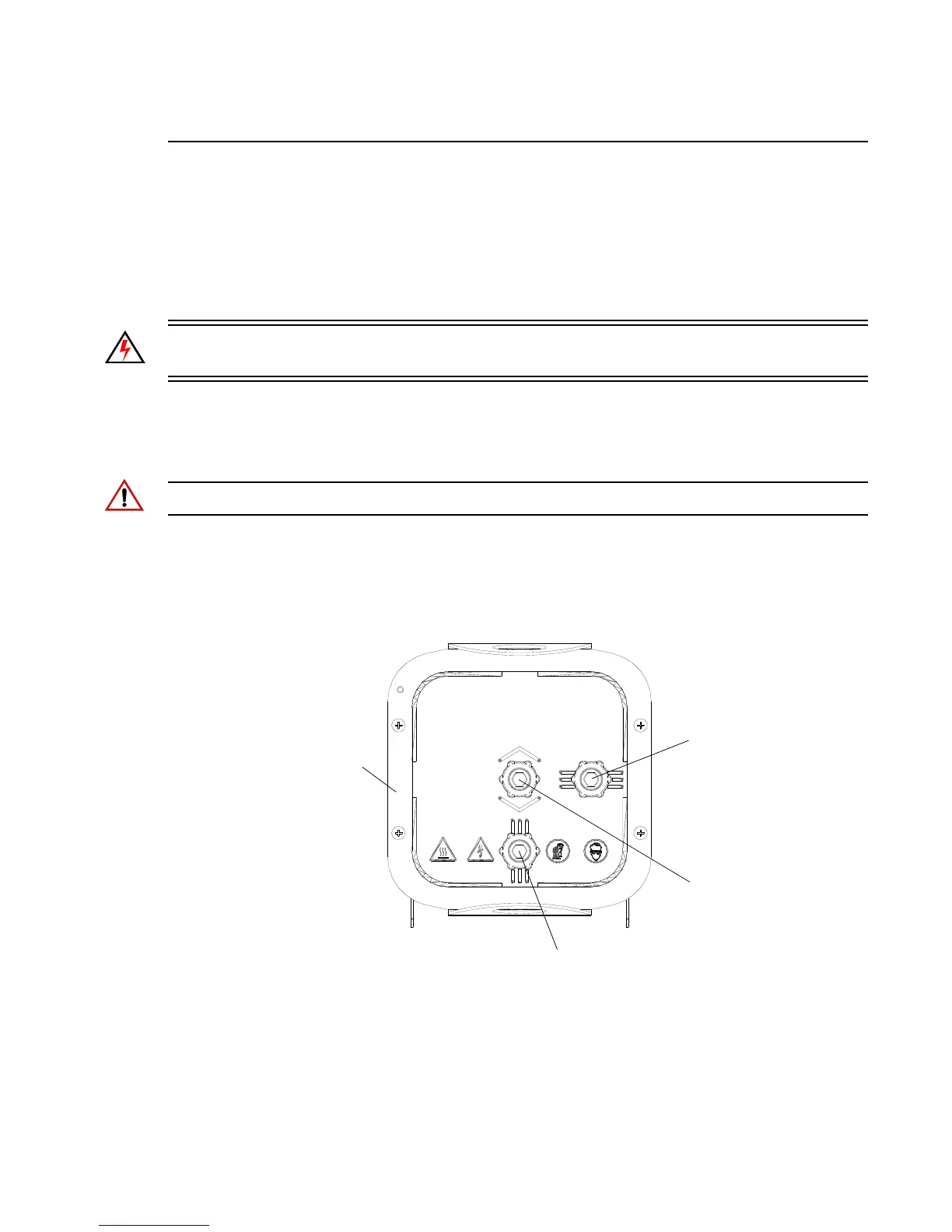
After a new lamp is installed, it will be necessary to align the lamp to optimize the beam. Knobs
located at the luminaire’s backcap will allow adjustment.
WARNING: Backcap and adjustment knobs will be HOT during lamp operation. Wear gloves to
prevent burns.
Repair/Replacement Procedure
Step 1. At Menu Display, select Lamp from Test menu. (If using console, set intensity to 100%,
open beam size iris and focus for hard edge.)
Note: Allow five minutes for lamp to achieve full temperature/pressure.
Step 2. Position beam on a white wall at a distance of 10 to 20 feet.
Step 3. At backcap, using X, Y, and Z adjustment screws, adjust beam as required.
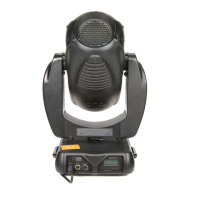
Figure 2-2: Lamp Alignment
CAUTION:
RISK OF EXPOSURE TO EXCESSIVE ULTRAVIOLET RADIATION. DO NOT OPERATE
WITHOUT COMPLETE LAMP ENCLOSURE IN PLACE OR WHEN LENS IS DAMAGED.
ATTENTION:
RISQUE D'INCENDIE. UTILISER UNIQUEMENT UNE LAMPA HALOGENE EN METAL DE
TYPE H, 1200 WATT, 100V ET UN SUPPORT SFc10-4.
CAUTION:
RISK OF FIRE. USE ONLY 1200 WATT, H TYPE 100V METAL HALIDE LAMP,
SFc10-4 BASE.
DISCONNECT FIXTURE
BEFORE RELAMPING
CAUTION:
HOT LAMP
DO NOT OPEN FOR 5 MINUTES
AFTER SWITCHING OFF.


 To Next Page