Clock ConfigurationClock Configuration
This screen allows you to enable the optical or electrical interface of the
SONET transmitter. It can also be used to inspect the current status of the
selected port.
The configuration options available in the setup area of the screen are
described below. The status information is described in a separate section.
TransmitterTransmitter
Use the TransmitterTransmitter drop-down menus to select to the transmitter.
ModeMode
Use the ModeMode drop-down menus to select to the behavior of the transmitter.
OH overwrite positionOH overwrite position
Only enabled when the OH overwriteOH overwrite has been selected to the behavior of the
transmitter. Use the drop-down menu to select the relevant overwrite position.
The available values are:
TOHTOH
A1/A2 byteA1/A2 byte
K1/K2 byteK1/K2 byte
S1 byteS1 byte
DCC1-3 byteDCC1-3 byte
DCC4-12 byteDCC4-12 byte
J0 byteJ0 byte
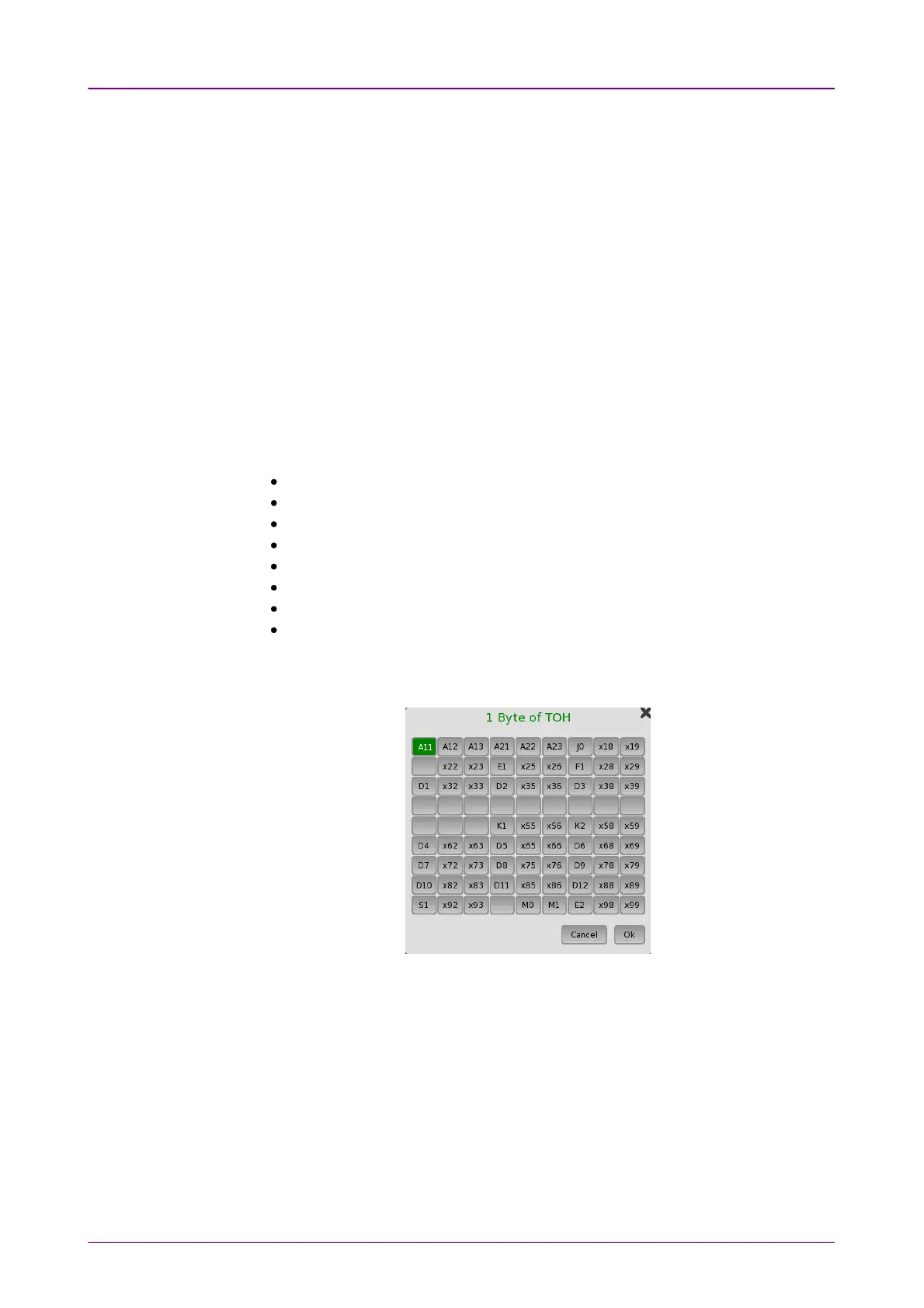
1 byte of TOH1 byte of TOH
When '1 byte of TOH' is selected, touch the Byte PosByte Pos button to launch the 11
Byte of TOHByte of TOH dialog box. Select the relevant byte in the dialog.
Use the drop-down menu to select the clock source. This is fixed to ReceivedReceived
when the Port Mode is set to ThroughThrough or OH overwriteOH overwrite.
Timing Source
InternalInternal: Internal clock of the module
ExternalExternal: The clock input to the connector
ReceivedReceived: The clock generated from the received signal
When ExternalExternal or ReceivedReceived is set, the right hand lamp indicates whether clock
is detected or not.














 To Next Page