Physical StatusPhysical Status
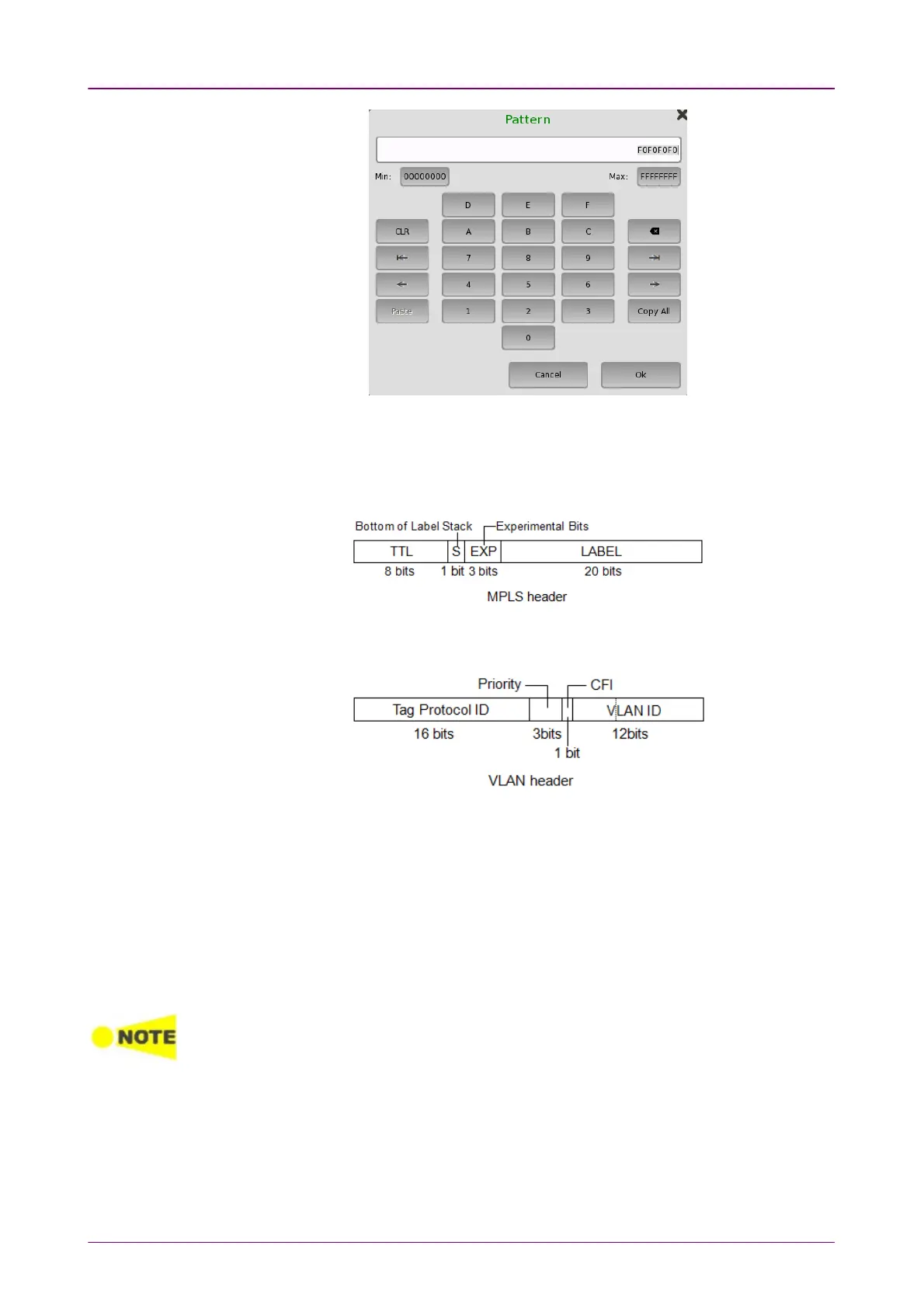
For MPLS/VLAN pattern setting, the dedicated dialog box will launch.
MPLSMPLS
Enter the number of MPLS label and TTL (Time To Live). You can select
Bottom of Label StackBottom of Label Stack or Experimental BitsExperimental Bits.
VLANVLAN
Enter the number of VLAN Priority and VLAN ID. You can select CFI FlagCFI Flag.
66..11..33 Status InformationStatus Information
This section describes the status information available in the status area of the
Ethernet ports setup screen.
66..11..33..11 Status SummaryStatus Summary
The status summary displayed for the Ethernet interface consists of the
following information:
The actual summary information displayed depends on the type of the Ethernet
interface.
The topmost part of the status area gives you access to information about the
current physical status of the selected interface. A summary consisting of the
most relevant status indicators is displayed constantly. By touching the
summary, you can launch a display that contains the detailed status
information.














 To Next Page