77..33 BERTBERT
The Bit Error Rate Test (BERT) described in this section is applicable for OTN
interfaces.
77..33..11 Ports Setup and StatusPorts Setup and Status
The first step in running an application is to set up the port interfaces. This is
done on the Ports SetupPorts Setup screen, which also provides port status information.
The setup options and status information related to the OTN interface are
described in a separate section:
OTN Setup and Status
77..33..22 Test SetupTest Setup
77..33..22..11 Measurement ModeMeasurement Mode
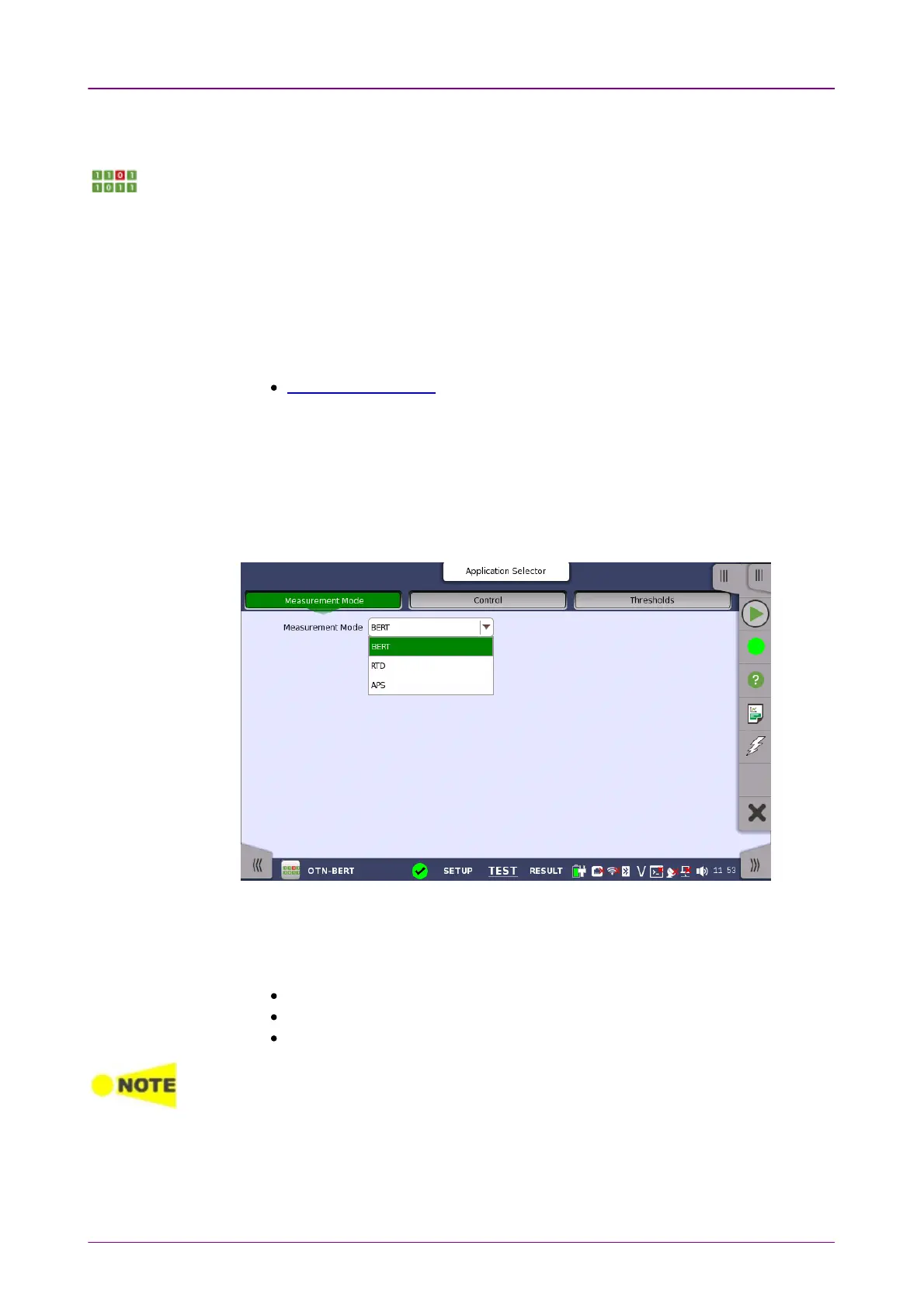
Touching the Measurement ModeMeasurement Mode button in the navigation area displays the
following screen.
This screen allows users to switch the application.
Measurement ModeMeasurement Mode
Touch the field to select the application.
BERT
RTD
APS
Measurement ModeMeasurement Mode button appears in the Navigation area only when starting the BERT
by Application selector.
77..33..22..22 ControlControl
Touching the ControlControl button in the navigation area displays the following
screen.














 To Next Page