Test ConditionTest Condition
77..44 RTDRTD
The Round-Trip Delay (RTD) time is the duration time of the network and the network
equipments.
Network Master measures RTD using a trigger injected in ODU frame. At first,
Network Master transmits the trigger signal. Network Master measures the RTD
by receiving the trigger signal returned from the network to be measured or the
network equipment.
77..44..11 Ports Setup and StatusPorts Setup and Status
The first step in running an application is to set up the port interfaces. This is
done on the Ports SetupPorts Setup screen, which also provides port status information.
The setup options and status information related to the OTN interface are
described in a separate section:
OTN Setup and Status
77..44..22 Test SetupTest Setup
77..44..22..11 ControlControl
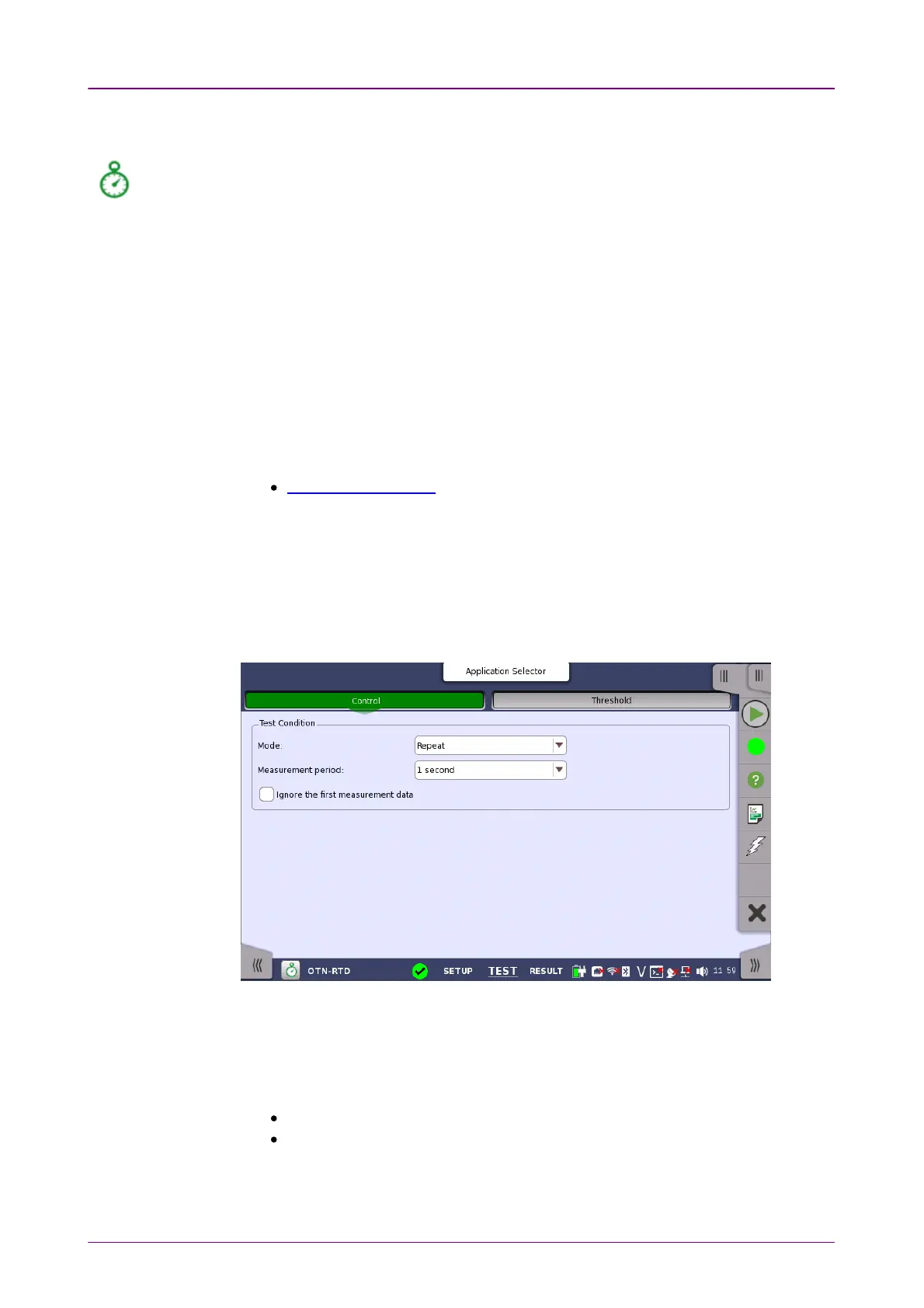
When you go to the test setup of the RTD application, the following screen is
displayed.
This screen allows you to configure the
RTD test
conditions for the currently
selected port(s).
ModeMode
Allows you to define the test duration in one of two ways:
SingleSingle - Used to perform RTD test once.
RepeatRepeat - Used when a
persistent RTD test
is needed.
Measurement periodMeasurement period
Measurement period can be set the maximum RTD per one Test.














 To Next Page