Each application is associated with up to two Views, Only one View can have
control at a time. Having control gives user full access to all application
functions, including modification of setting parameters, load and save
functions, and running the test. Without control, users are only allowed to
browse the current application settings and results.
Touch Launch New ViewLaunch New View button to launch a new View.
Touch the Change ControlChange Control button to pass control between Views:
Red background indicates a View that does not have control.
Blue background indicates the View in control.
Touching a View local to you, will automatically show the desktop of the
associated application.
Touch the 'X' to force termination of an application and its Views and the
release of the associated port resources. This is the only way to terminate an
application over which you do not have control.
44..22..22 Application ToolbarApplication Toolbar
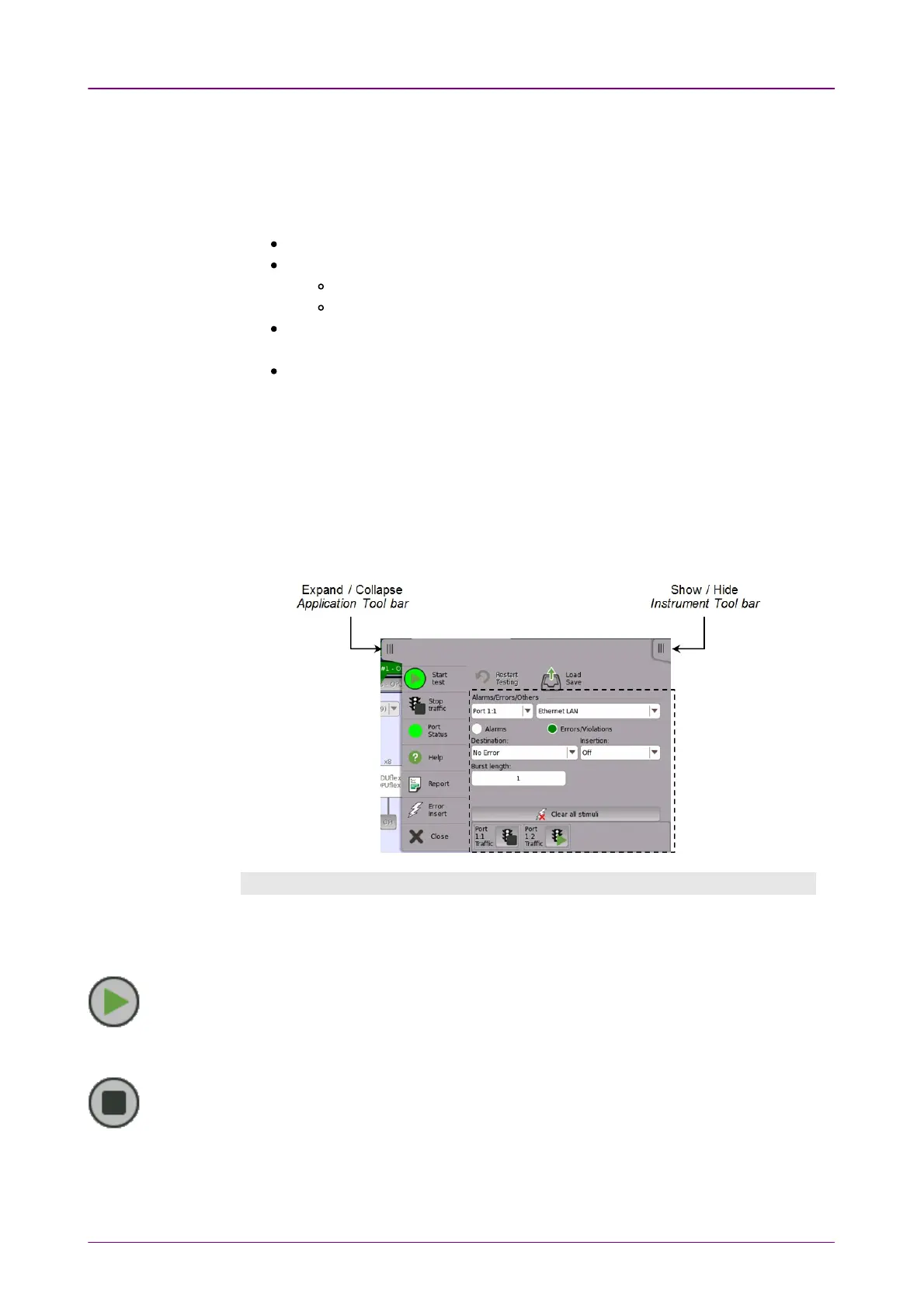
The
Application toolbar
consists of two columns plus the
Instrument toolbar
.
You can expand/collapse the toolbar as shown in the figure below. The left-
most column, which is always displayed, contains the most commonly used
functions and status indicators.
Left-most columnLeft-most column
The left-most column contains the following functions and status indicators:
StartStart
Touch the StartStart icon to start the currently selected application/test. The icon changes
to the StopStop icon shown below, which can then be used to stop the test.
StopStop
Touch the StopStop icon to stop the currently running application/test. The back color
indicates the pass/fail status. When the test has stopped, the icon changes to the StartStart
icon shown above.
Traffic StartTraffic Start














 To Next Page