Moves to the Help list topic.
Back
Forward
Shows/hides the search box and buttons at bottom.
Searches backward.
Searches forward.
When Case SensitiveCase Sensitive is selected, searches distinguishing the upper case and the
lower case.
Resource monitoringResource monitoring
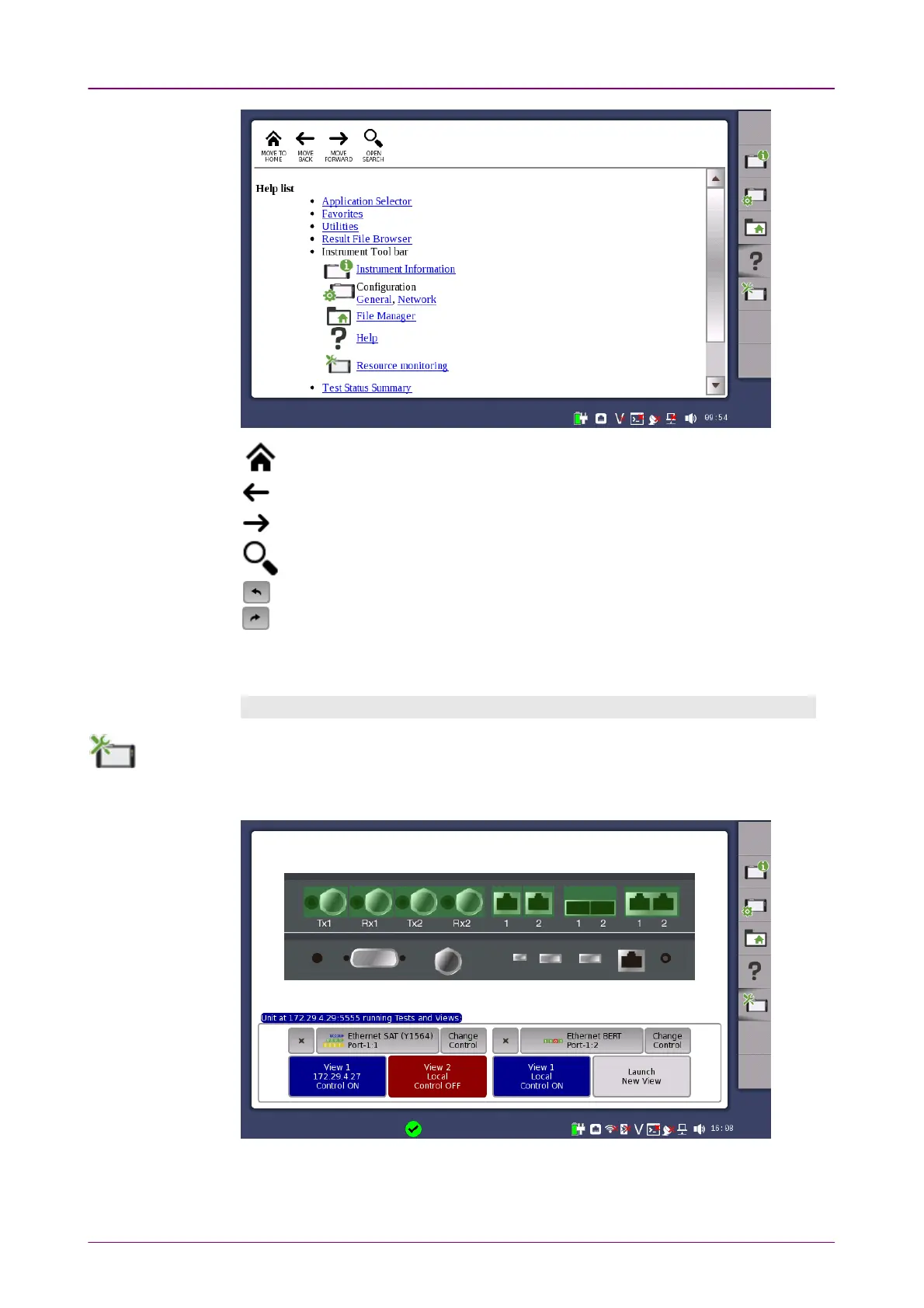
The Resource monitoringResource monitoring icon launches a screen showing which applications are
currently activated and which ports on the connector panel are assigned to each of
the applications.














 To Next Page