Probe SetupProbe Setup
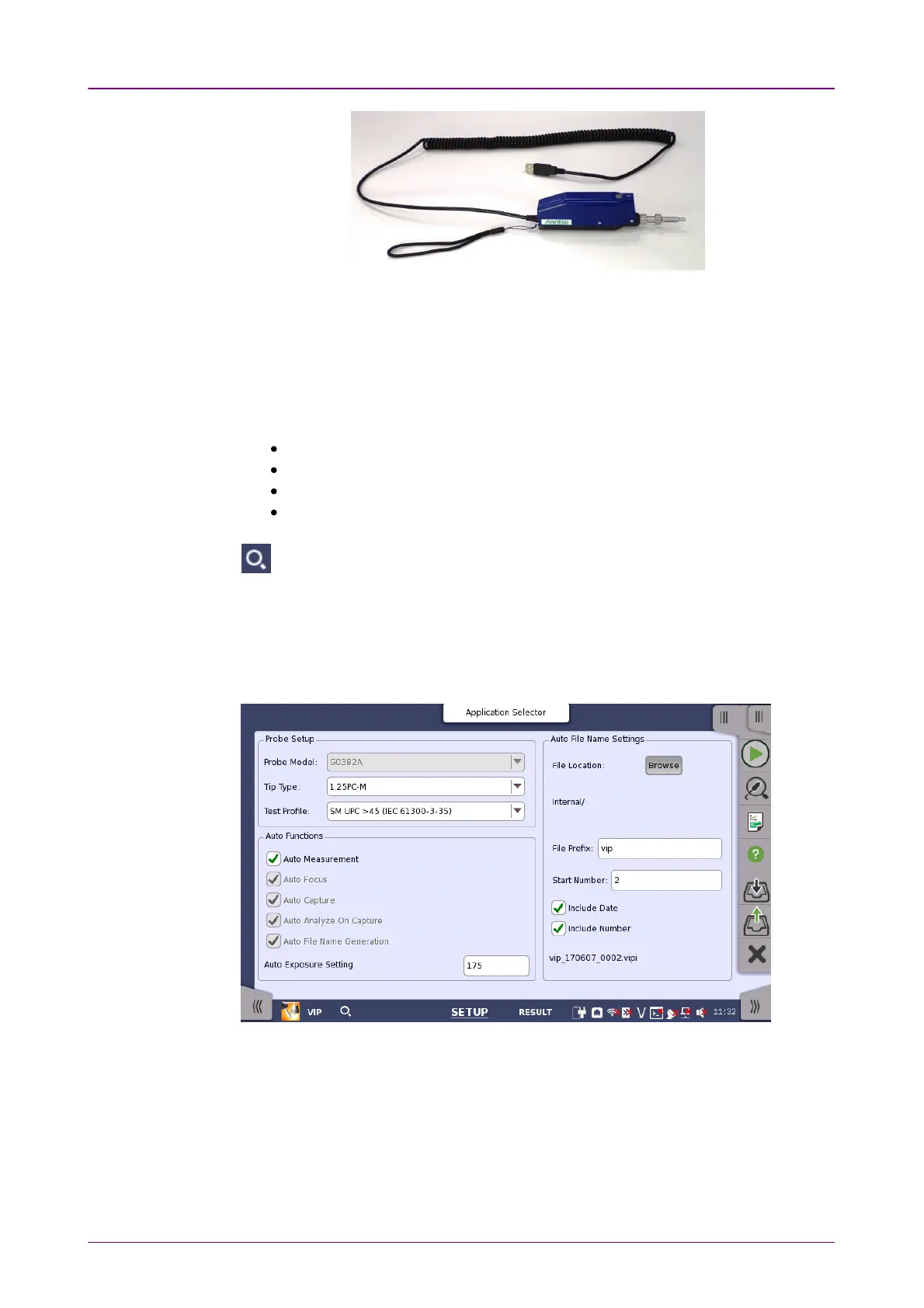
G0382A Autofocus Video Inspection ProbeG0382A Autofocus Video Inspection Probe
Replace the adaptor of the Video Inspection Probe with one that matches the
optical connector.
For handling the Video Inspection Probe, refer to the operation manual that
came with the Video Inspection Probe.
Network Master also supports following the Video Inspection Probes.
OPTION-545VIP USB 200/400x Video Inspect Probe
G0293A Video Inspection Probe Lite
G0306A Video Inspection Probe
G0306B Video Inspection Probe
At the lower left area of the screen, this icon indicates the connection status of
the Video Inspection Probe.
1010..44..33 Test SetupTest Setup
When you go to the test setup of the VIP application, the following screen is
displayed.
This screen allows you to configure the parameters related to a VIP test.
Probe ModelProbe Model
When G0306A, G0306B, or G0382A is connected to Network Master, the
model is displayed. Otherwise, select the model of the Video Inspection Probe.
Tip TypeTip Type
Select the tip type to use.














 To Next Page