Warm up three hours or more after turning the MU100090A power on.
Synchronize Rubidium oscillator by capturing GPS satellites for 30 minutes or
more or by inputting the signal to 1pps Sync In connector for 30 minutes or
more.
Keep ambient temperature constant.
Avoid vibration and shock.
After removing the GPS antenna, keep the surrounding temperature as constant as
possible and avoid vibration and shock.
33..1010..33 Operating GPS ReceiverOperating GPS Receiver
GPS IconGPS Icon
An icon in the status bar will indicate the current GPS status. One of the
following icons will be shown:
The GPS is receiving signal from a sufficient number of
satellites.
GPS receiver is not connected.
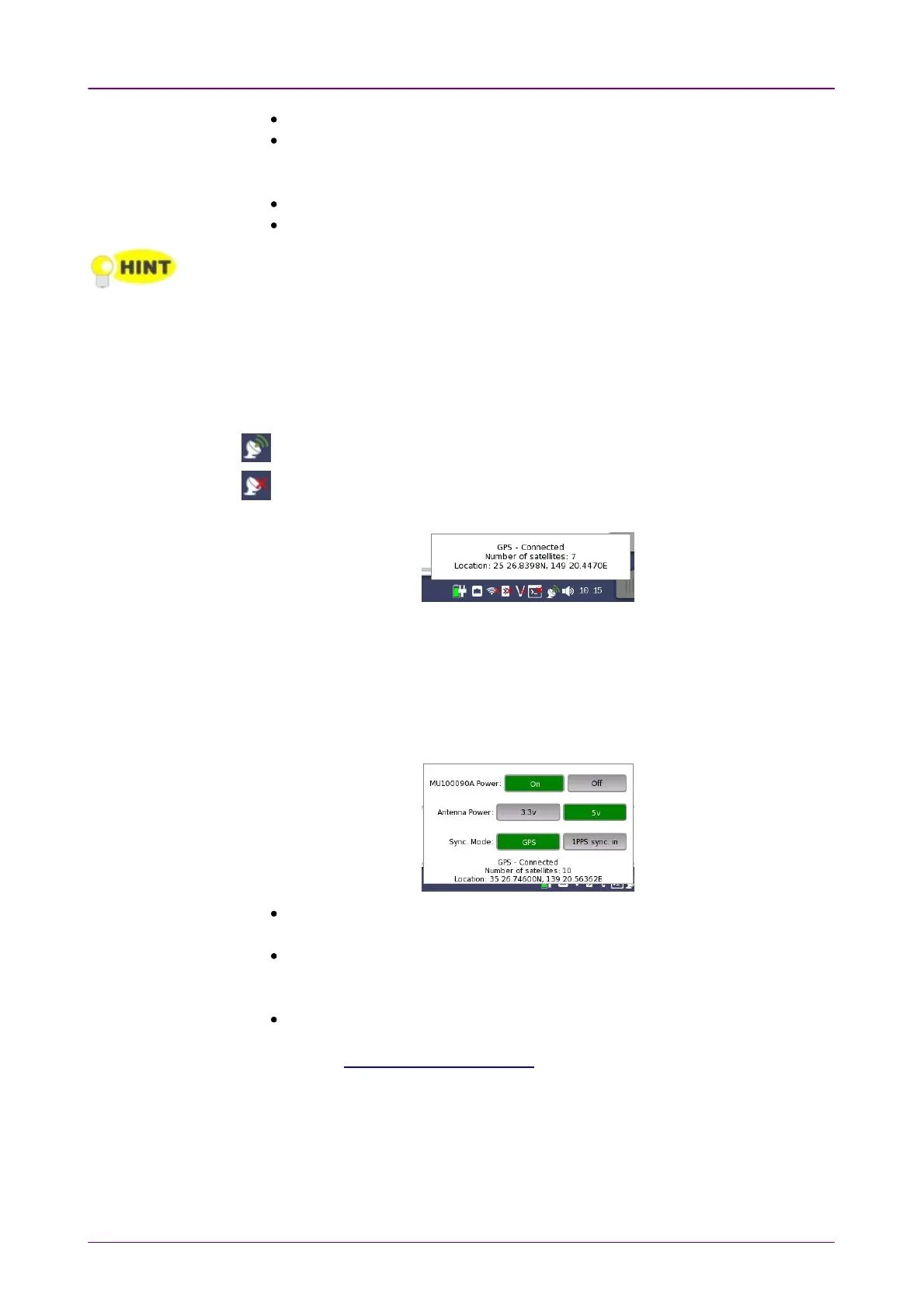
Touching the icon will display an information pop-up dialog box.
The pop-up dialog box shows the current GPS status, and, for purely
informational purposes, the number of satellites used for position fix, and the
current geolocation of the GPS receiver, in degrees and decimal minutes
format.
When the MU100090A is installed, the following buttons appear in the pop-up
dialog box.
MU100090A PowerMU100090A Power: Touch the button to turn on the MU100090A power or turn
off.
Antenna PowerAntenna Power: Touch the button to set the feeding power voltage to the
antenna.
J1702A GPS Antenna accepts both voltages.
Sync ModeSync Mode: Touch the button to select the signal to use to the built-in Rubidium
Oscillator synchronization.
Refer to MU100090A Block Diagram.














 To Next Page