Merging channelsMerging channels
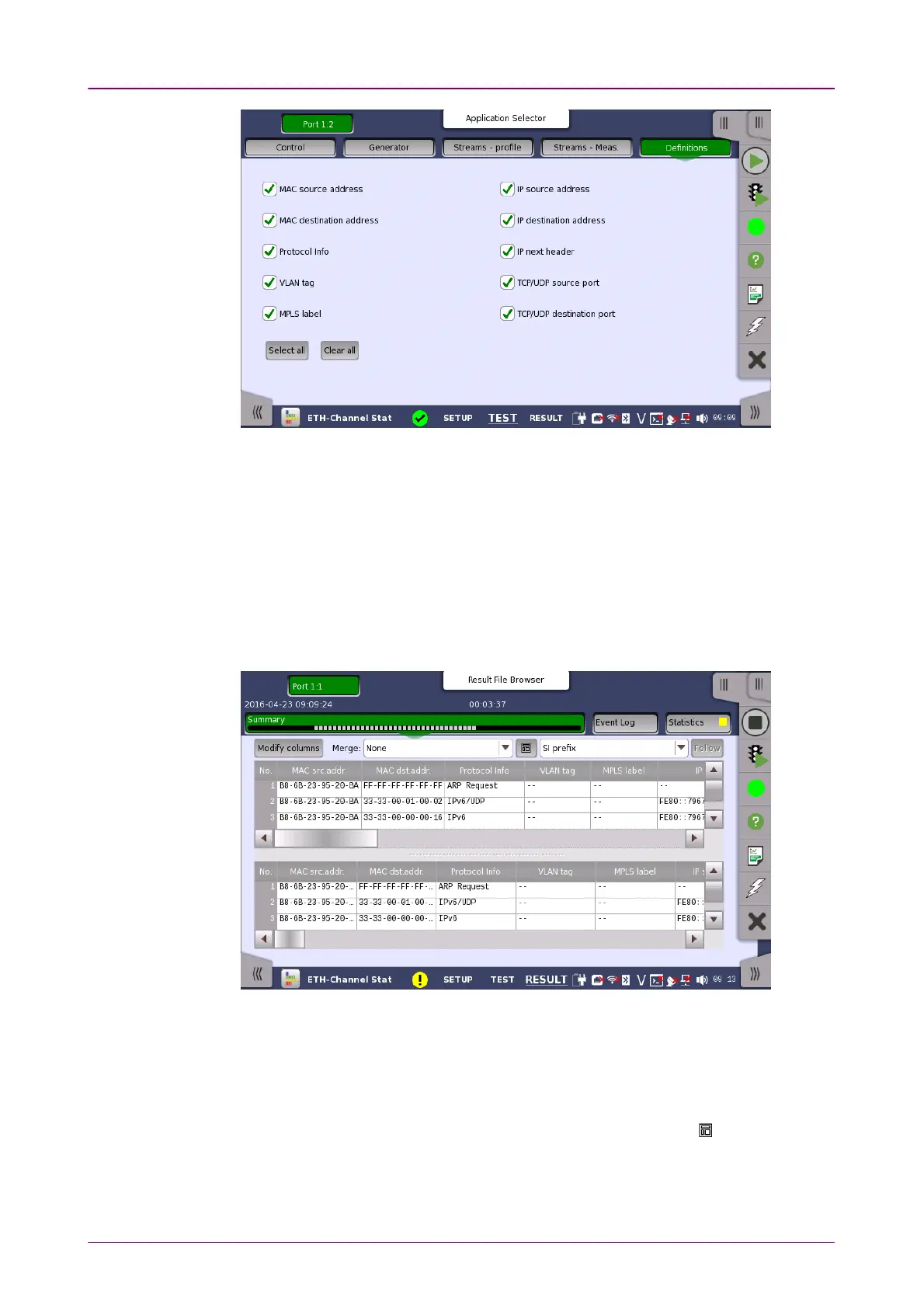
This screen is where you specify which frame characteristics are considered
when performing the channel separation (i.e. which frame characteristics are
active during the test). The maximum number of channels is 231.
66..44..33 Test ResultsTest Results
66..44..33..11 SummarySummary
Touching the SummarySummary button in the navigation area will display the screen
shown below.
This screen presents the results of the Channel Statistics test. The screen
contains two lists, one which lists the created channels and another which
shows the results for each channel. Each channel is shown as a row in the two
lists.
The lists can be shown either above each other (with the channels list on top)
or beside each other (with the channels list to the left). Use the button in the
top row of fields and buttons to switch between the two layouts.
To get a better overview of a certain aspect of the received traffic, you can
combine channels using the
Merge
functionality.














 To Next Page