GraphicalGraphical
representationrepresentation
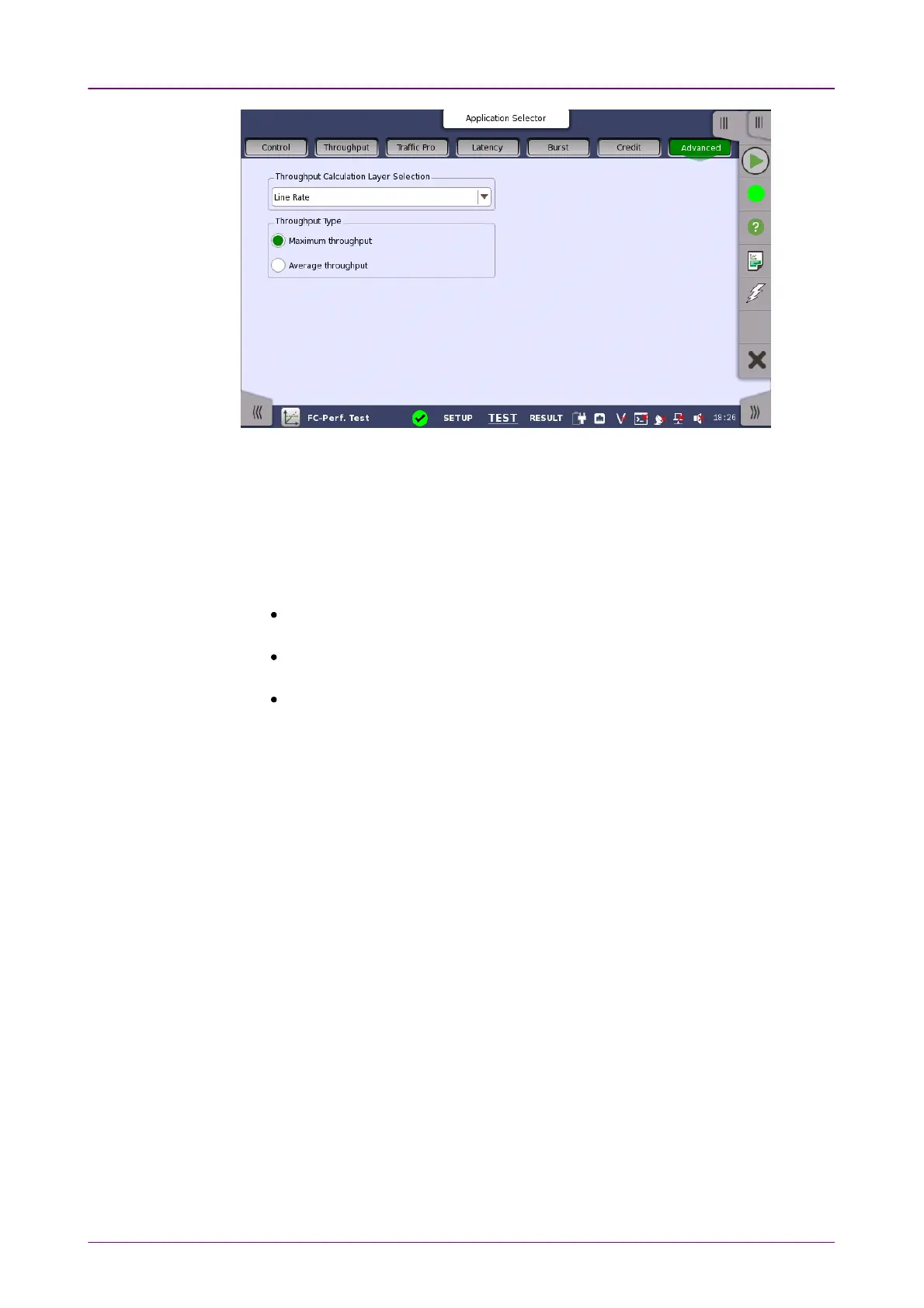
This screen sets the measurement method of
Measured Throughput
for the
results of subsequent tests. The displays of the measurement results are not
changed even of the Advanced settings are changed after completing the
measurement.
Throughput, Traffic Profile, Latency, and Credit
Throughput Calculation Layer SelectionThroughput Calculation Layer Selection
Line RateLine Rate: For 1Gb/s to 8Gb/s, the throughput is calculated after encoding
8B/10B. For 10Gb/s, the throughput is calculated after encoding 64B/66B.
L1L1: Layer 1. For 1Gb/s to 8Gb/s, the throughput is calculated before encoding
8B/10B. For 10Gb/s, the throughput is calculated before encoding 64B/66B.
L2L2: Layer 2. Data field in FC frame.
Throughput TypeThroughput Type
A throughput is measured in every one second. For example, when a test step
is ten seconds, a throughput is measured ten times during one step.
When Maximum throughputMaximum throughput is selected, the maximum value of the measured
values in all steps is set as the test result.
When Average throughputAverage throughput is selected, the average value of the measured values
n all steps is set as the test result.
99..33..33 Test ResultsTest Results
The results of the performed FC Performance tests can be presented in either
tabular form or as graphical representations. The graphical representation
mode provides an overview of the results and the progress of the test.














 To Next Page