66..1414..11 Ports Setup and StatusPorts Setup and Status
The first step after running an application is to set the port interfaces. Set the
port interfaces in the Ports SetupPorts Setup screen, which also provides the port status
information.
The setup options and status information related to the Ethernet interface are
described in the following section:
Ethernet Setup and Status
In the Ethernet setup of Discovery, the following two buttons appear in the
Navigation area.
Port
Settings
66..1414..22 Test SetupTest Setup
66..1414..22..11 ControlControl
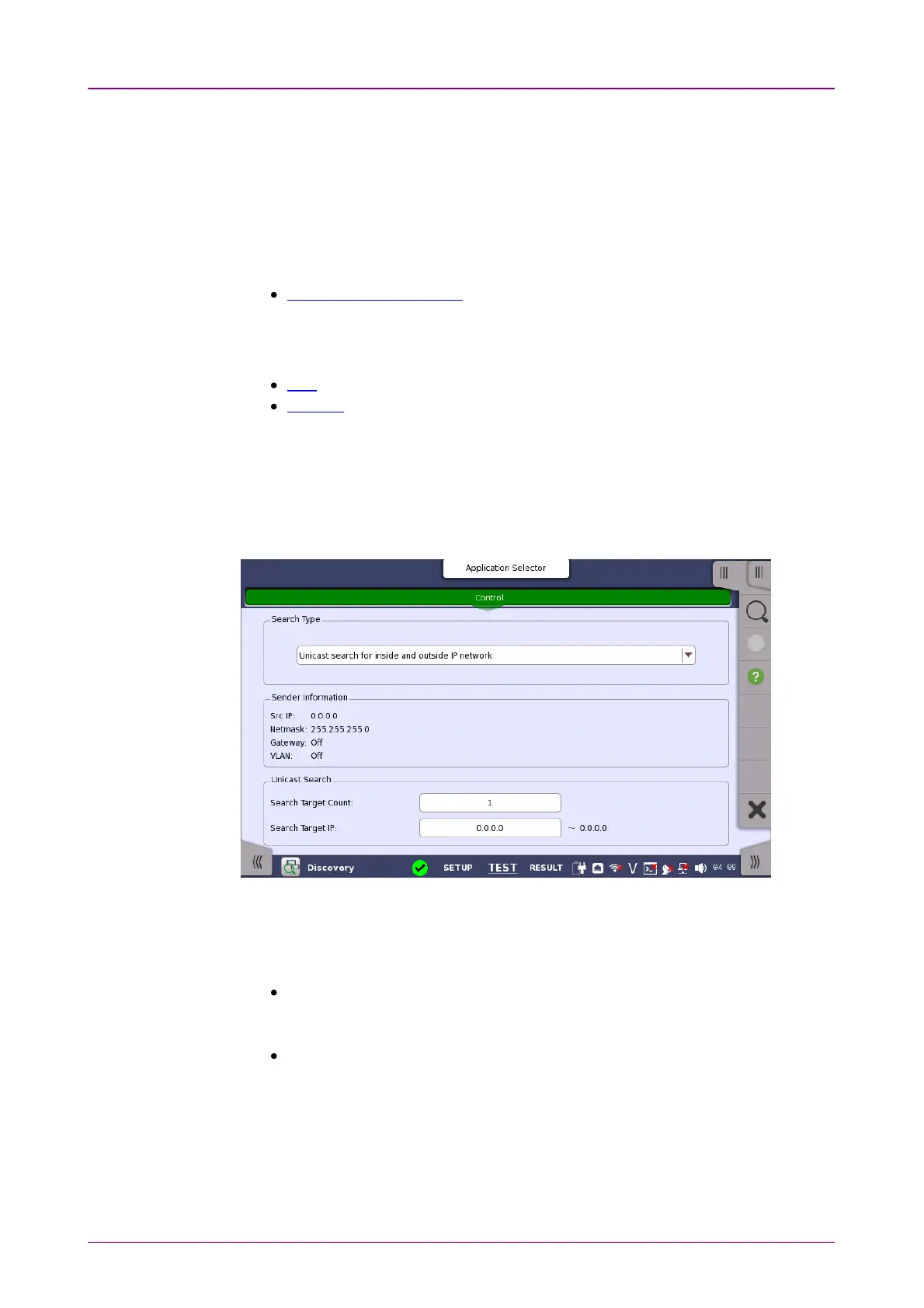
The following screen is displayed to set the test of the Discovery application.
In this screen, the Discovery test method is set.
Search TypeSearch Type
Touch the field to select the way to search for Network Master.
Multicast search for inside IP networkMulticast search for inside IP network:
Searches for Network Masters using multicast. This searches for Network
Master in short time.
Unicast search for inside and outside IP networkUnicast search for inside and outside IP network:
Searches for Network Masters using unicast. This searches Network Master
existing in the external network via the gateway. It takes a long time, so the
dialog box appears during the searching.
Sender InformationSender Information
The sending frame information which is set in the Settings screen is displayed.














 To Next Page