3. Click Validate ConnectionValidate Connection.
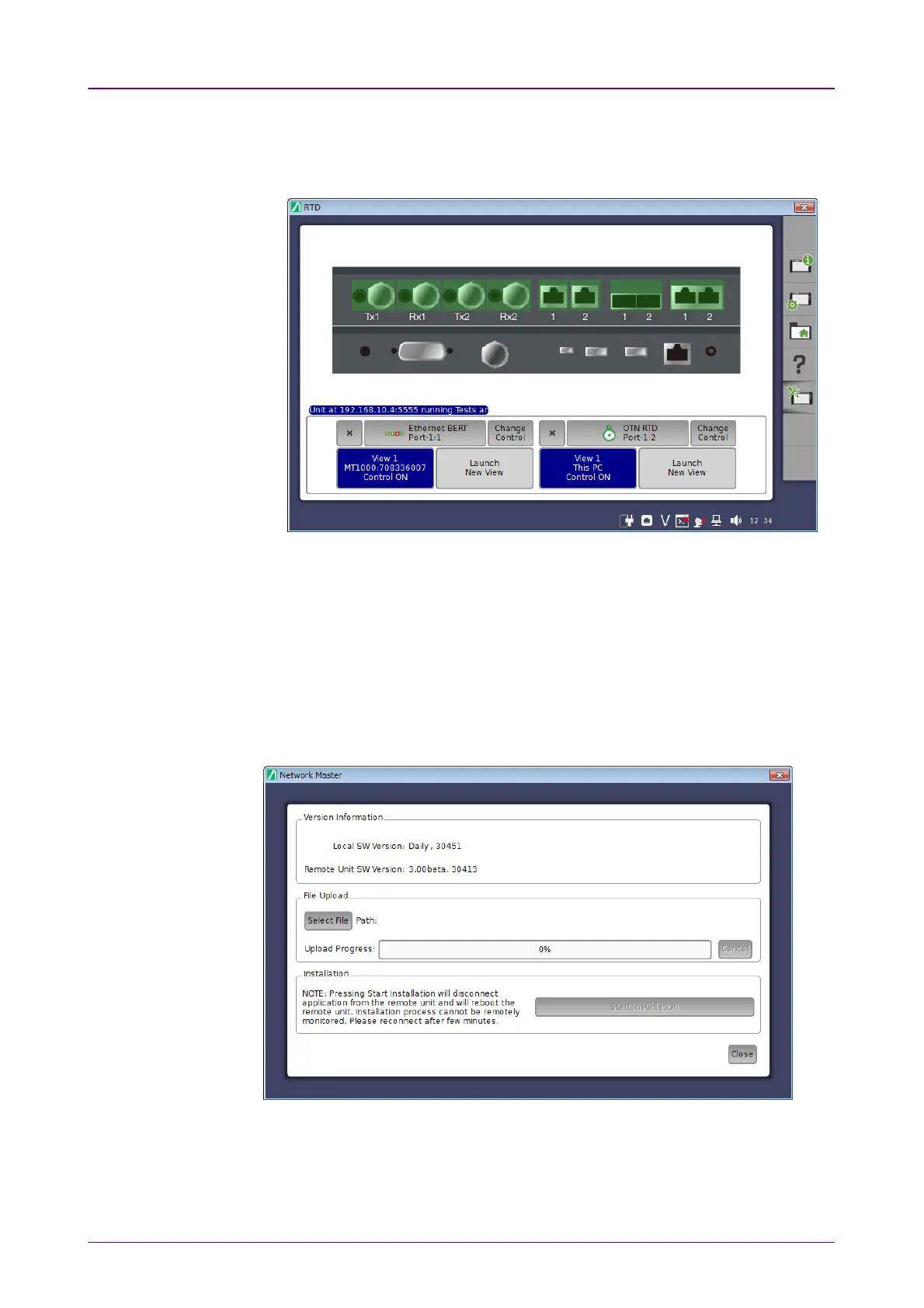
4. Clicking Launch ApplicationLaunch Application in ControlControl tab will display the Network Master
screen.
To exit Control Software, click Close button at right hand top of the window.
Power button menu appears, and click CloseClose.
33..55..55 Remote UpgradeRemote Upgrade
If the MX100001A Control Software version differs from that of Network
Master, when clicking Launch ApplicationLaunch Application, the software upgrading dialog
appears. Upgrade Network Master Software to the version compatible with
MX100001A Control Software.
The MT1000A software including the MU100011A is updated as needed, and
the latest version of software is published on our website.
Visit our website and download the latest version. We have two types of
installers as below.














 To Next Page