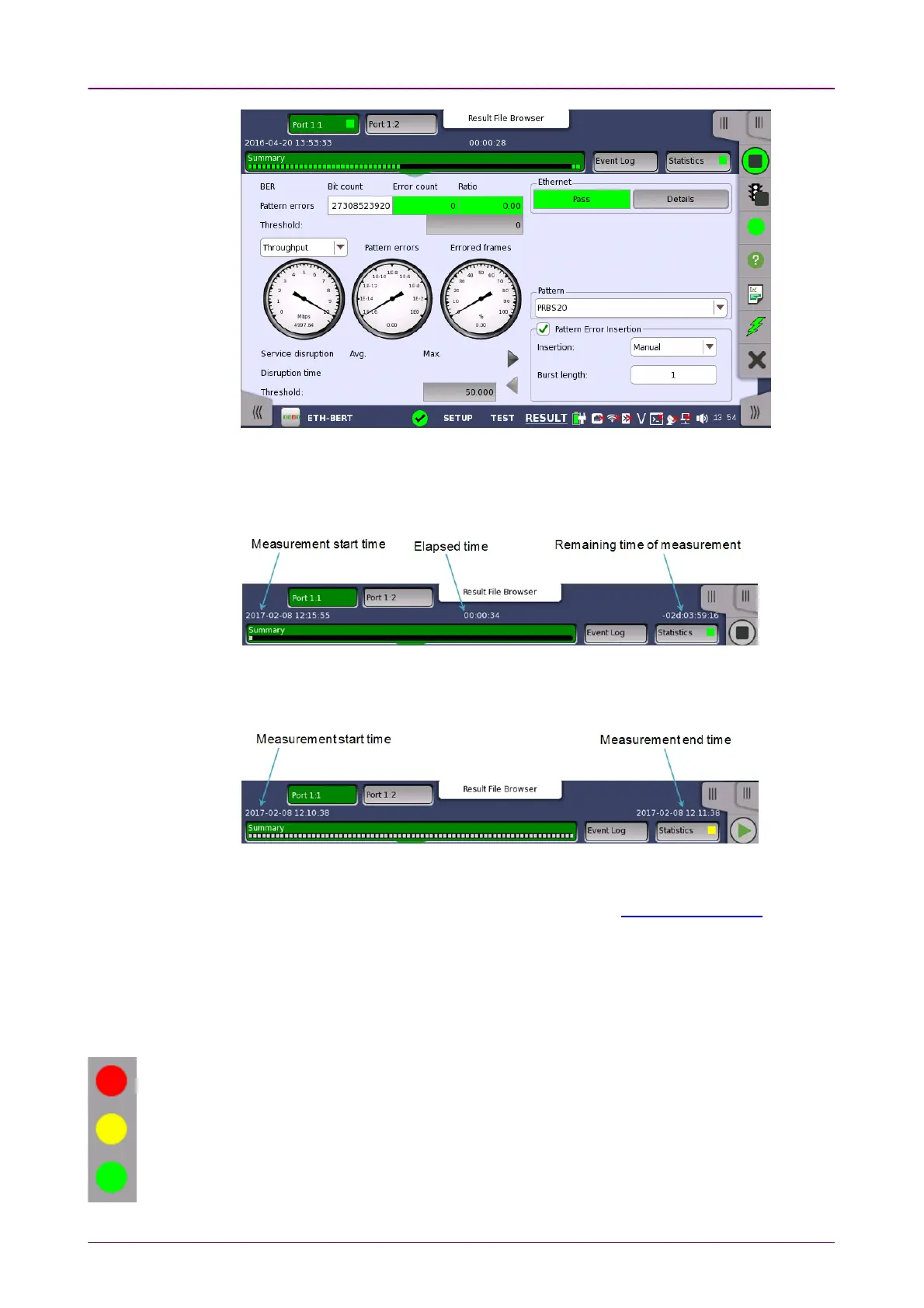
During a measurement, Measurement start time, Elapsed time, and Remaining
time of measurement are displayed in Navigation area. Remaining time of
measurement is not displayed if Stop function is set to Manual stopManual stop in Control
screen.
Time display during a measurement
Once a measurement ended, Measurement end time appears right-hand in
Navigation area.
Time display after a measurement ended
In addition to the results, whose presentation varies from application to
application, the Test resultsTest results screen also contains the Application toolbar and
the navigation tabs for horizontal and vertical navigation.
44..11..44 Lamp Indication of Alarm/Error StatusLamp Indication of Alarm/Error Status
Alarm and error status is indicated by colored Lamp icons. The following
colors are used:
Red Lamp icon indicates that an alarm has appeared.
Yellow Lamp icon indicates that an error has appeared.
Green Lamp icon indicates a 'no trouble' situation.














 To Next Page