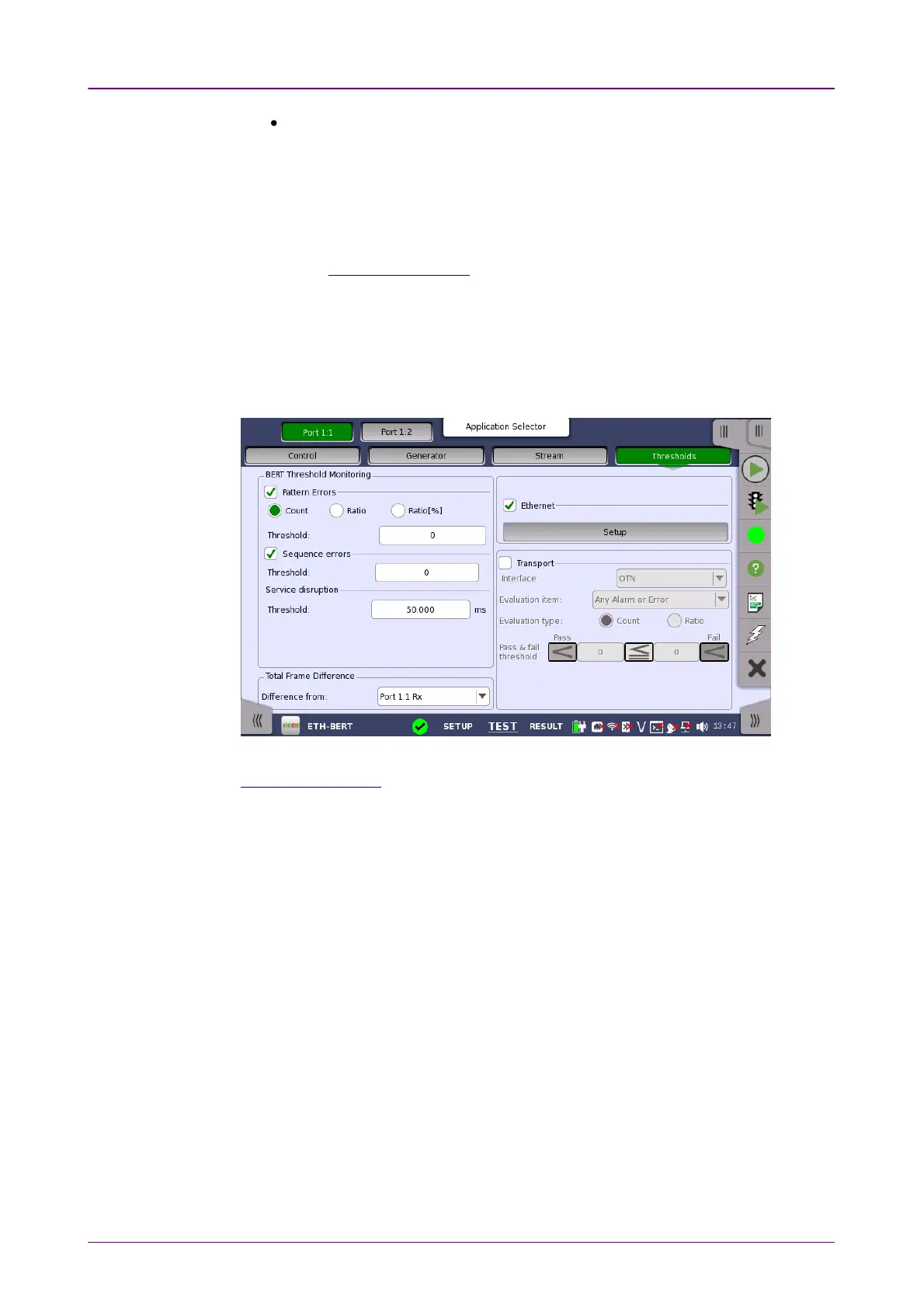
Test Setup screenTest Setup screen
Test Results screenTest Results screen
The
status area
(to the right of the setup area) shows status information for the
currently selected port and layer. You can access more detailed status
information from here by touching the status summary boxes and buttons.
It may contain one or more setup pages, with a row of navigation buttons at the
top of the screen allowing you to switch between the pages and between ports
(when relevant). In addition, the Ports SetupPorts Setup screen also contains the
expandable Application toolbar and the navigation tabs for horizontal and
vertical navigation.
The Test SetupTest Setup screen is the second screen in the workspace. It may contain
one or more setup pages, with a row of navigation buttons at the top of the
screen allowing you to switch between the pages and between ports (when
relevant).
In addition to the various parameters, the Test SetupTest Setup screen also contains the
Application toolbar and the navigation tabs for horizontal and vertical
navigation.
The Test ResultsTest Results screen is the last screen in the workspace. It generally
contains several pages, reflecting the progress of the test. Navigation buttons at
the top of the screen will allow you to switch between the pages and between
ports (when relevant).














 To Next Page