Ports Setup screenPorts Setup screen
The running applications appear in the Applications Switcher. Touching the
button switches the application on the screen.
44..11..33..33 Operating the ApplicationOperating the Application
The Ports SetupPorts Setup screen is the first screen in the workspace. It may contain one
or more setup pages, with a row of buttons at the top of the screen allowing
you to switch between the pages and between ports (when relevant).
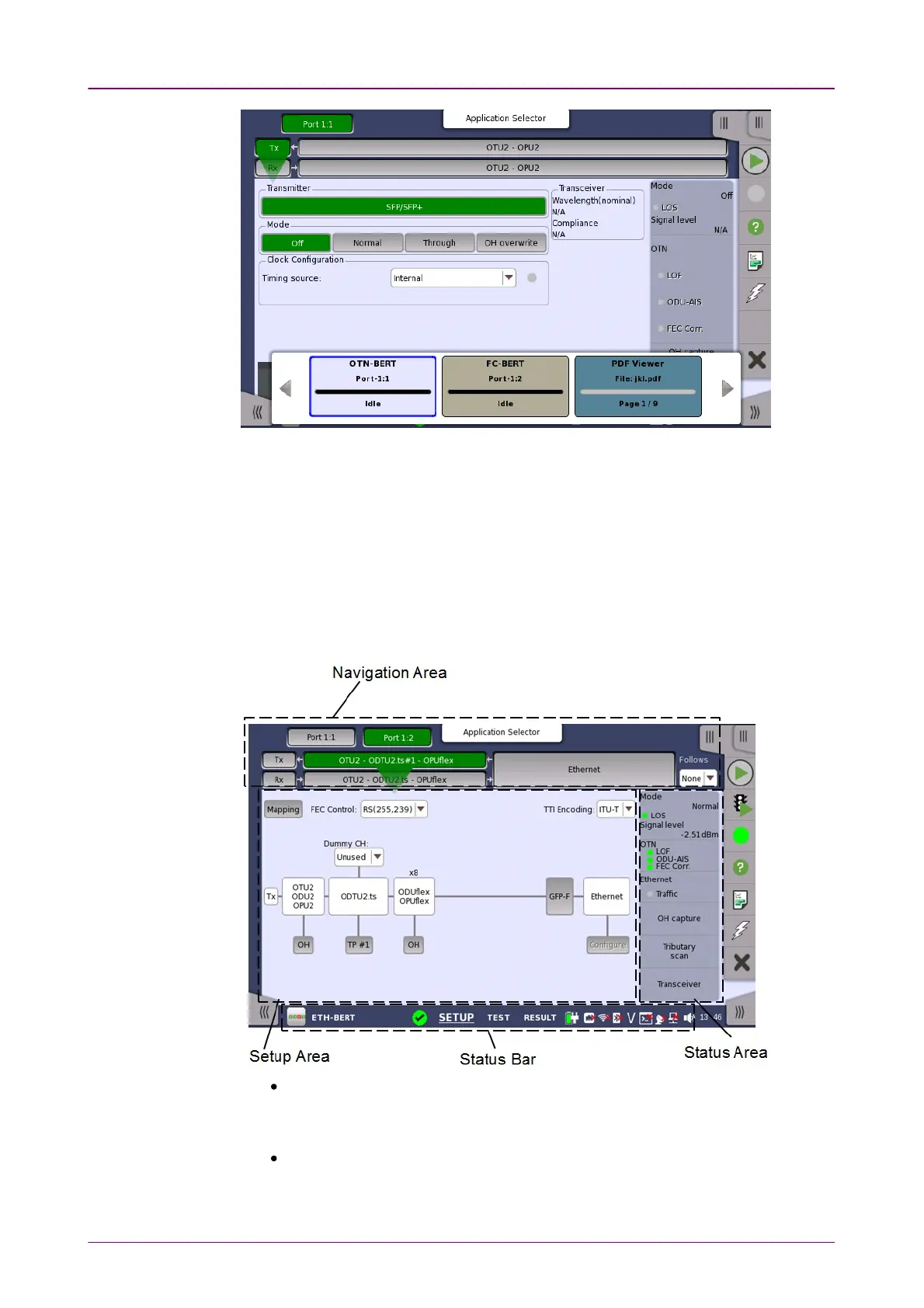
It consists of several "areas":
The
navigation area
at the top of the screen contains a number of buttons
representing a structure for the current interface, which allows you to select a
specific port, transmitter/receiver and layer.
The
setup area
(the main area of the screen) is where the parameters for
setting up the interface are displayed. The contents of the area changes
depending on what is currently selected in the navigation area.














 To Next Page